


Professional ServicesClient: BDO

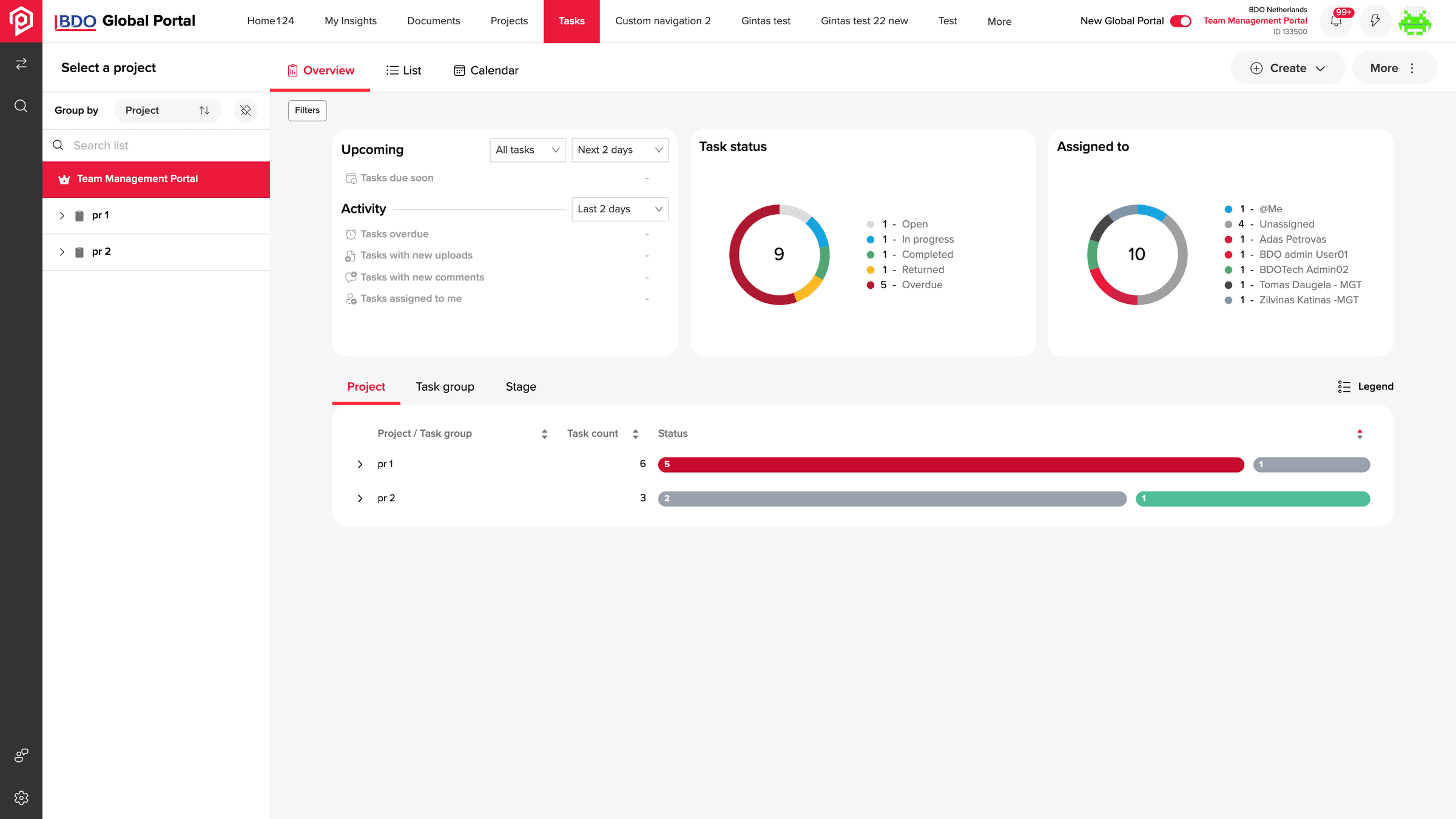
BDO Global Portal
BDO teams request documents from clients as tasks in one portal. Clients upload files, and reviewers complete each task or return it with a comment.
Customers submit requests and track progress in their account. Your team reviews, assigns and completes the work in the same application.
BDO teams request documents from clients as tasks in one portal. Clients upload files, and reviewers complete each task or return it with a comment.

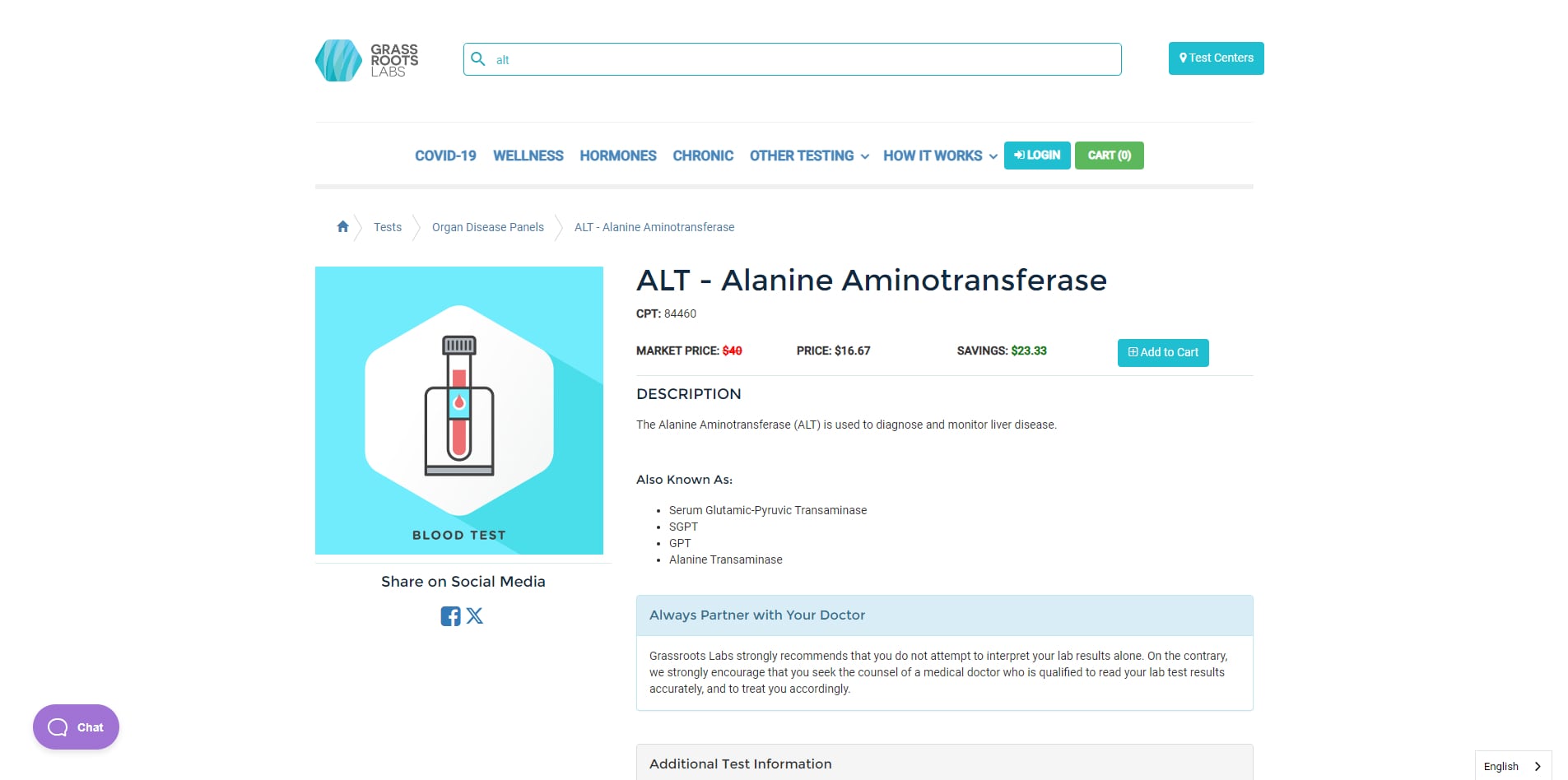
Customers choose and pay for laboratory tests online. Staff coordinate orders and results with partner laboratories.

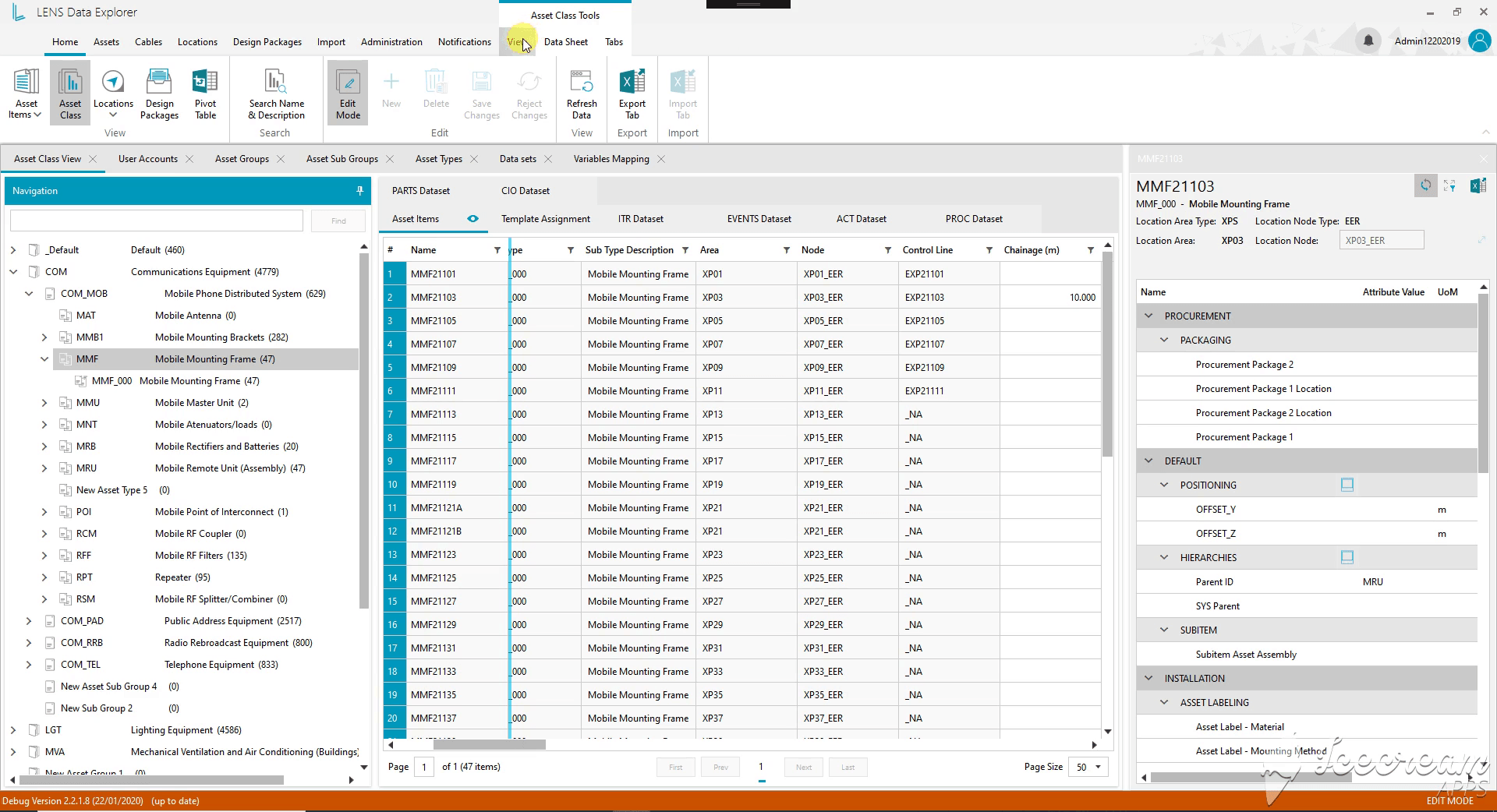
Engineers on the WestConnex tunnels keep assets, cables and containment in one register, see who changed which value and export the data to Excel for design reviews.
A customer submits a service request. Your team reviews it, assigns the work and shares the result through the same portal.
The customer fills in the details and attaches the documents your team needs.
Staff check the request, ask for missing information and assign the work to a colleague or partner.
Status updates, messages and documents stay with the request, so the customer can follow progress.
Share the completed work or final document in the account and keep a record of what was delivered.
Start with one task that customers and staff can complete from beginning to end. Add other services once the first release is in use.
Keep your CRM, accounting or booking tools where they work well. We connect the data the application needs and test imports before moving existing records.
Show your team the requests waiting for review, overdue tasks and missing documents. Agree who sees each report and check its figures against the source records.
What customers, partners and staff can see and do in their accounts.
The forms, review steps, documents and notifications needed to complete a request.
Payments, booking, CRM and other connections, plus any records the new application needs to import.
Not to start. Show us how the work happens today, who uses the tools and where they get stuck. We turn that into screens, a first-release scope and an estimate.
We coordinate design, development, testing and launch. You have one main contact and regular demonstrations. Your team checks whether the software matches daily work and approves the decisions that affect it.
We price the first complete task for customers and staff, including permissions, integrations and testing. Hosting, support and later features are listed separately. You confirm any scope or budget changes before we do the extra work.
Every organisation and user account is scoped by explicit role and tenant permissions at the API and database query level, as well as in the interface. Before launch, we run automated and manual access tests covering cross-company requests, document downloads and exports to verify that each client sees only its own records.
Yes. A portal can read customer profiles, order statuses, invoices or stock availability from your CRM, ERP and accounting software, and write new requests or approvals back through agreed APIs or scheduled exchanges. We define which system owns each record, handle failed updates with retries, and surface unresolved sync errors for your team.
We agree what the first release must do, which tools it connects to and who will review it. Then we plan design, development and testing. If the launch date is fixed, we agree which features can fit and which should follow later.
At the start. We agree who can see customer records, upload files and approve requests before designing the screens. We test those permissions and agree backups, hosting and responsibility for support before launch.
Yes. We prepare walkthroughs, instructions and an administrator guide for each role. Before rollout, staff practise typical tasks and we fix the steps that confuse them. Training and launch help are listed in the delivery plan.
Yes. Before release we agree a support plan: what it covers and how to report issues. We do the agreed maintenance, investigate problems and review user feedback with you. Support and new features are priced separately, and you see the terms before the system goes live.
Define client accounts, multi-company access boundaries, document workflows and CRM or ERP connections before scoping a build.
Test the customer workflow, buying decision and onboarding effort before funding a wider rollout.
Bring a sample request, the people who handle it and the tools they use today.
Project brief templateReview what each proposal includes and which assumptions can change the cost.
Choose which decisions reports support, where their data comes from, and how results will be checked.
Reporting definition template
