Product identification by camera
The Android scanner reads DIN barcodes and overlays the matching product information on the camera view. Staff can identify several labels without switching between individual record screens.
Blood-product identification and quality control across laboratory locations.
An Android scanning application and a web register for American Red Cross laboratories. Staff identify blood products by barcode, review quality-control codes and plan checks by month and location. Supervisors work with the same records, with access assigned by role and site.
The Android scanner reads DIN barcodes and overlays the matching product information on the camera view. Staff can identify several labels without switching between individual record screens.
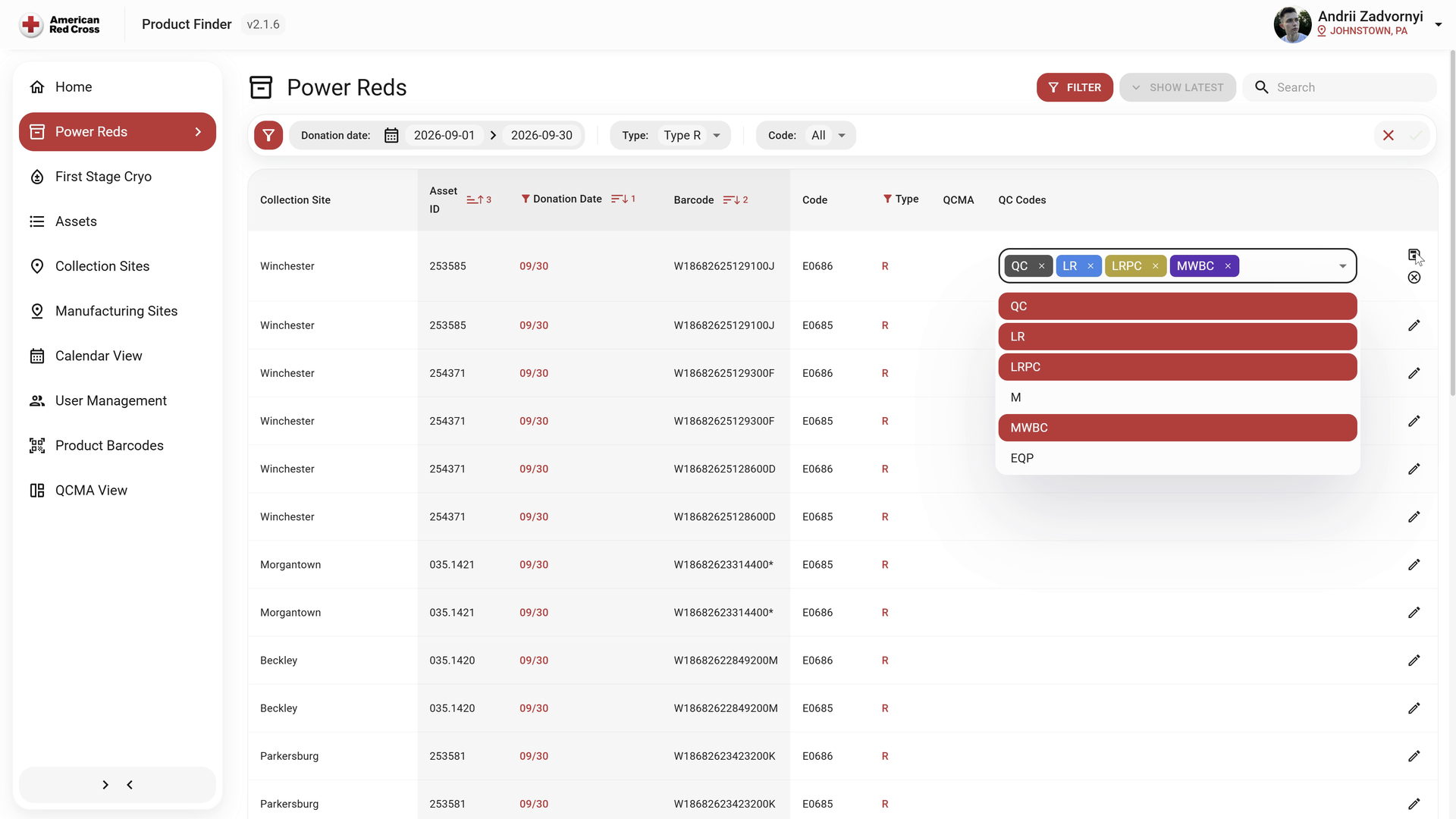
The register keeps product identifiers, collection dates, sites and QC codes together. Search and filters narrow the selection before an authorised user reviews or edits a record.
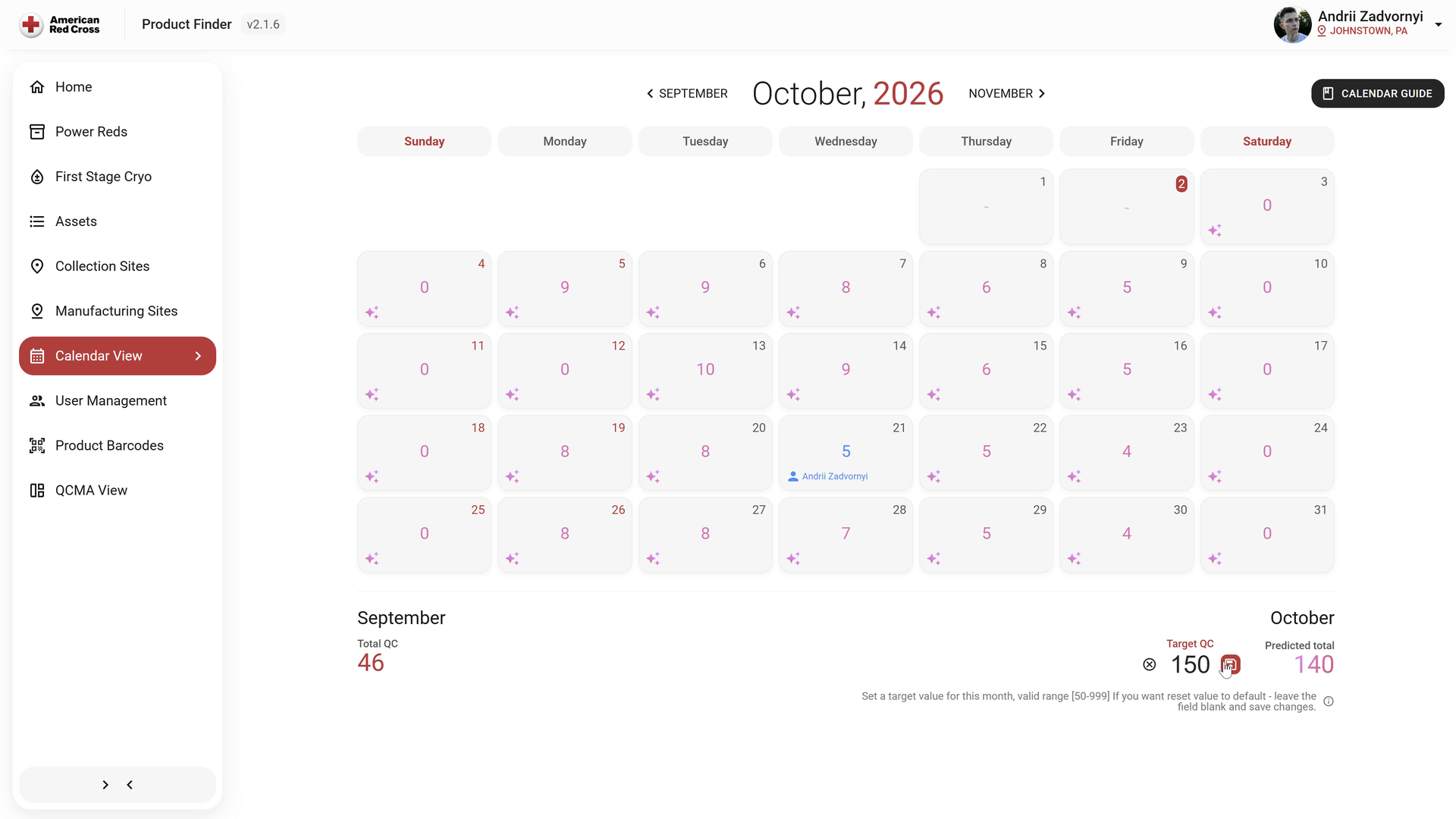
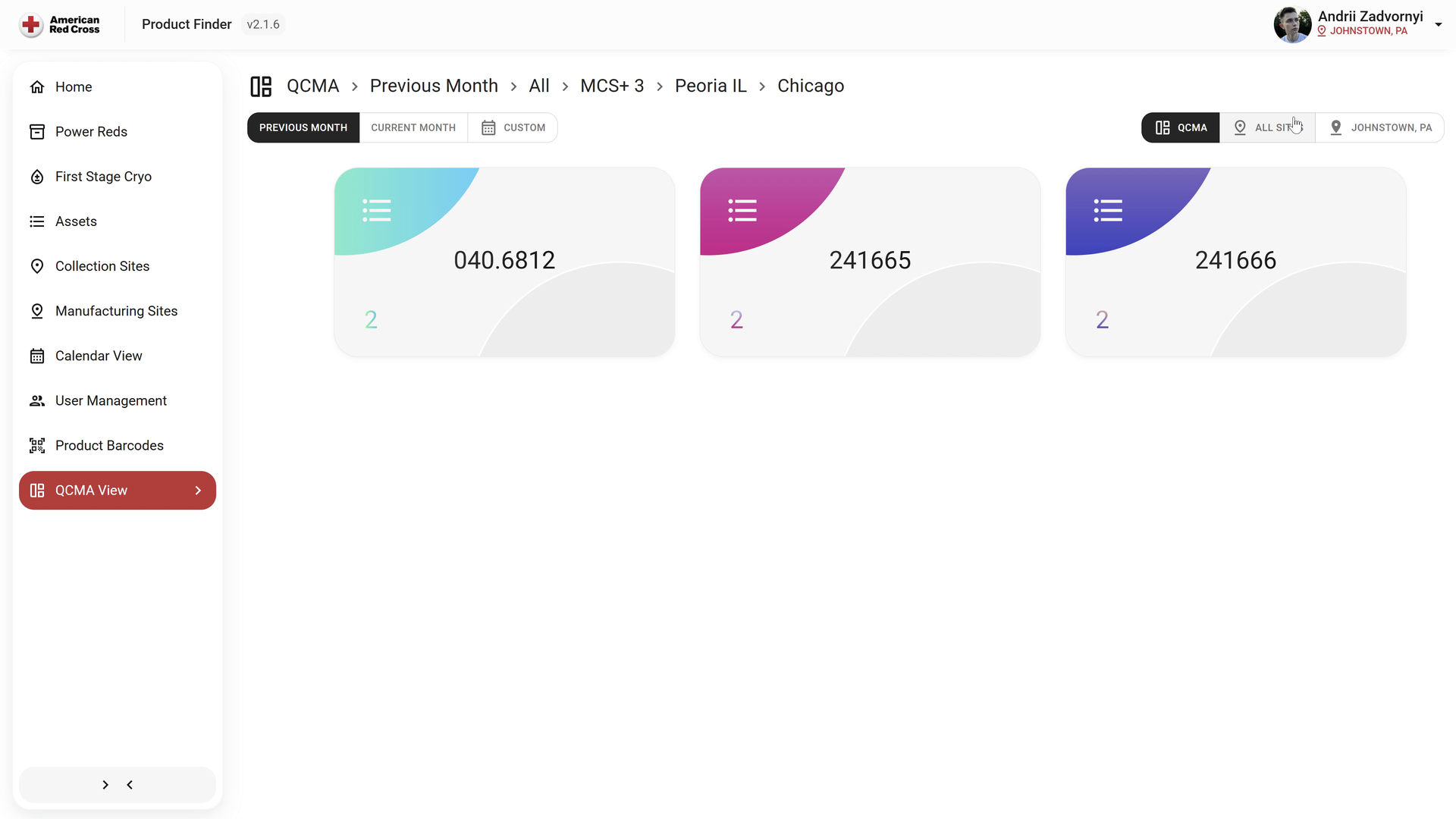
Daily figures, the monthly target and the projected total appear in one calendar. A separate detail view lists the records for the selected period and site.
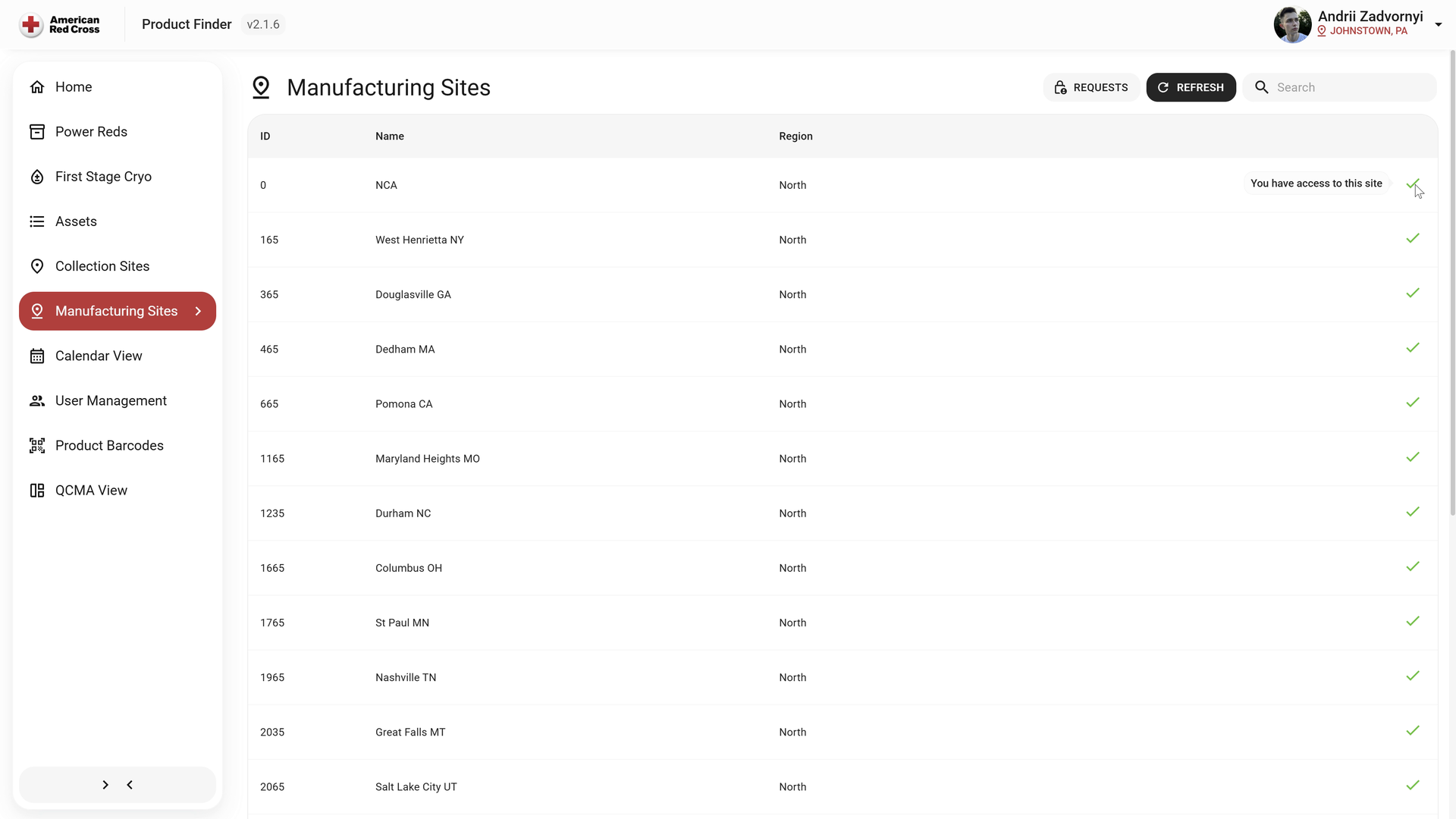
The manufacturing-site register groups facilities by region and shows the current user’s access. The operational workspace and its permissions remain connected as staff work across locations.
Product Finder CMS and Mobile App connect DIN scanning, quality control and role-based access across more than 20 locations.
The web client migrated from Blazor WebAssembly to React; the mobile app combines MAUI and a Kotlin scanner activity.
AR scanning overlays product information on DIN barcodes. Dapper replaced EF Core in the data layer.
Entra ID and location restrictions control access; Graph connects Microsoft services.
Pipelines deploy the web application to IIS and sign the Android app for its download page.
We can build the scan, record and review workflow around your identifiers, locations and team responsibilities, with a clear path for items that need attention.
Discuss your product-tracking workflow