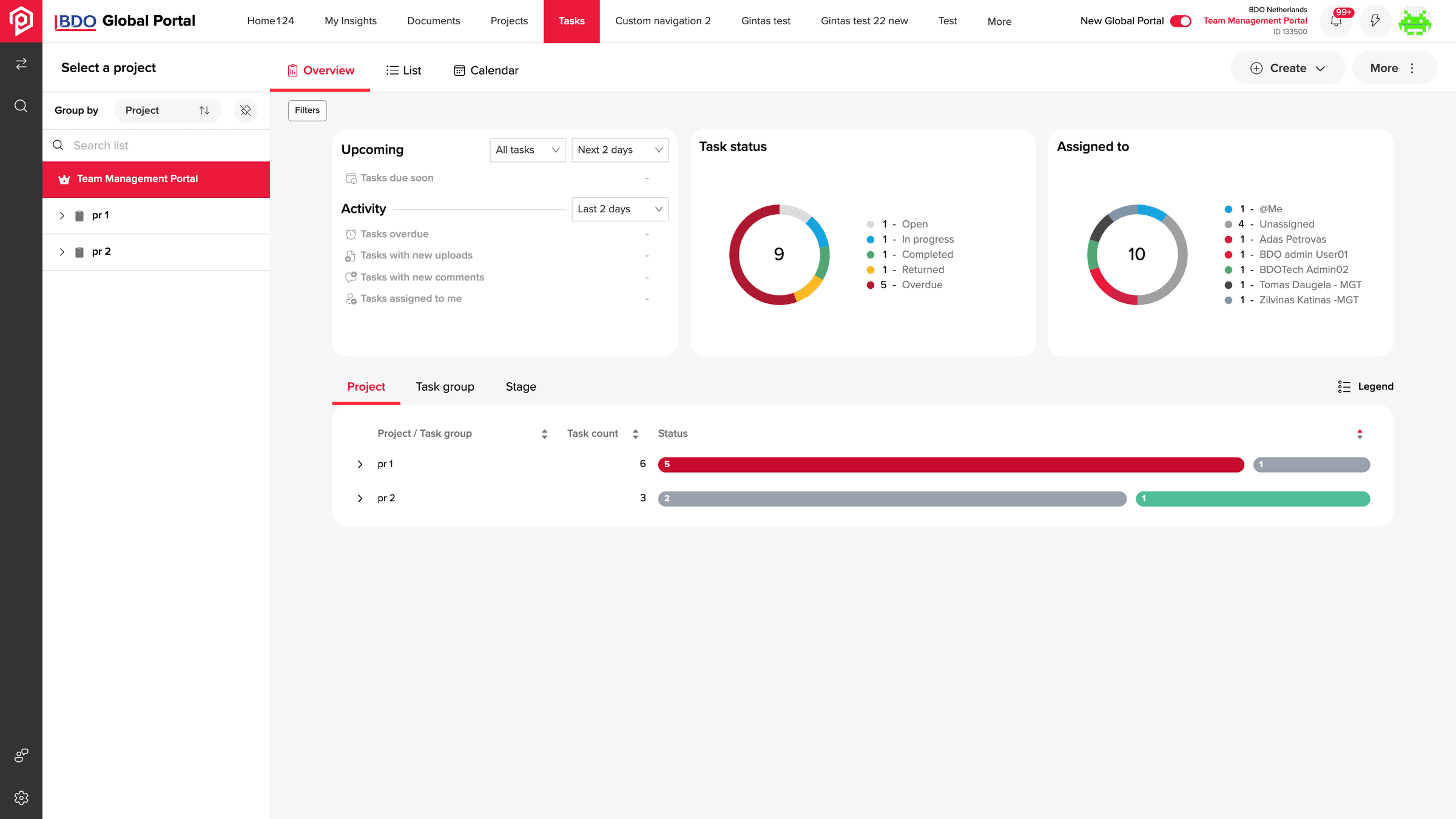
Clients and projects
Keep contacts, agreed scope and deadlines in each project. Your team can see who owns the work and where it stands.
We build client portals and internal software for consulting firms, agencies and service teams. Designed around your projects, documents and client billing.
Discuss your systemA colleague should be able to open a project and understand what the client needs, what has been agreed and what comes next. We connect that context to the team’s daily work.
Keep contacts, agreed scope and deadlines in each project. Your team can see who owns the work and where it stands.
Keep file versions and review comments together. See which document was approved and which still needs changes.
Give clients a place to send requests, upload files and receive finished work. They can see when the team needs a response.
Compare planned and recorded hours by project. See overdue tasks and adjust assignments before taking on more work.
Take a client report as an example. Each handoff has an owner, and the team can see what is ready and what is waiting.
The client sends the brief and files. The specialist confirms the deadline and requests anything missing.
The specialist submits a draft for review. Comments stay with that version; a changed file needs a new approval.
The client receives the reviewed report and accepts it or asks for changes. Their response stays in the project history.
Bring client details and agreed scope from your CRM into the project, so the delivery team can start with the sales context.
Link project tasks to files in your existing storage. Connect reminders and deadlines where your email and calendar tools support them.
Send approved hours or completed milestones for billing. Bring payment statuses back into the project where your accounting system supports it.
Your team and clients use the same portal with different permissions. We define those permissions around their roles and responsibilities.
How we approach securityClients see only their organisation’s projects and files. Staff access changes with project assignments and departures.
Internal notes stay with the team. Only authorised people can share a document with the client or invite someone to a project.
See who changed a document or approved it. We agree how long to keep that history and who can export it.
Yes. Choose one service and the requests, files and updates its clients need. Connect it to your existing systems where possible, then extend it as the team needs more.
No. Services can share client records while keeping their own stages, documents and reviewers. We use examples from your work to decide what should be common.
We check your exports and document folders, then run a trial import. Your team verifies the files, client links and access permissions before the switch.
Workflows, access rules, integrations and data migration determine the scope. Show us a typical client project and your current tools so we can estimate the first release and ongoing support.