
Document status and versions
Agree naming, approval states and version references so site records identify the drawing used for the work.
We build software to manage drawings, contractors and budget changes. We help organise your workflow, connect the tools you already use and launch the first release.
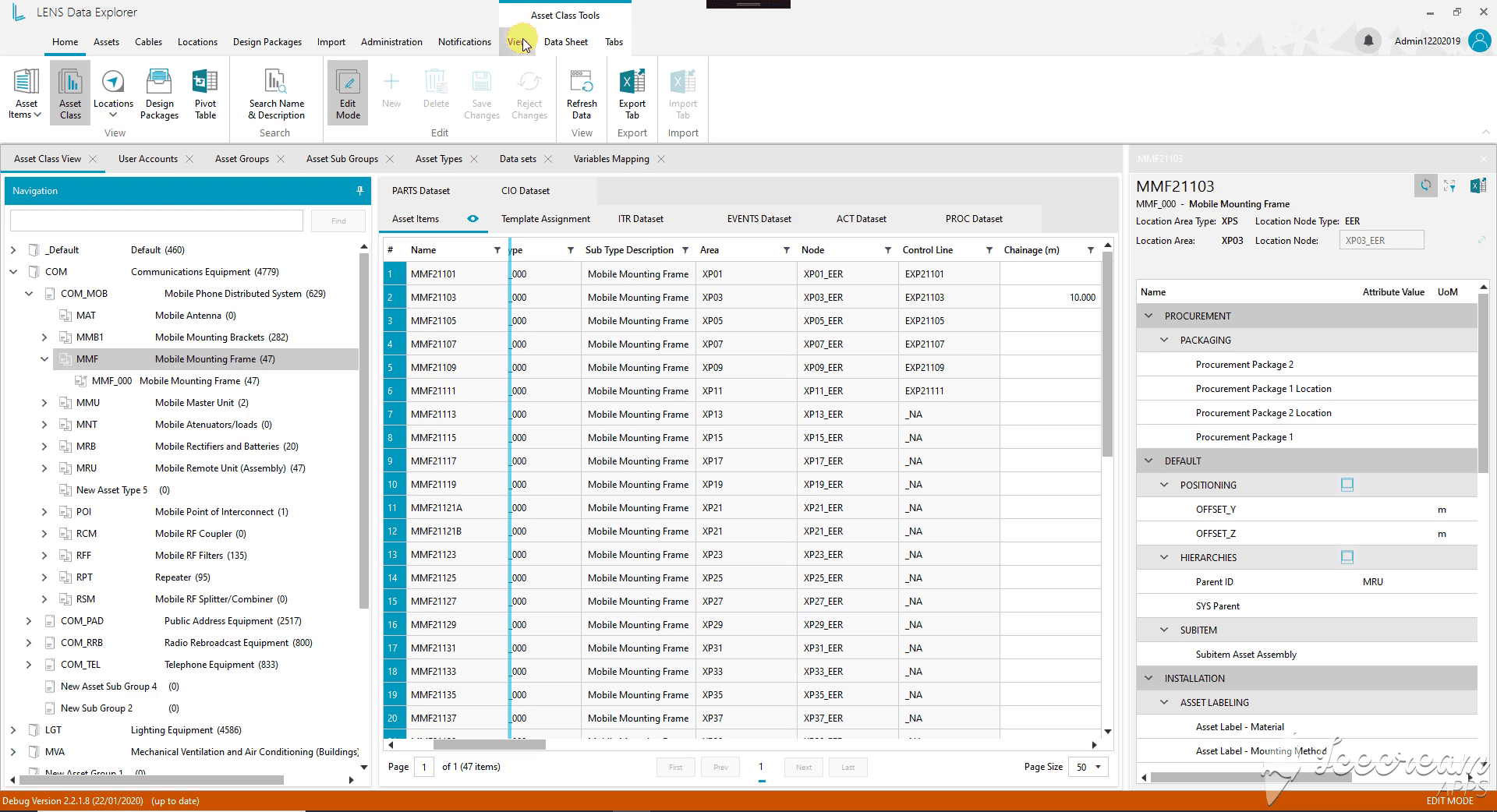
Engineering assets, connected records and revision history.
A drawing revision, site issue or change order can affect schedule and budget. We map who submits, checks, approves and acts on each item, then connect the existing tools that carry the source information.
Give site teams the approved information and give the office a record of changes, evidence and outstanding decisions.
We link model elements to documents and tasks through available interfaces, keeping the project and version identifiers visible.
We compare the approved plan with reported progress and flag missing or conflicting updates for the project manager.
We capture observations, photos and follow-up tasks, with an assigned reviewer and a recorded closure decision.
We track proposed changes, estimates and approvals, showing which revisions have been included in the current budget.
We give contractors access to their assigned work, required documents and open decisions, with permissions tied to the project.
We distinguish drafts, approved drawings and superseded versions, preserving the review history and links from site records.
Identify the approved schedule, task codes and how revised plans reach site teams.
Link to the source drawing and its version rather than maintaining uncontrolled file copies.
Match company, project and assignment identifiers so each update reaches the responsible contractor.
Agree cost codes and the approval point at which a variation updates commitments or budget.
Define required evidence, device access and what happens when an update arrives after an offline period.
Separate submitted progress, checked work and unresolved issues, with dates and source references.
We agree document, inspection and handover requirements with your project and site owners. The software records evidence and routes decisions to the authorised people.
Agree naming, approval states and version references so site records identify the drawing used for the work.
Define required certificates, material records and completion evidence, with missing items assigned to an owner.
Link each observation to evidence, corrective work and a reviewer’s acceptance or reason for return.
Define who may record, assign and close an issue, and which site events require immediate escalation.
A site employee records an issue against a drawing version and assigns it to a contractor. The contractor submits completion evidence; the reviewer accepts the work or returns it with a reason.
Start with one site and one inspection workflow, retaining the document repository and accounting system. BIM authoring and quantity take-off are separate from this issue-management release.
Bring a sample issue, drawing-version rules, contractor roles and field connectivity constraints. The site owner confirms what evidence is needed to accept the work.
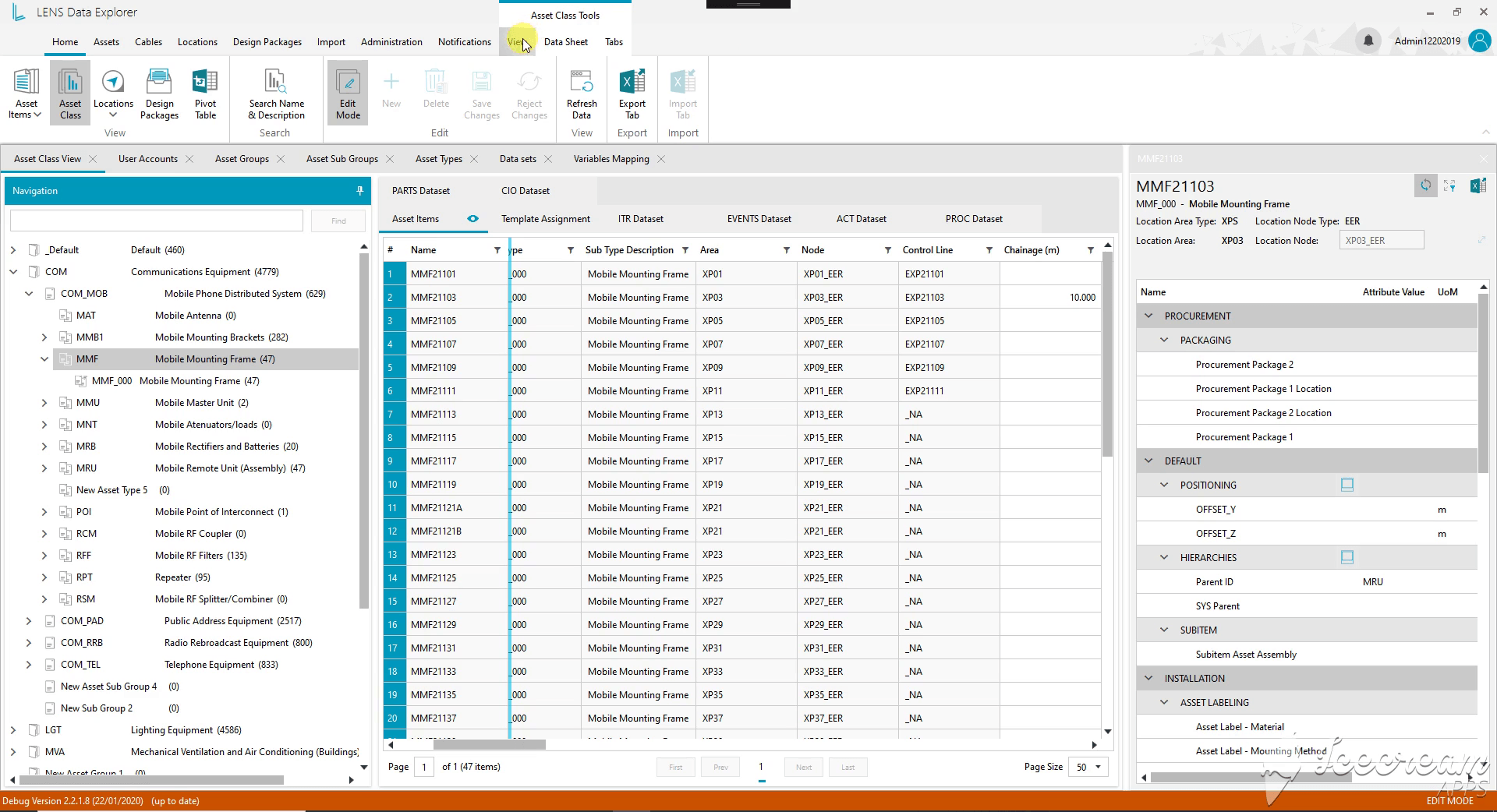
Engineering assets, cable relationships and revision history.
ExploreBring one document or approval flow. We will map the people, tools and records needed for a first release.
Discuss construction software