
Accepted; six units reserved
- Shipped
- 0
- Cancelled
- 0
- Open quantity
- 10
- Still reserved
- 6
Custom retail and distribution software connecting orders, inventory, purchasing and partner portals. Integrate sales channels and accounting around one operational workflow.
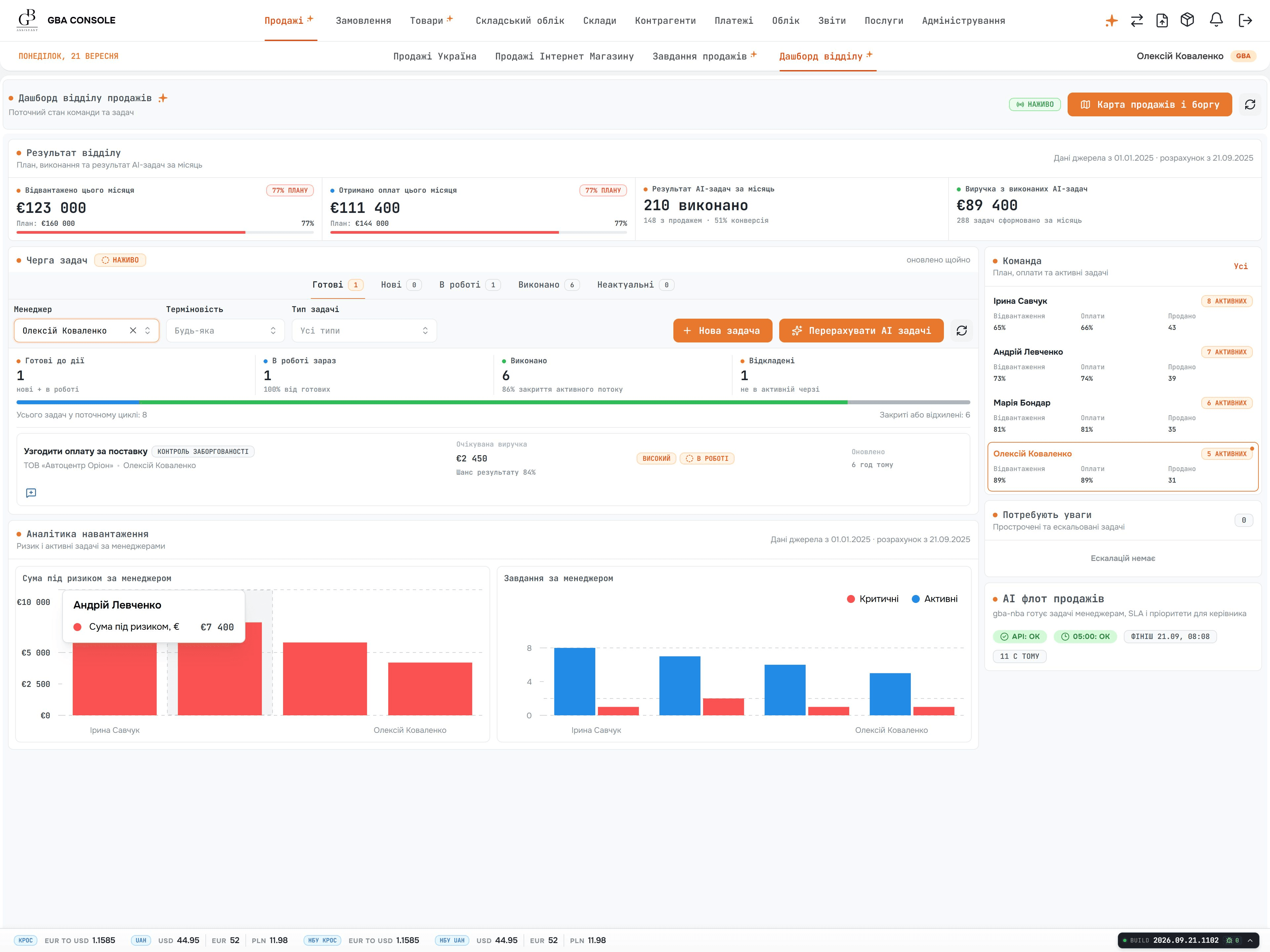
One order record across sales, stock and finance.
A retail or distribution order can pass through sales, stock, purchasing, fulfilment and finance. We map the handoffs and systems of record before building a new platform or connecting existing tools.
Choose one order-to-fulfilment path, then connect the data and exceptions around it.
Track order status, stock availability, reservations and exceptions from the systems that own them.
Connect selected commerce, marketplace or partner channels with update direction, retry and reconciliation rules.
Give warehouse and service teams the tasks, documents and status changes needed to complete an order.
Show the right catalogue, pricing, order history and next action to each permitted user group.
Map products, customers, stock and transaction history; test imports and define coexistence before switching responsibility.
Agree formulas, periods and source records so teams can inspect the numbers behind a decision.
A customer orders ten units, but only six can be allocated now. In this fictional workflow, sales agrees a split delivery, the warehouse reserves six and purchasing owns the shortage. Four units remain unallocated until stock or the order changes.
Ten-unit order: cumulative fulfilment states
Open quantity = original ten − shipped − cancelled. It includes any units still reserved. The customer later cancels two of the four unshipped units; those units were not reserved, so this cancellation releases no stock. After replenishment, the last two are reserved and shipped. Eight shipped + two cancelled = ten accounted for.
Sales records the agreed split and cancellation. The warehouse owns reservations and shipment confirmation. Purchasing resolves the shortage; finance applies the agreed invoice or credit rules. Closing fulfilment does not by itself settle payment.
Keep shipment references, remaining quantity, latest source update and next responsible person on the order. A delayed warehouse update stays visible as pending; the portal must not turn it into a delivery confirmation.
Repeat a shipment message without adding its quantity twice. Reject cancellation of more units than remain open. Reconcile the order and shipment identifiers, then confirm that another customer cannot see the order or documents.
Bring orders into the workflow and return the agreed availability and order status.
Exchange reservations, picking and shipment events without counting the same operation twice.
Link invoices, payments and adjustments to the order and reconcile the agreed totals.
Match product references, purchase prices and lead times to the internal catalogue.
Trace stock, sales and margin measures to the source records, period and formula.
Apply staff and partner permissions to the records and actions each account can access.
One customer order reserves stock, updates a portal and appears in an exception report.
Keep accounting and commerce channels; additional warehouses, forecasting and automated purchasing are separate scope.
Bring product IDs, reservation/return rules, source-of-truth decisions and the warehouse and finance reviewers.
A new storefront does not resolve every stock or fulfilment problem. Identify the records that disagree across teams, then choose the workflow and integration work needed to resolve the problem.
Define reservations, supplier orders, fulfilment exceptions and financial handoffs across the systems you intend to keep.
Explore custom ERP developmentScope account ownership, order history and portal permissions so sales and service teams can act on the same customer context.
Explore custom CRM developmentMap product variants, customer identifiers, reservations and order history. Rehearse the transfer and reconcile stock before changing which system owns it.
Use the migration worksheetChannels, product variants, stock rules, warehouse locations and return handling shape the estimate. Full custom projects start at USD 50,000, with hourly teams or fixed-price modules agreed around the scope. Required paid support, hosting and third-party costs are planned separately from the build.
See a build and operating budget exampleYes. We identify which retained tool owns products, orders, stock and payments, then define the exchanges between them. The first release includes checks for failed updates and mismatched totals, with an agreed way for staff to resolve exceptions.
We agree availability, reservation and update-ownership rules, then test concurrent orders, retries, cancellations and partial shipments. Delays between channels must remain visible so the team can resolve conflicting stock records before expanding the integration.
Yes. We define customer groups, price agreements, catalogue visibility and approval rules with your commercial team. Tests cover representative accounts and orders, including when a new price takes effect and whether it applies to existing orders.
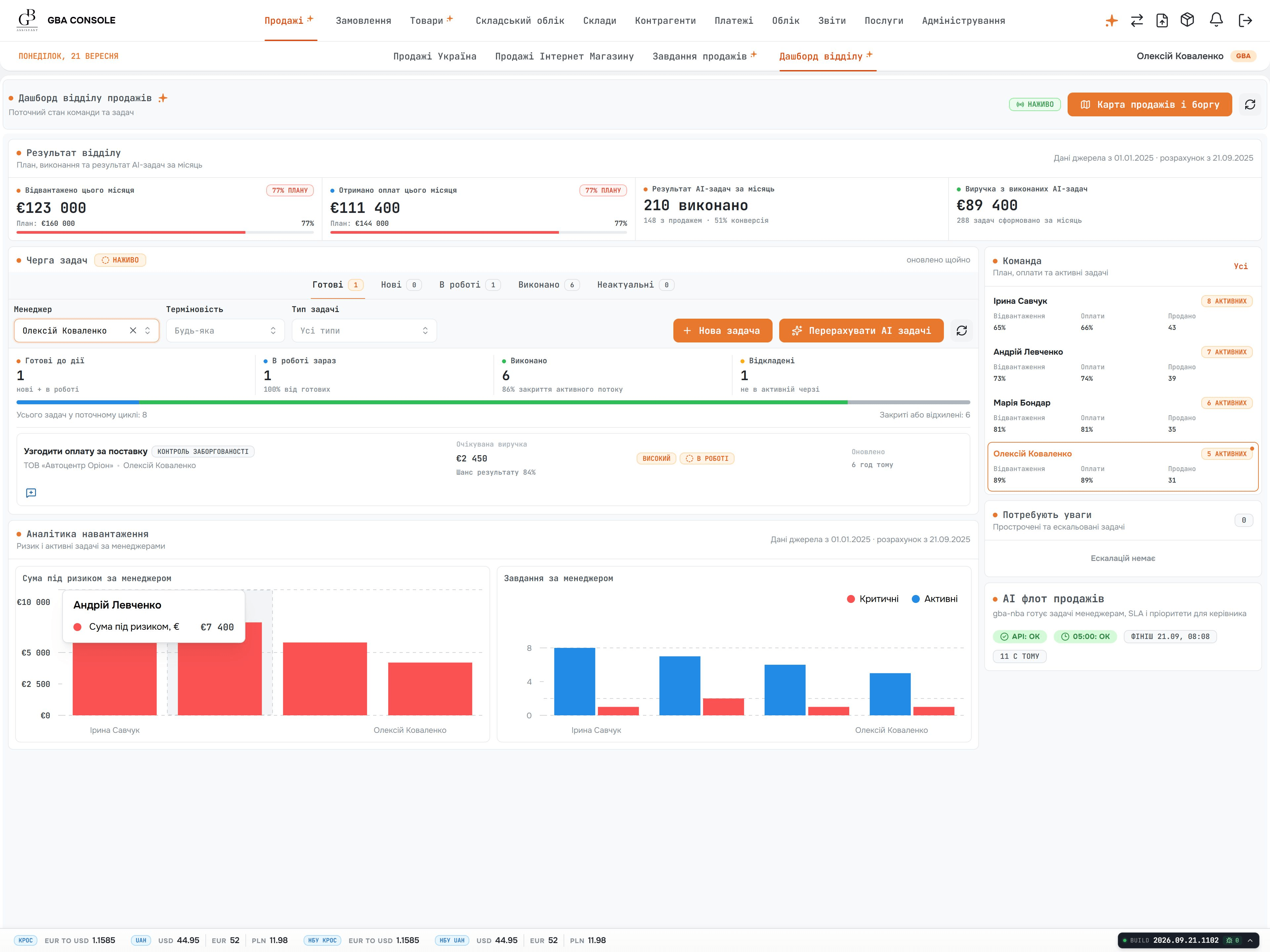
Orders, inventory and multi-currency accounting in a connected ERP and CRM.
ExploreBring an order, a stock discrepancy or a return that takes several tools to resolve. We will discuss the first release, source records and the teams that need to accept it.
Discuss retail operations