01 / Recommendations
Related products alongside catalogue search
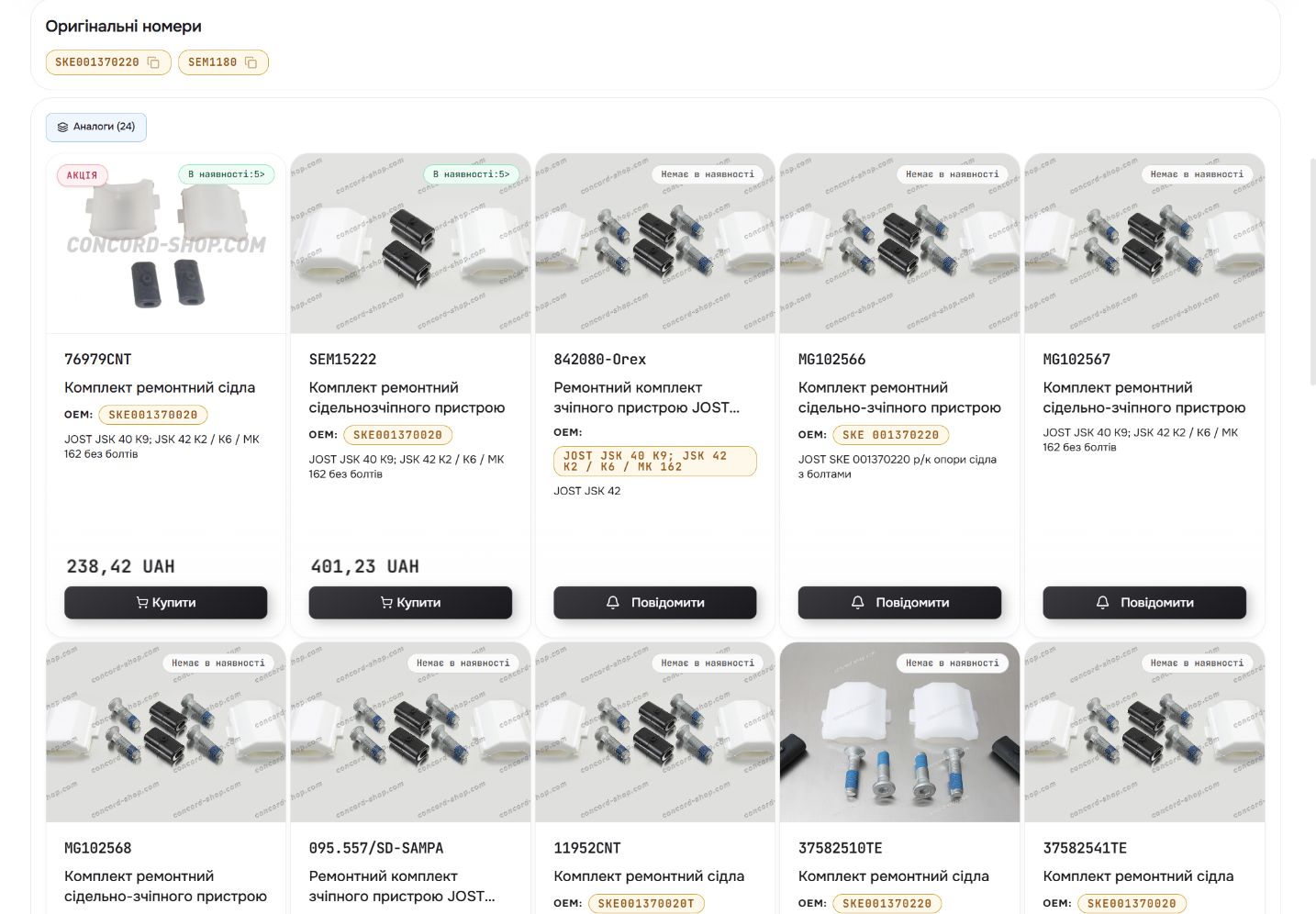
Claude and other AI models support product recommendations. The product catalogue supplies the references, availability and specifications used to assess a suggested item.
From a part number to a purchase.
A storefront for truck, trailer and bus parts. Reference search, brands and categories lead buyers to a detailed product page and a guided ordering flow.
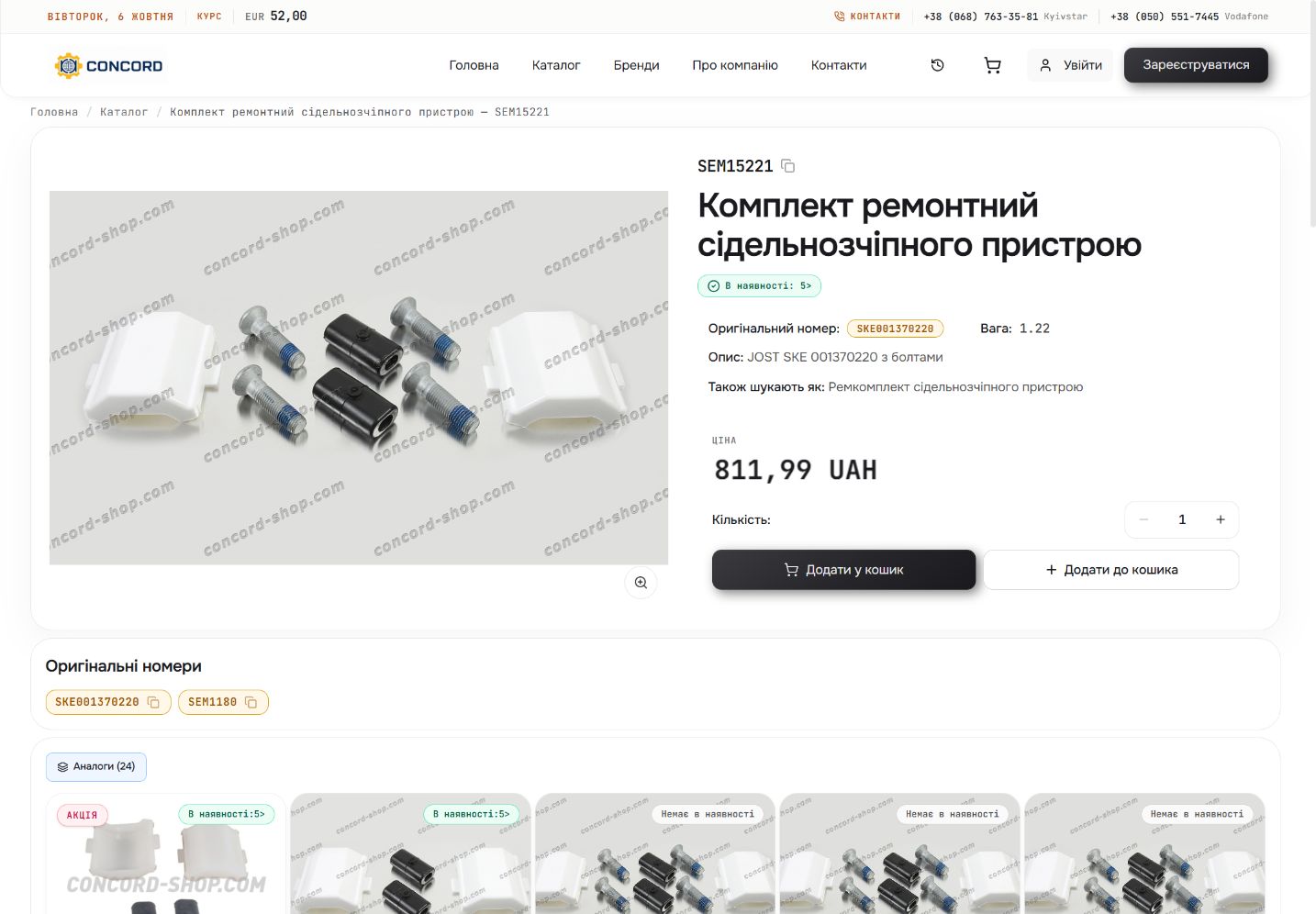
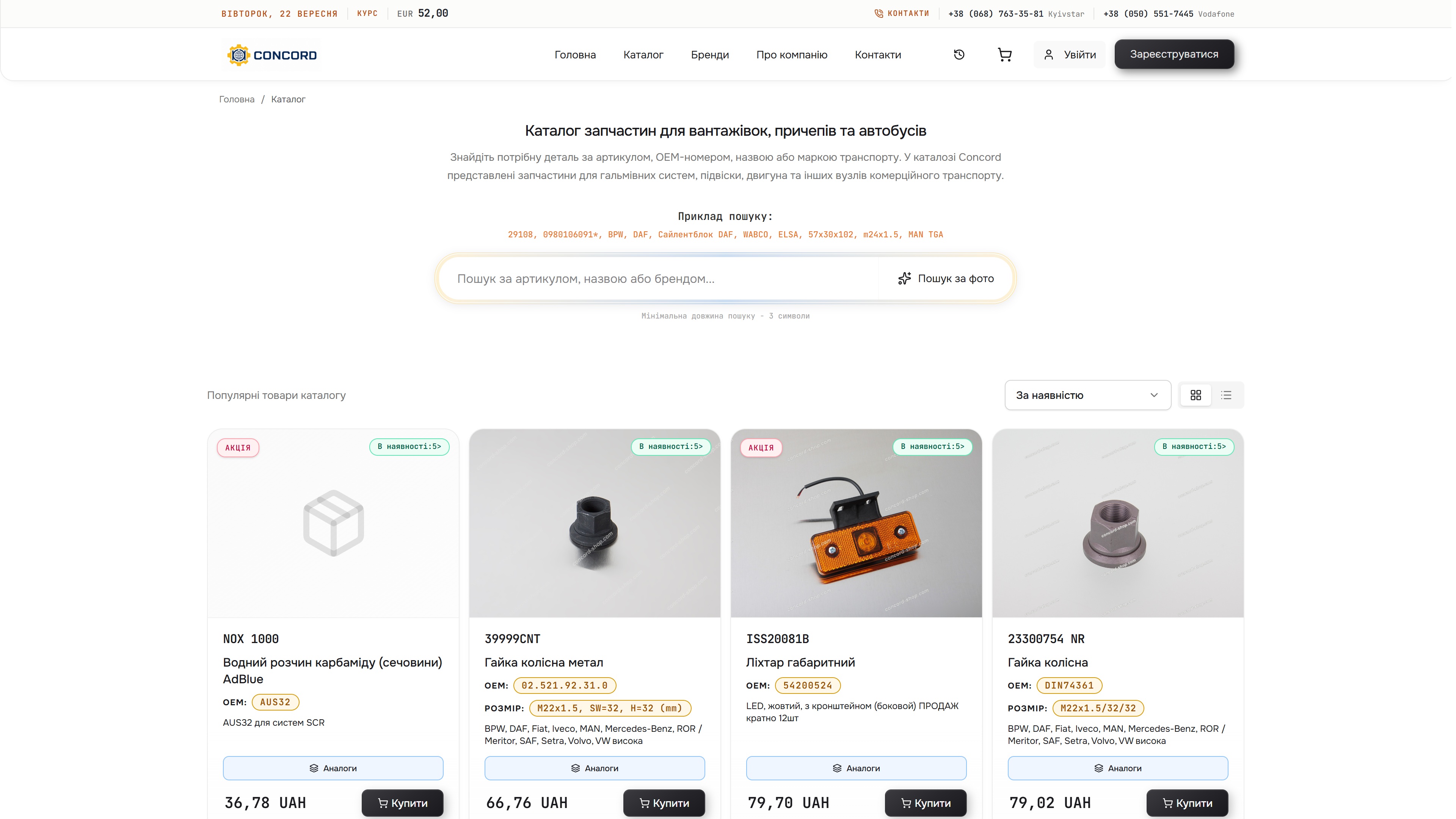
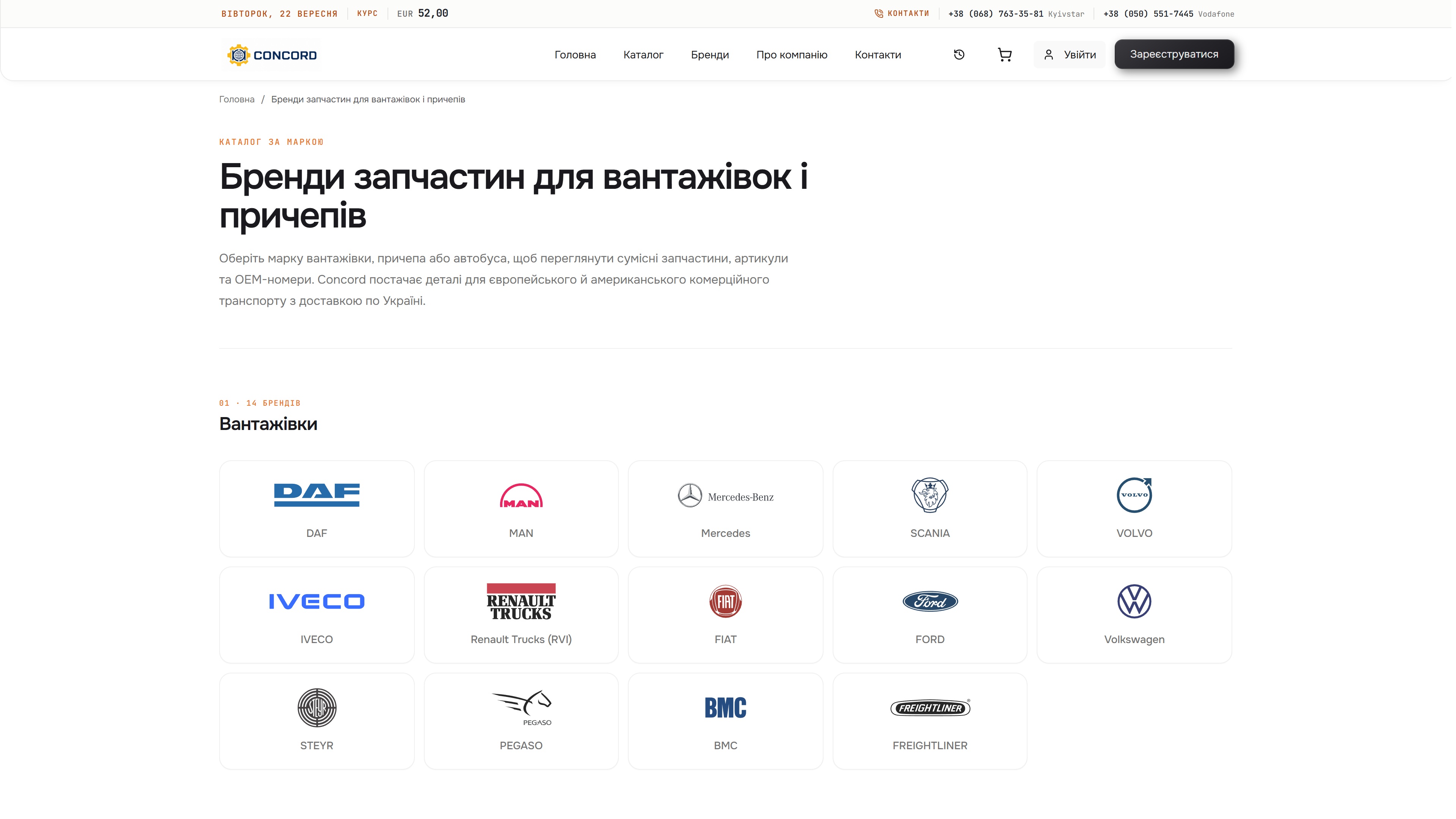
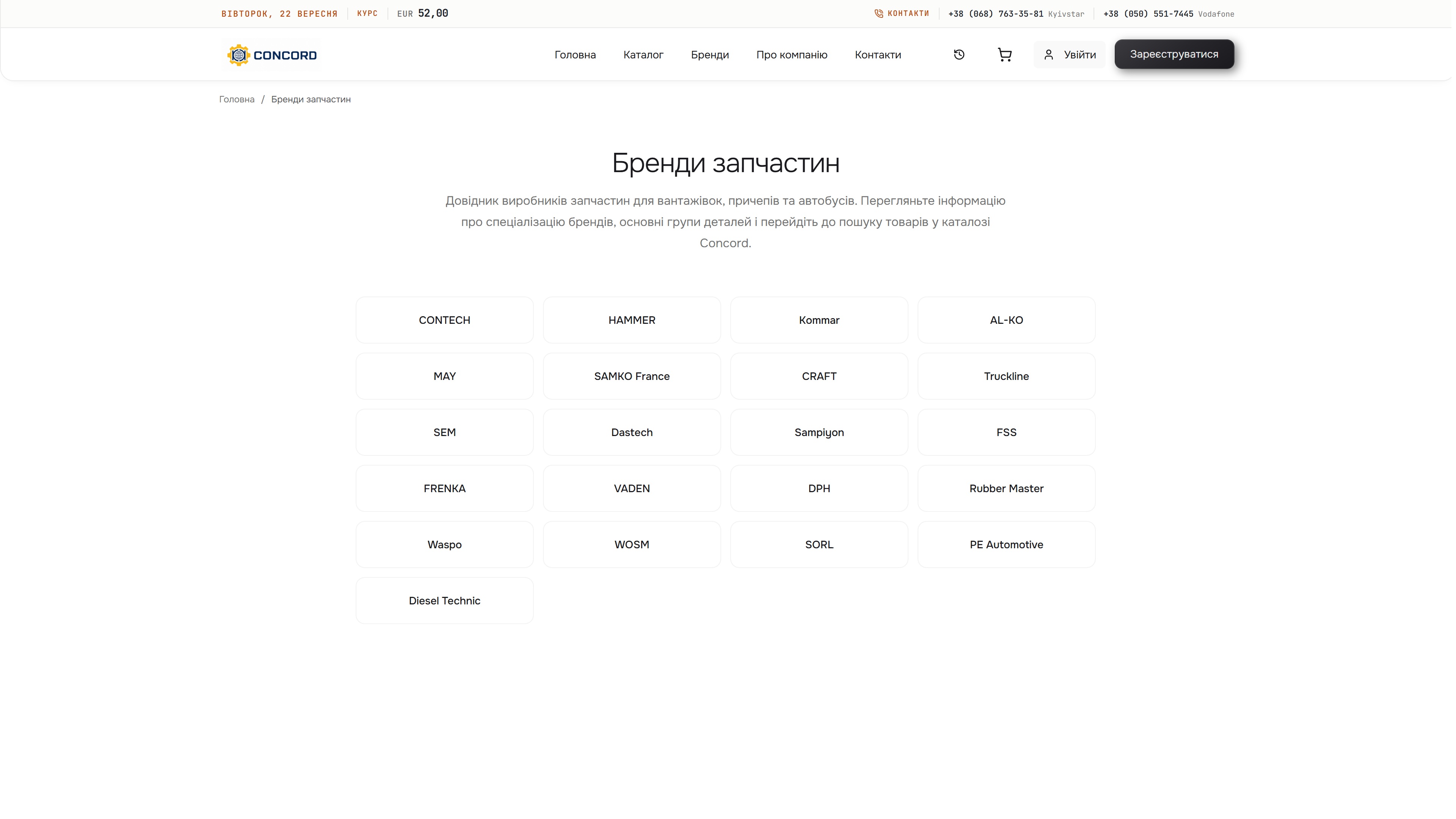
The product page brings together stock, price, original references and alternative parts. Categories, vehicle makes and parts manufacturers provide browsing routes when the buyer does not have an exact reference.
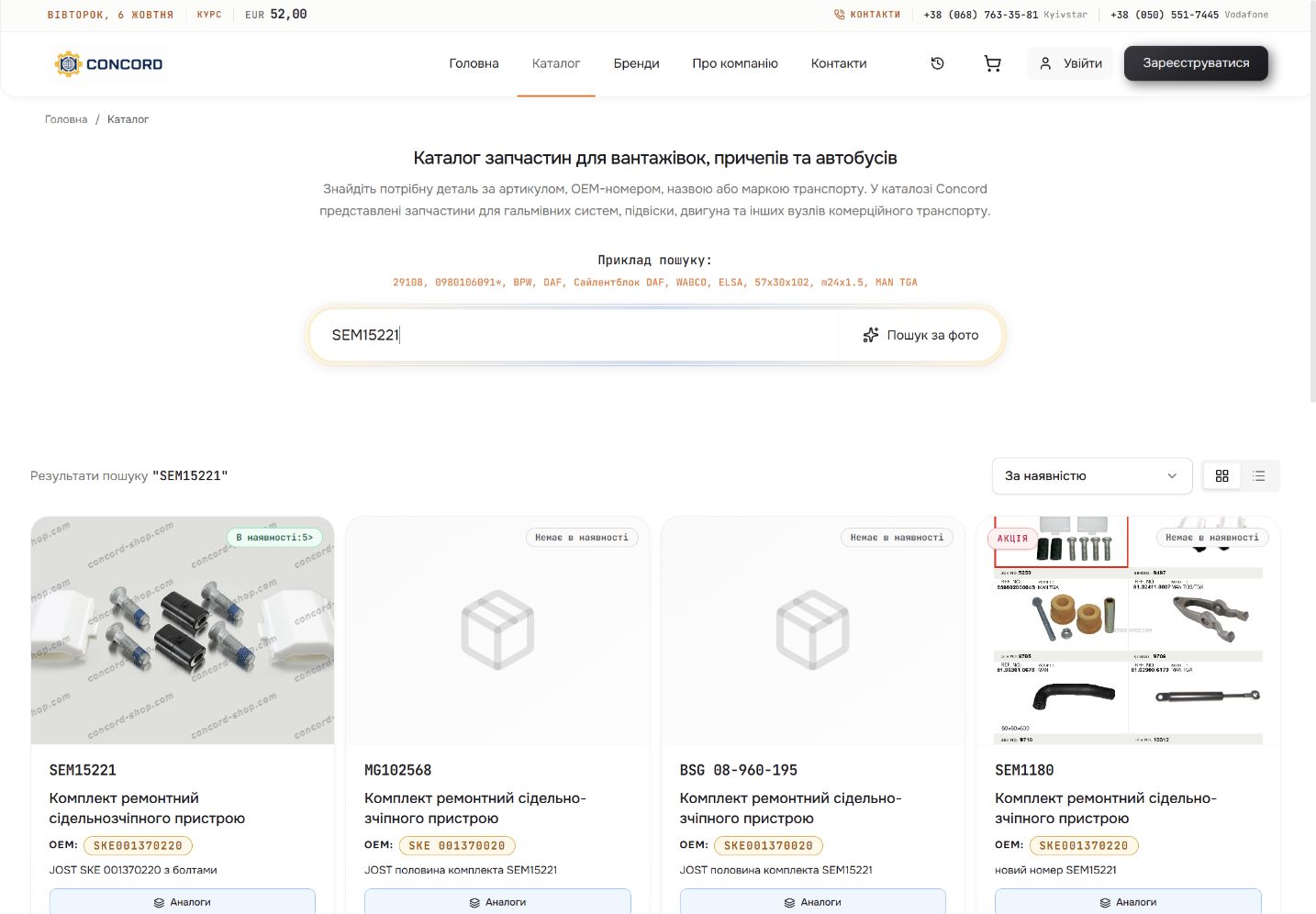
Reference-search results show original part numbers, stock indicators and prices in a grid. A compact list offers another comparison view; product actions distinguish available items from those requiring an availability notification.
AI recommendations complement catalogue browsing. Photo upload offers a starting point when the buyer has an image of the part rather than a reference number.
Claude and other AI models support product recommendations. The product catalogue supplies the references, availability and specifications used to assess a suggested item.
 Enlarge image ↗
The search dialog accepts JPEG, PNG and WebP photos to start AI-assisted part recognition. The buyer checks the suggested part against its catalogue reference and specifications.
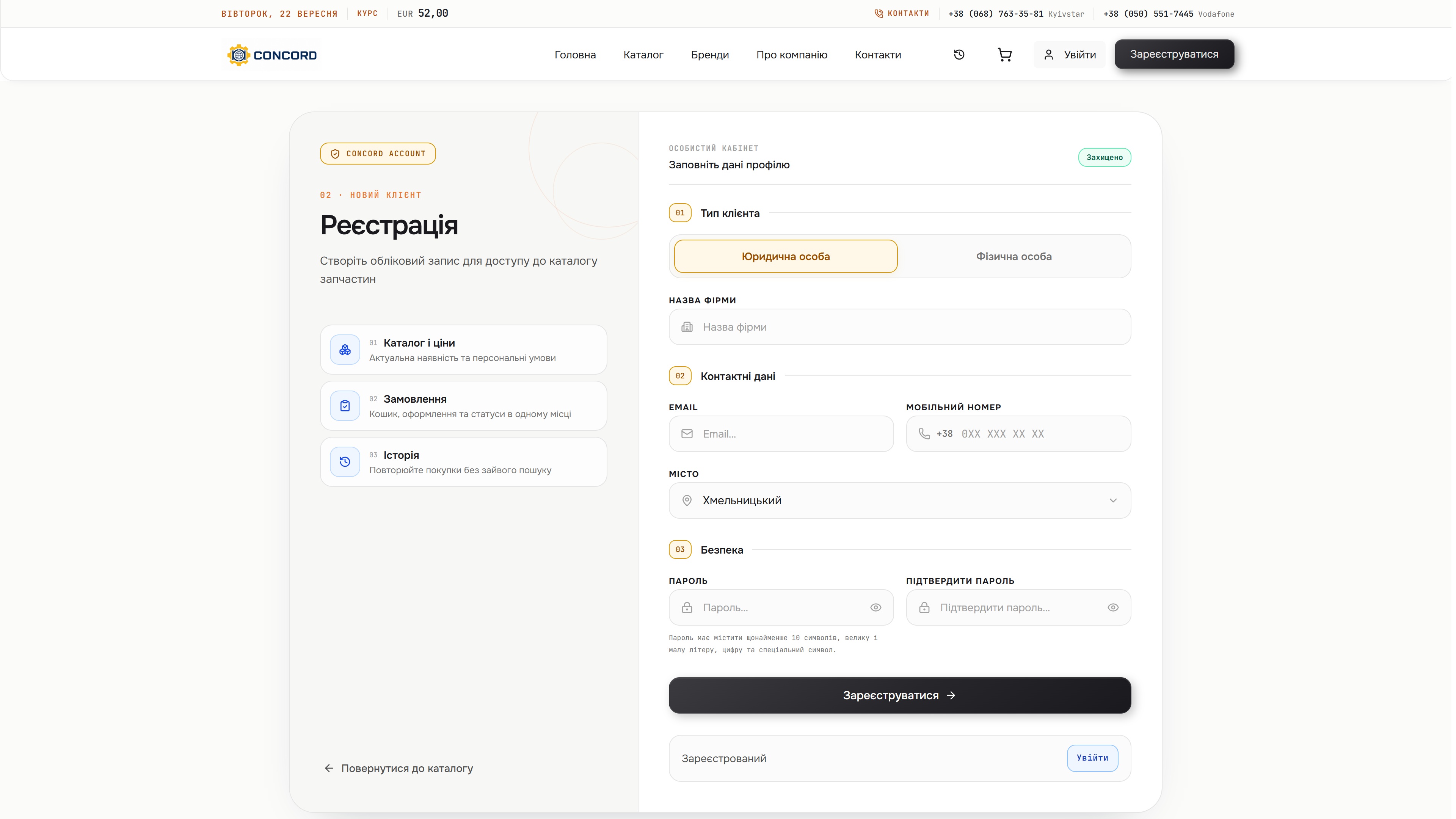
Account registration and quick ordering are separate routes. The quick-order form collects the buyer’s name, phone and city without requiring a full profile.
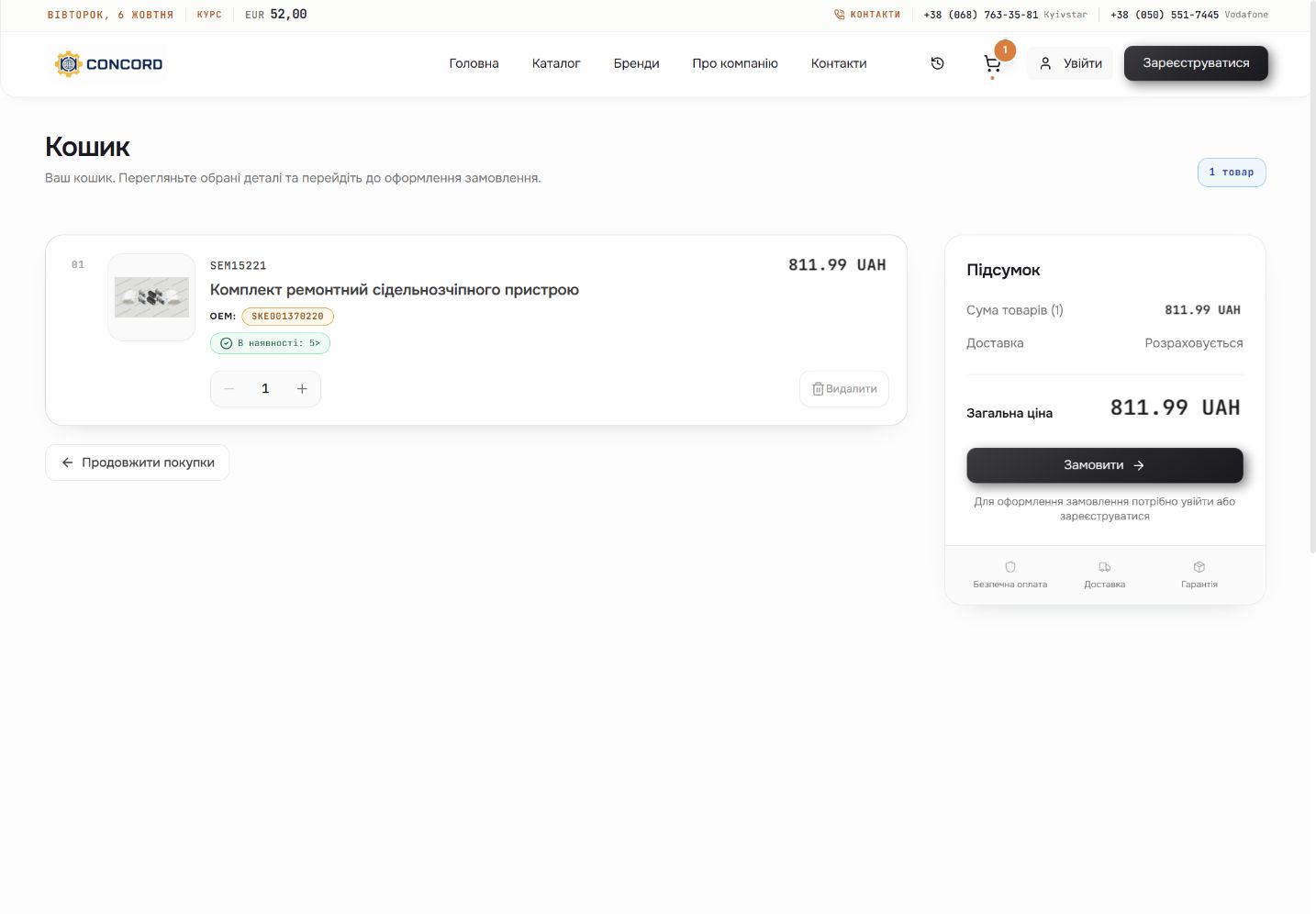
The cart keeps the part reference, selected quantity, availability and price together. Buyers can change quantities or remove items before continuing; delivery is shown separately in the order summary.
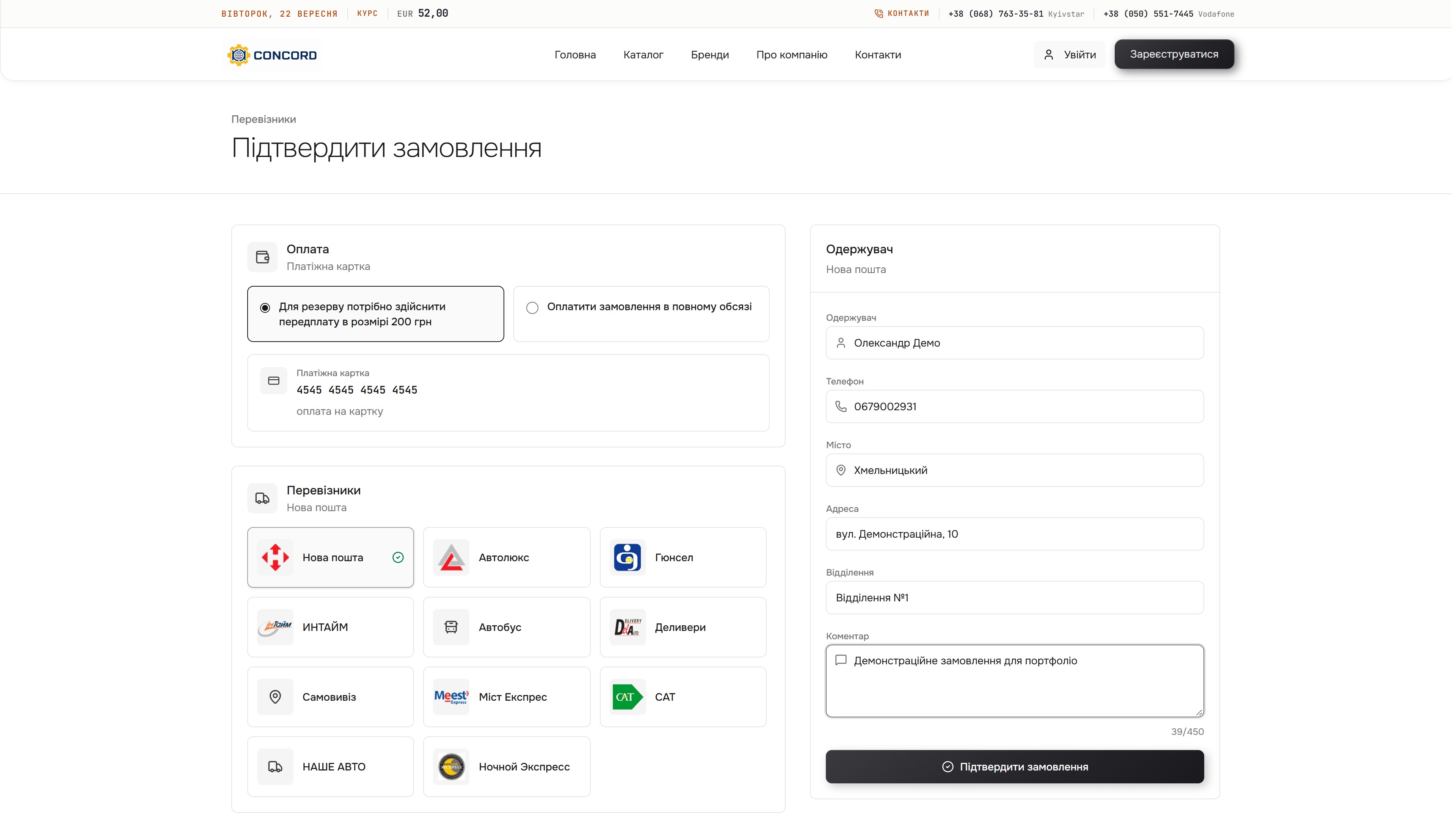
The buyer chooses a reservation deposit or full payment, then a carrier or collection. Recipient, phone, city, address, branch and delivery comments stay within the same order form.
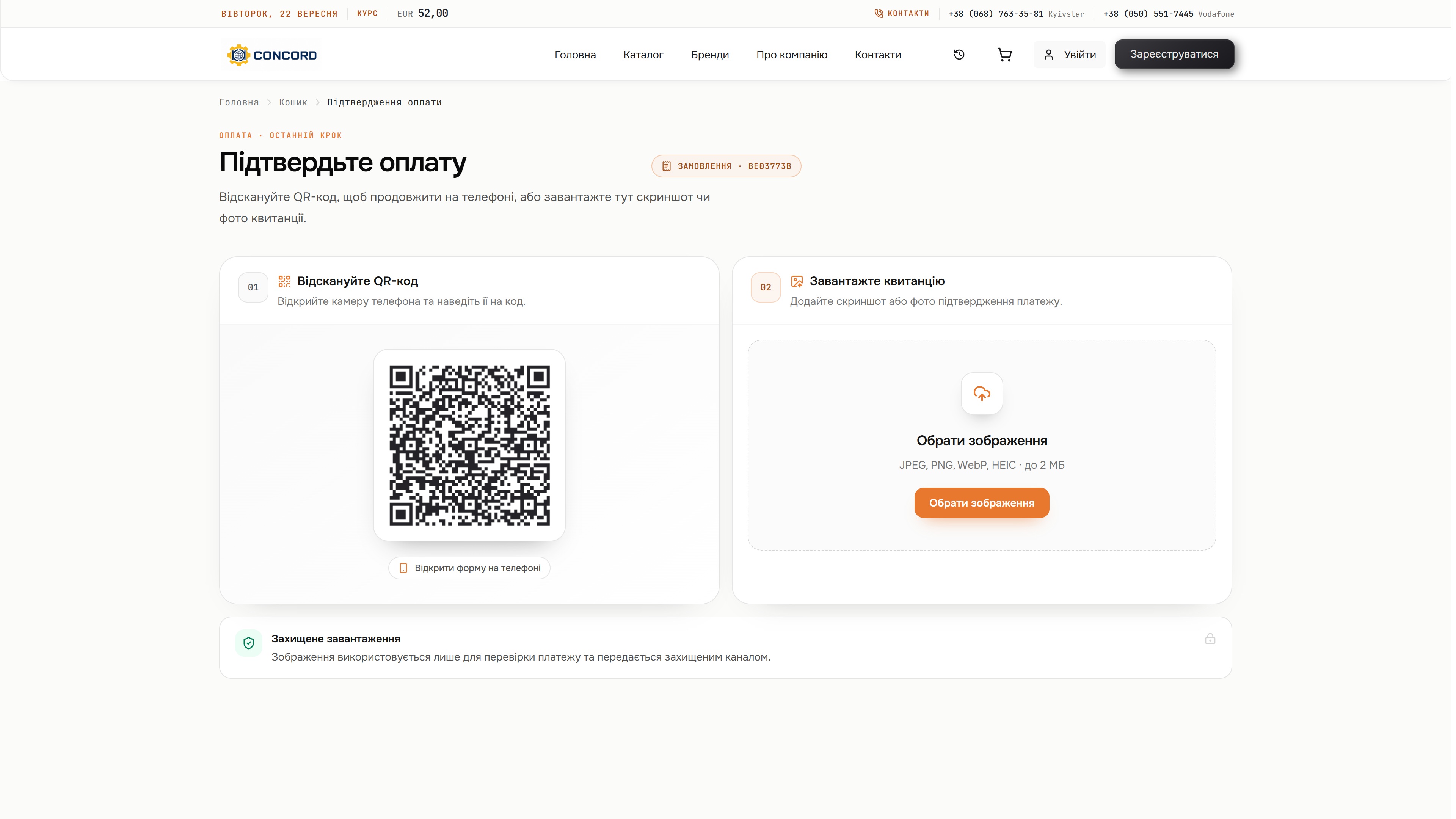
The payment step displays the order reference and accepts a receipt image. A QR code opens the upload form on a phone, so the buyer can add payment evidence from either device.
Catalogue search, checkout and product recommendations powered by Claude and other AI models.
React and Next.js power the storefront, from browsing parts to placing an order. TypeScript provides typed interface code.
C# powers the application services. Microsoft SQL Server stores the relational data used by the shop.
Elasticsearch supports product search across the catalogue. Redis provides caching for the application.
Claude and other AI models support product recommendations alongside catalogue browsing and search.
We can connect your product data, search, recommendations and order process in a storefront built around how your customers choose.
Discuss your commerce platform