
Paperwork within reach
Files can be attached and opened from the load board. Scanning, conversion and printing tools support the office work around the assignment, keeping transport documents close to the operational record.
Every load. Its driver, truck and paperwork.
FleetMile connects dispatch, vehicle tracking, driver records and transport documents in one logistics platform. The team can work from the load register to the schedule, route planning and driver information with a shared view of the transport assignment.
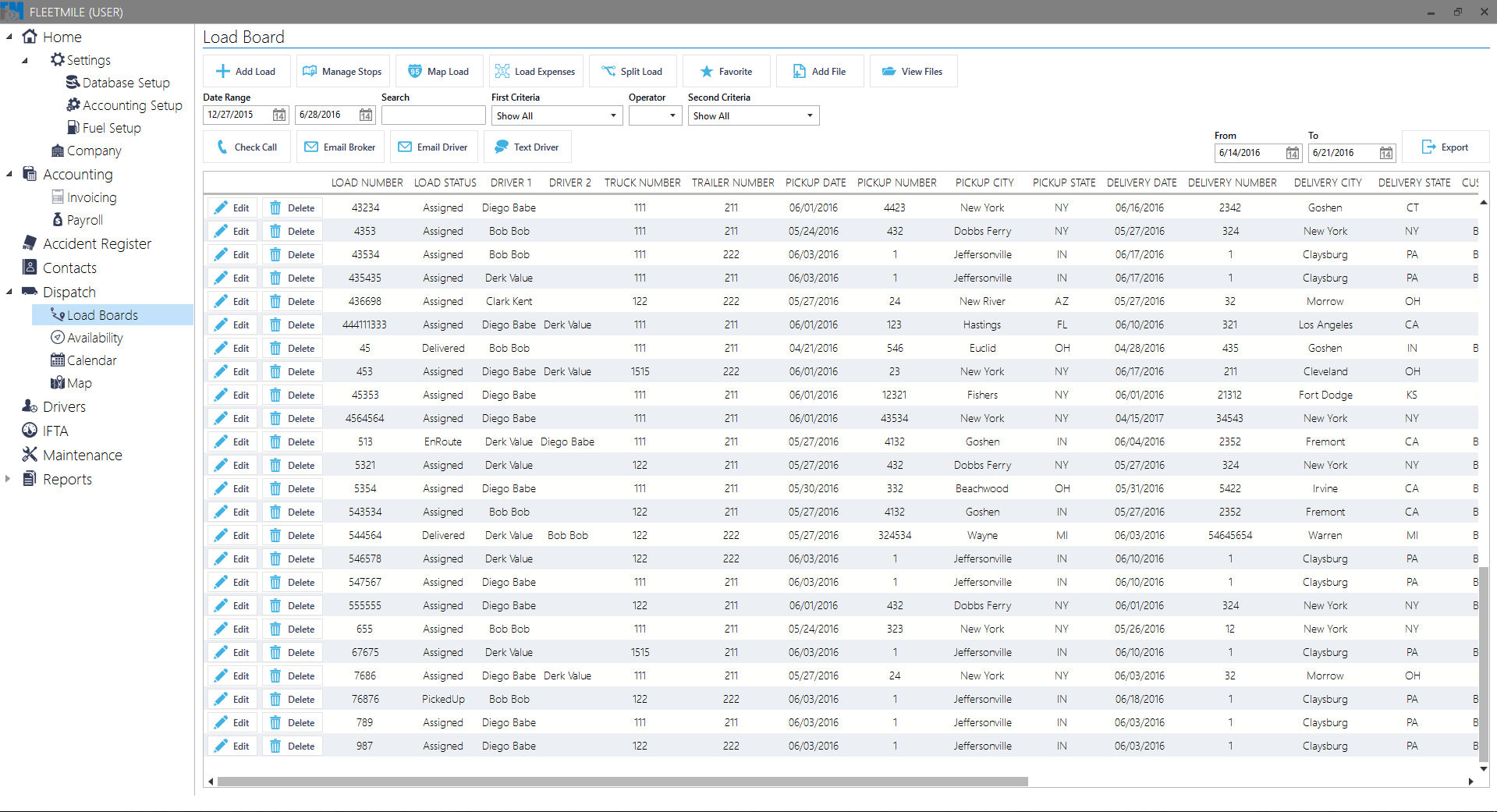
Each load lists its status, drivers, truck and trailer, pickup and delivery dates and locations. Search and date filters narrow the register; the dispatcher can manage stops, open load expenses, attach files and contact the driver or broker from the same workspace.
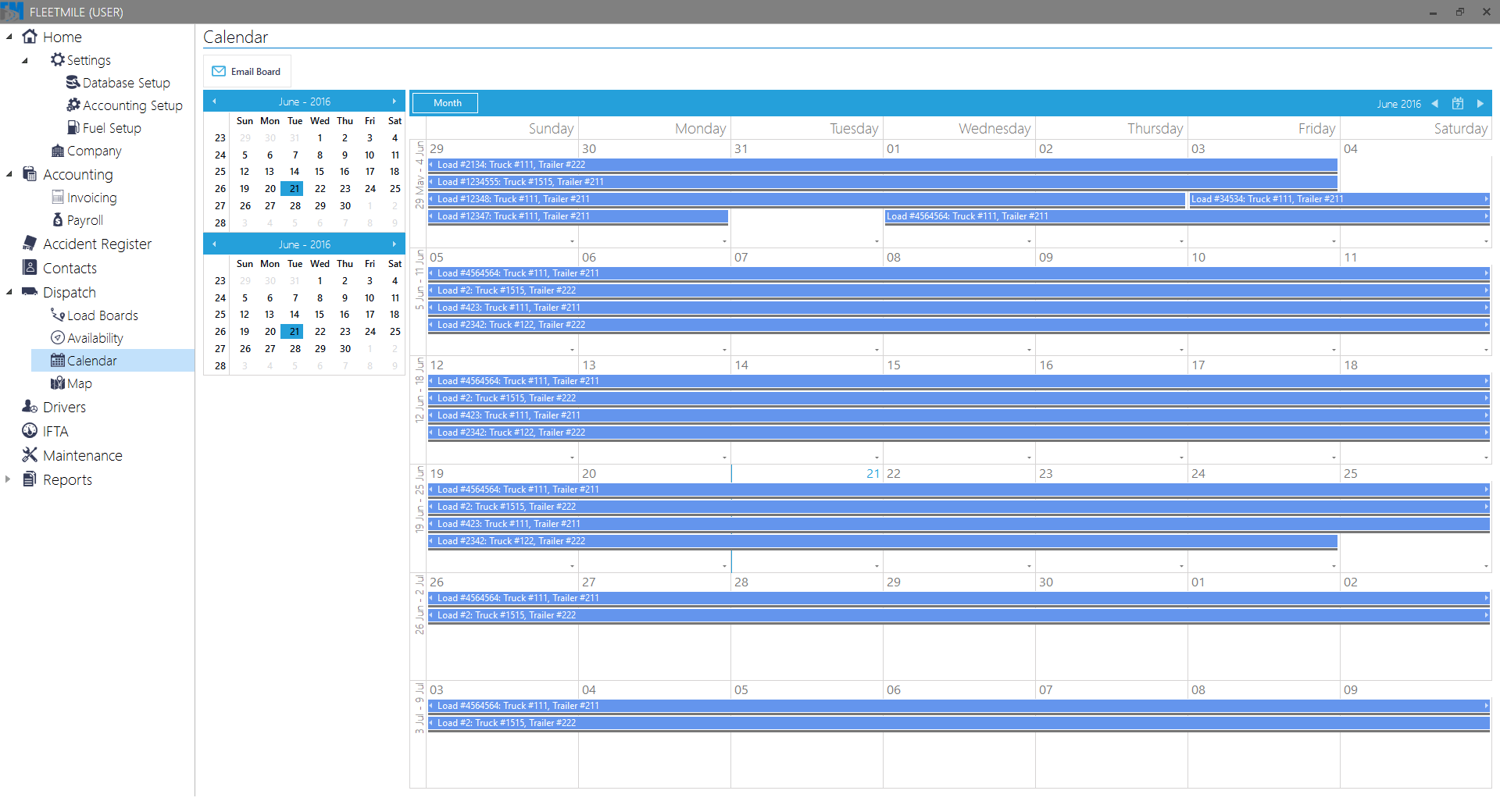
A list of loads does not show how assignments occupy the fleet over several days. Dispatch needs to review dates and equipment together when planning the next movement.
The calendar places each load across its scheduled dates and identifies the assigned truck and trailer. A monthly view brings overlapping commitments into the same planning context.
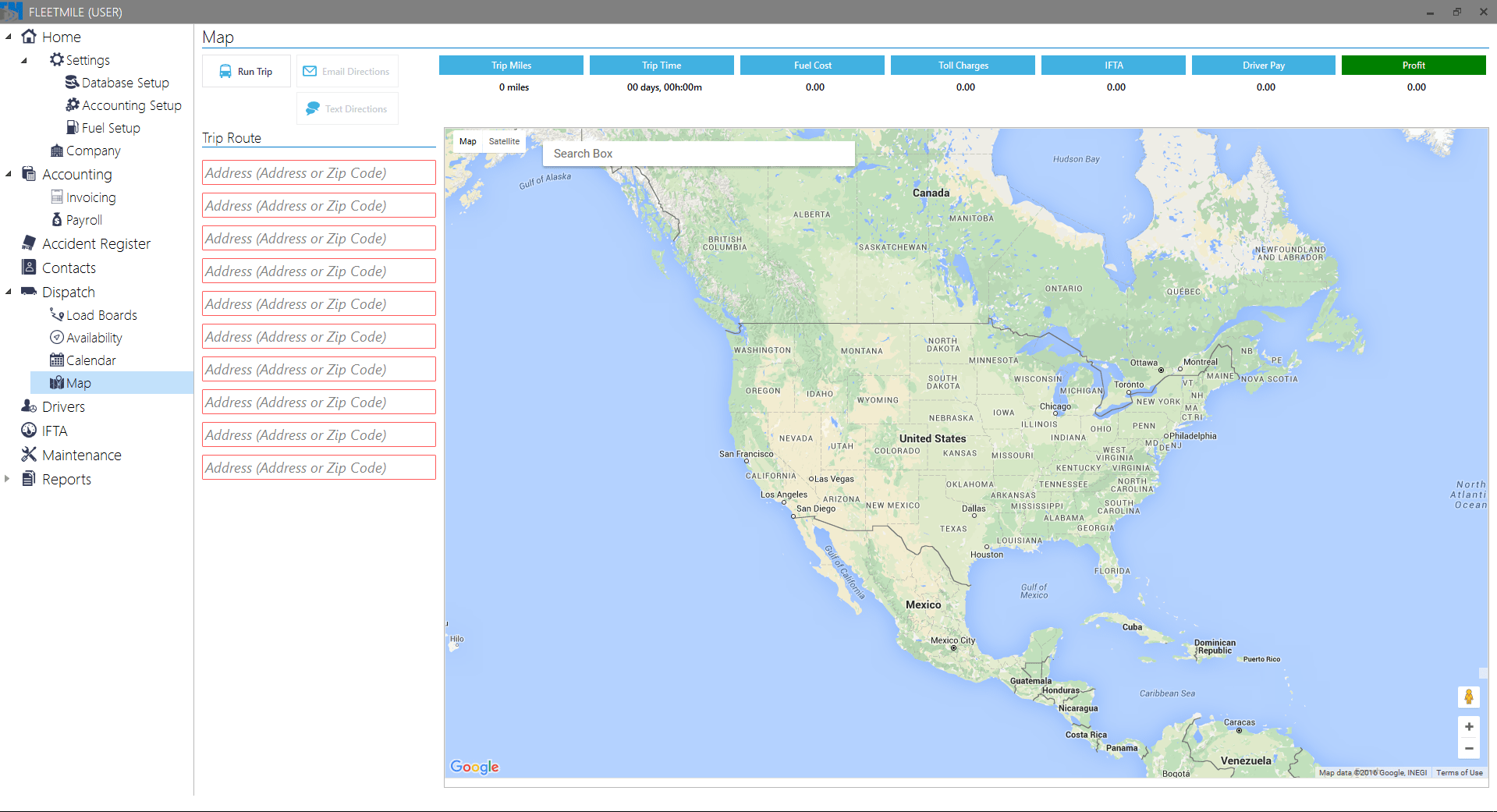
Planning a trip involves more than choosing its stops. Distance, travel time, fuel, tolls and driver pay all contribute to the transport decision.
The planner combines stop addresses and a map with distance, duration, fuel, toll and driver-pay figures. Controls for sending directions by email or text keep route preparation and communication in the same workspace.
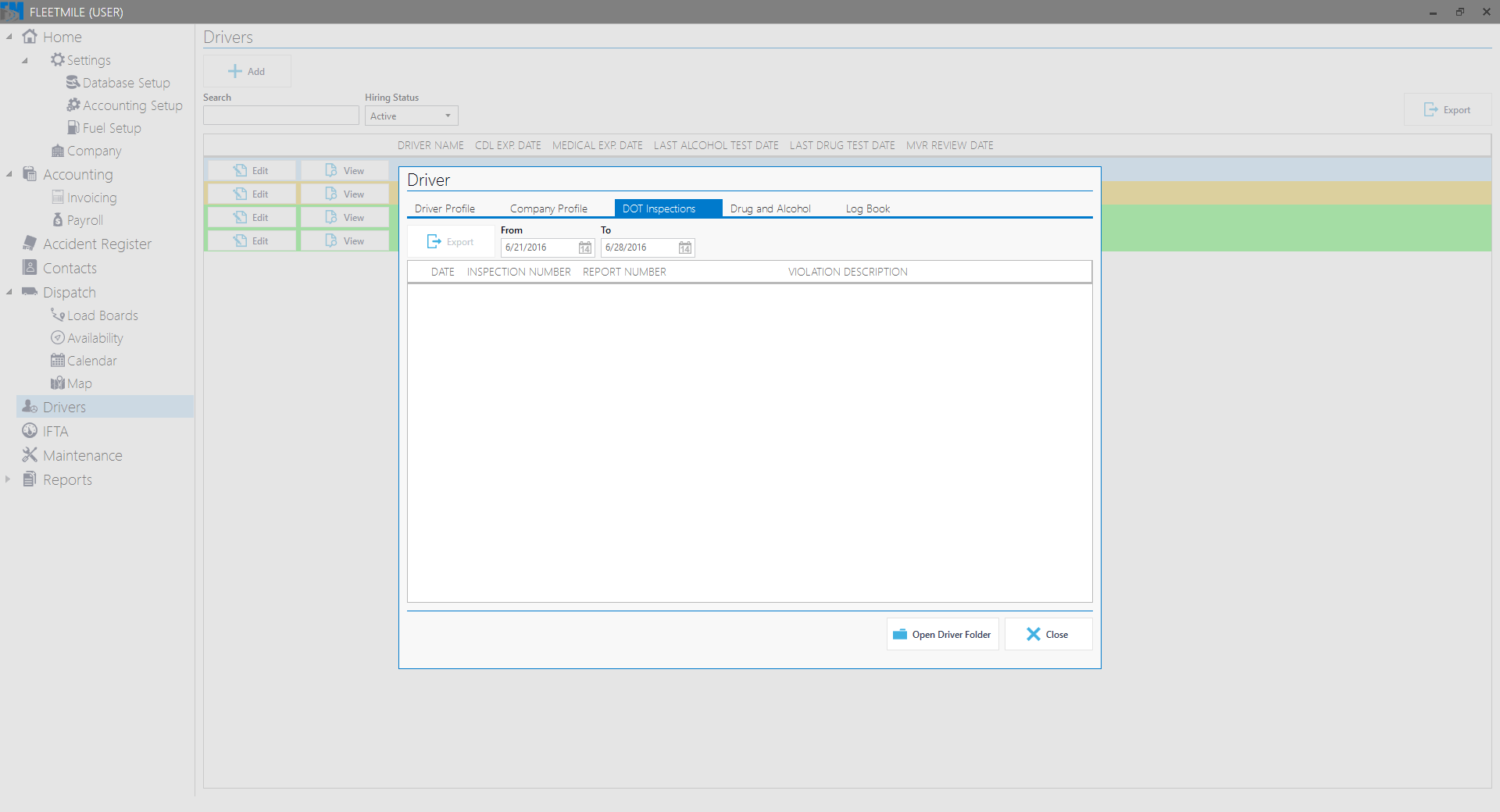
Dispatch and office teams need the driver’s administrative history alongside the transport assignment. Inspection dates and report references need a clear place in that record.
The driver profile includes a dedicated inspection register with dates, inspection and report numbers, and violation descriptions. The driver folder remains accessible from the same view.
Files can be attached and opened from the load board. Scanning, conversion and printing tools support the office work around the assignment, keeping transport documents close to the operational record.
Administrator and general-user access separate system setup from day-to-day transport work. Each role has an appropriate entry point into the platform’s records and tools.
A desktop workspace, .NET services, operational data and cloud infrastructure.
WPF provides the desktop interface for the operational workspace.
C#, Microsoft .NET and ASP.NET Core form the service stack, with SignalR for live communication.
MSSQL Server and T-SQL support relational records. Entity Framework Core and Dapper provide data access; Azure File Storage supports file storage.
The project’s infrastructure includes Azure Web Application Server and AWS.
Show us one load and the tools used to plan, assign and document it. We will identify the shared records and the handoffs a single workspace should connect.
Plan your logistics workspace