
Onepix
The right patient history. In the right clinic.
A workspace for dental teams managing patients, examinations and imaging across multiple clinics. Onepix brings the clinical record and the people working with it into one web application.
Patient search and examination history within the selected clinic.
A dental team can start with a patient or a date range. Both routes lead to examination records, with the selected clinic visible throughout the workspace.
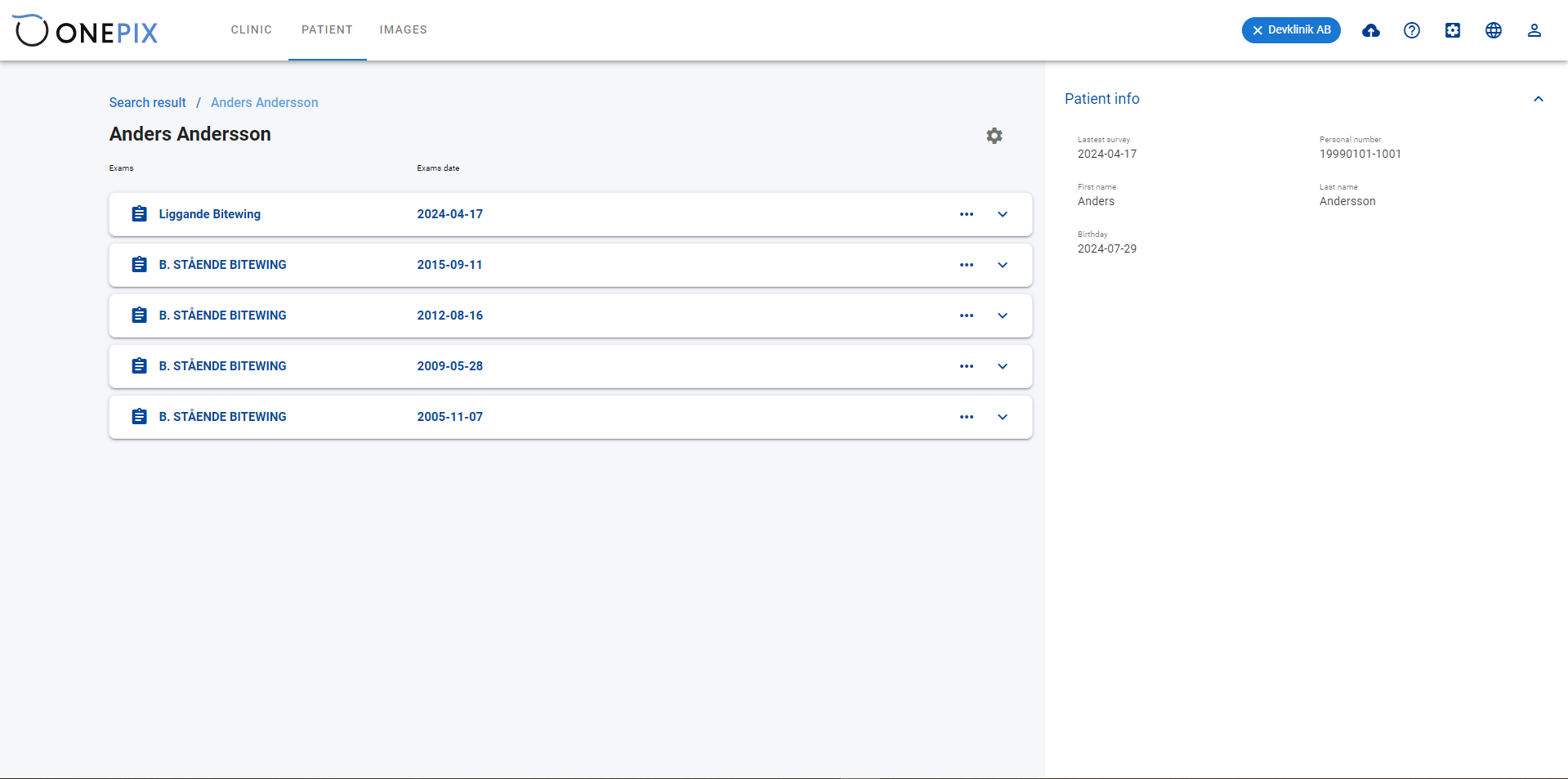
Examinations in one patient record
Each examination is listed with its name and date. A patient-information panel stays alongside the history, so staff can check the selected record before opening an earlier study.
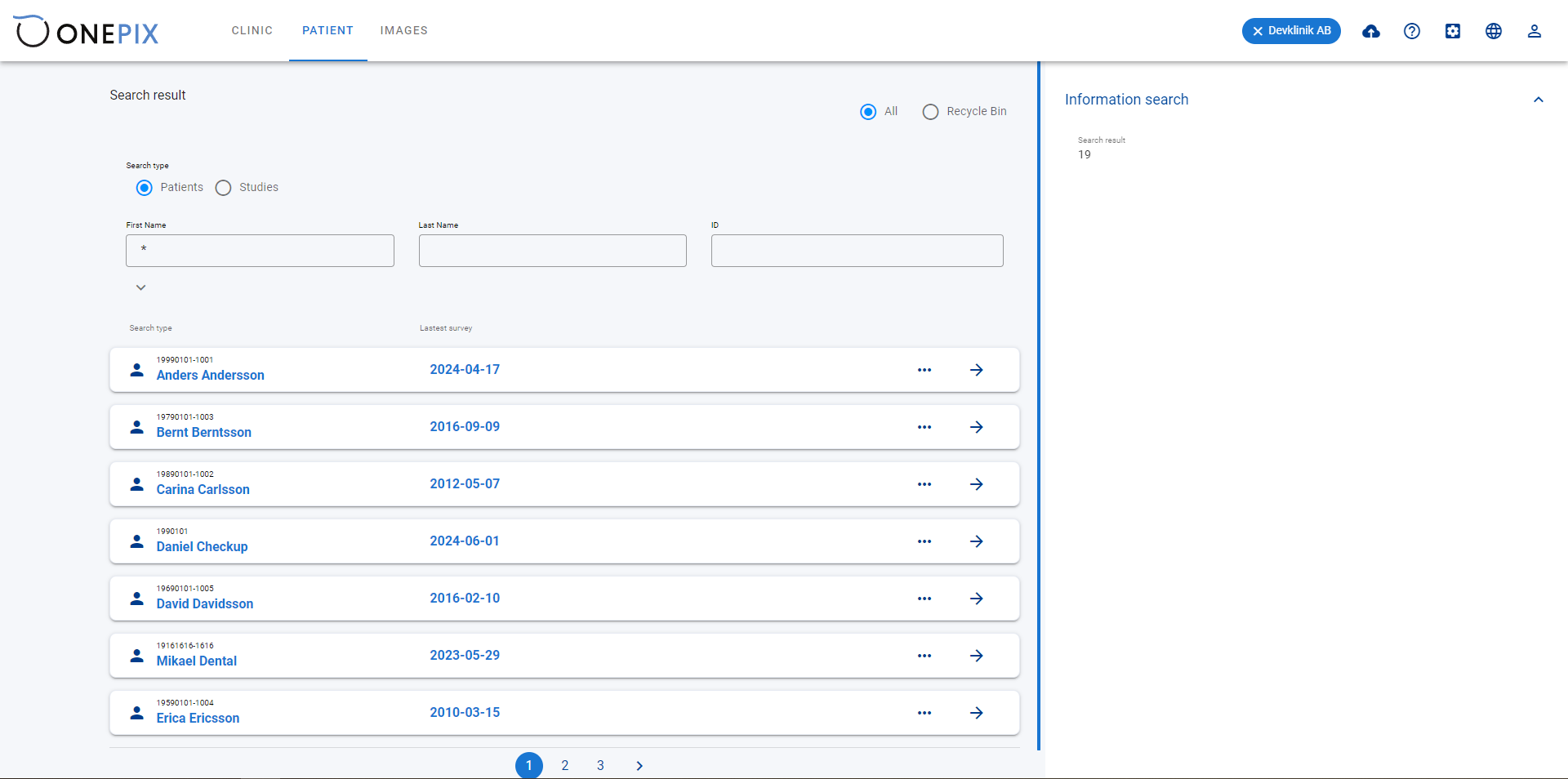
Find the patient
Search accepts a first name, surname or identifier. Results show the patient and the date of the latest examination, with a direct link to their record.
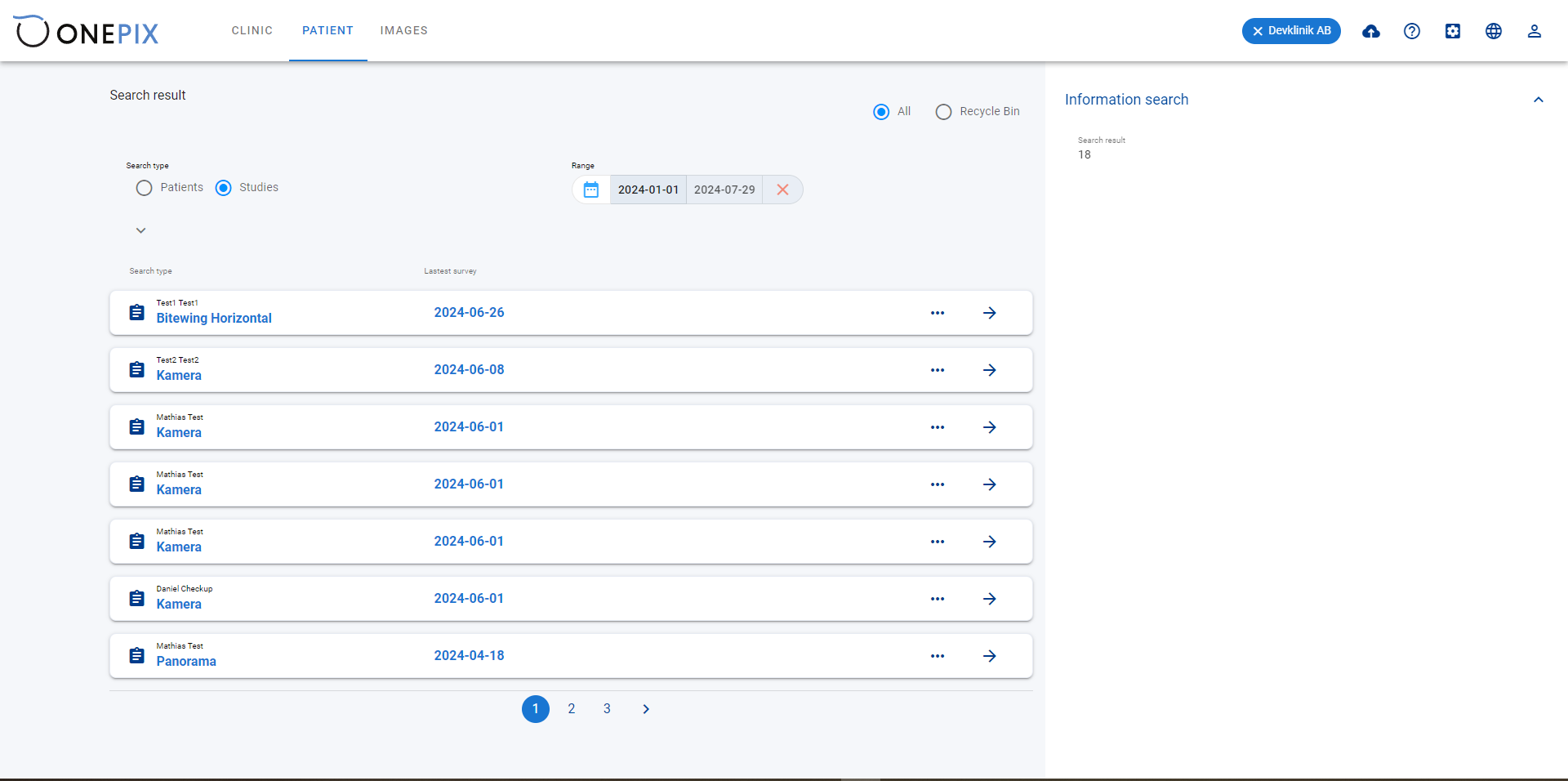
Study search by date
Study search uses a date range. Results retain the patient’s name, study title and examination date, helping staff distinguish records before opening them.
A shared directory with a separate workspace for each clinic.
Network administrators move from the clinic list into a practice’s staff and records. The interface is available in English, Swedish, Danish and Norwegian.
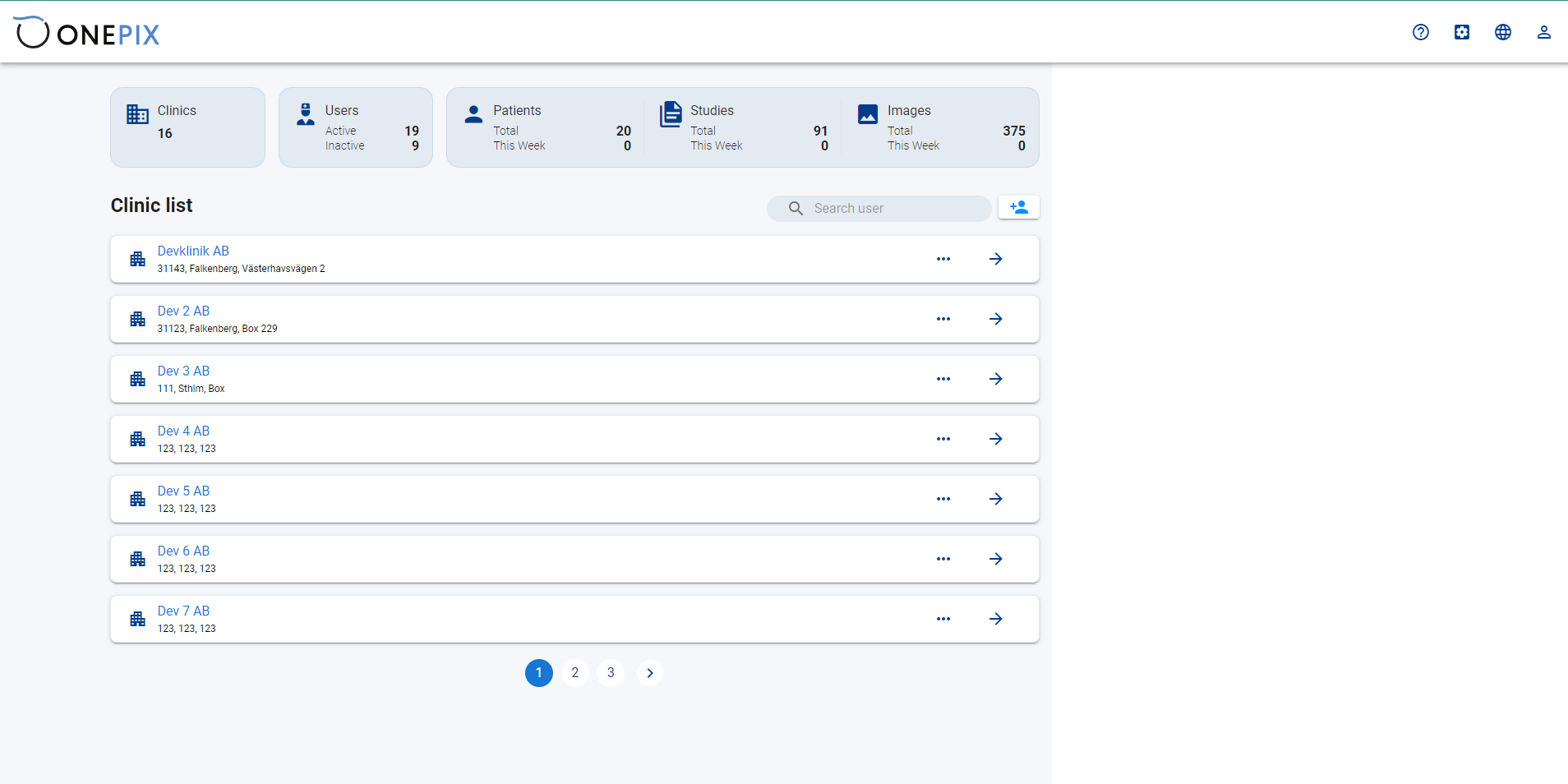
The clinic directory
The network overview combines clinic addresses with counts of users, patients, studies and images. Each clinic opens into its own workspace; the directory can be searched and paged.
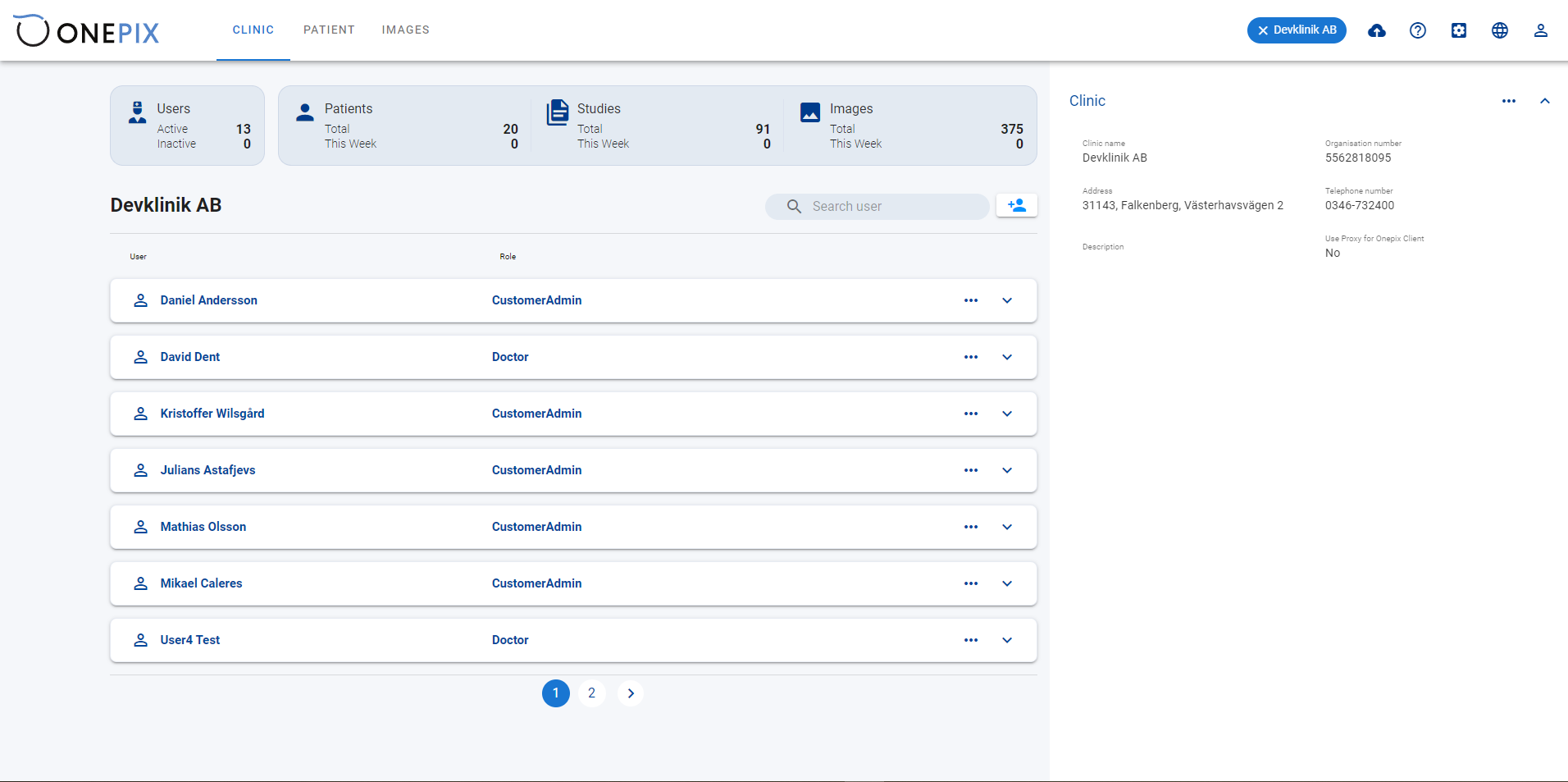
The selected clinic’s workspace
Within a clinic, the staff list shows each user’s role beside the clinic’s contact and registration details. Local record counts distinguish this practice’s activity from the network-wide overview.
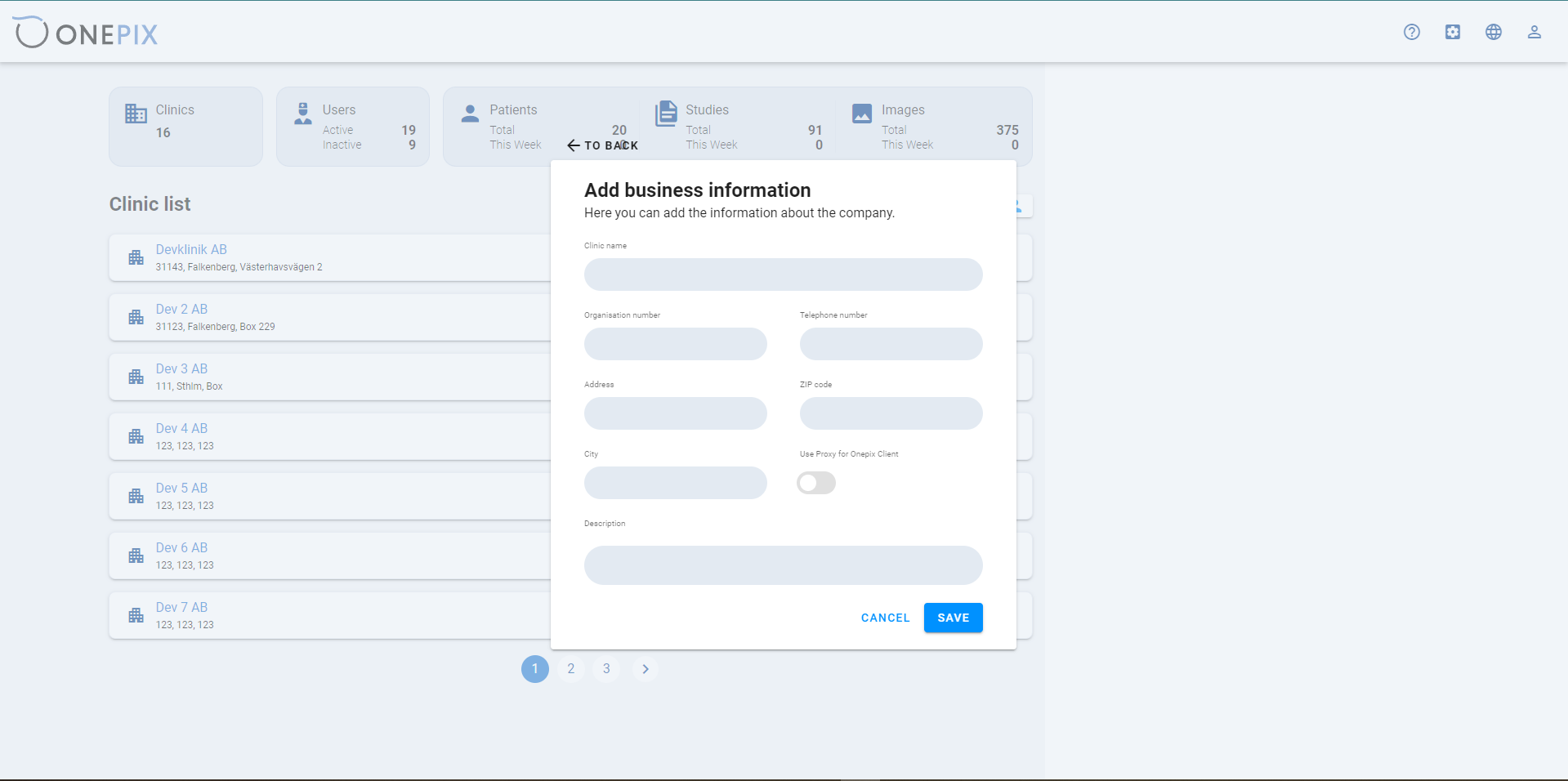
Add a clinic
The clinic form collects its name, organisation number, phone and address. These details become part of the shared directory used to select the practice.
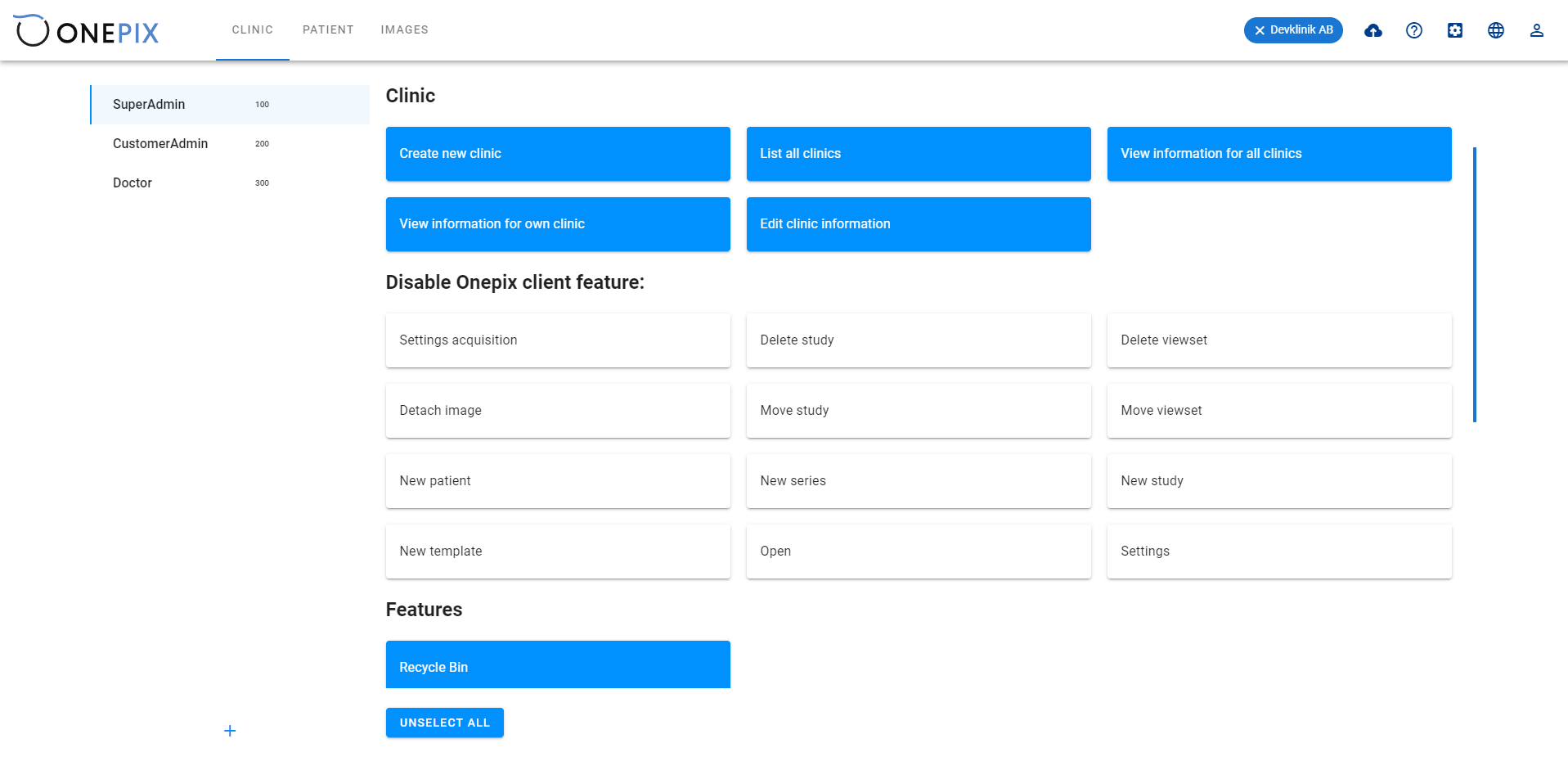
Roles govern clinic administration and work with studies.
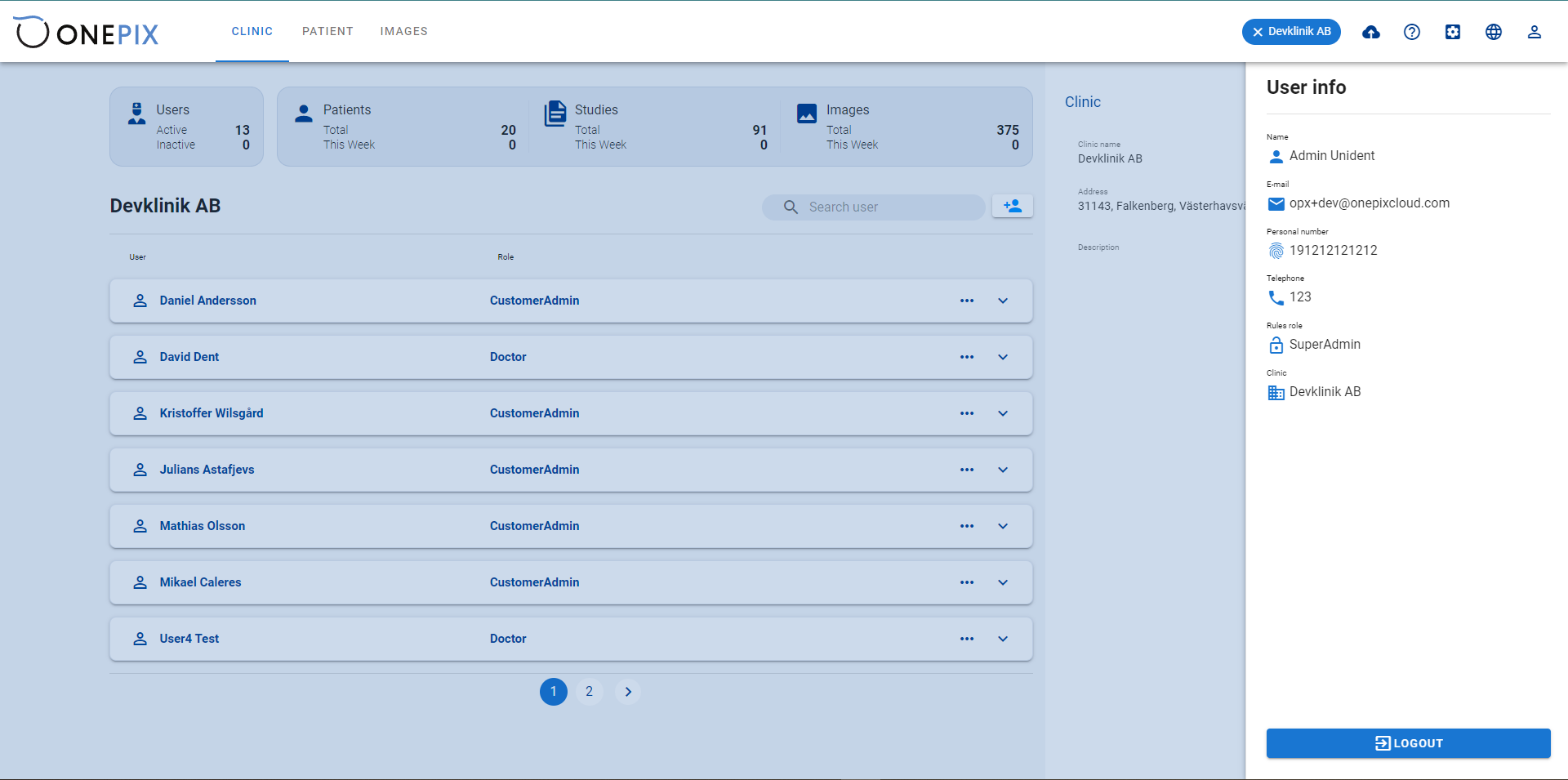
The permission model separates network administration, clinic administration and clinical work. Account details show the user’s assigned role and clinic.
The technology behind Onepix.
The clinic interface, application services, data storage and access integrations used in Onepix.
Clinic workspace
Angular and TypeScript provide the patient, study and clinic-administration screens.
Clinic application services
C# and ASP.NET Core provide the application’s server-side services.
Patient and study records
MySQL stores the application’s relational records.
Infrastructure and sign-in
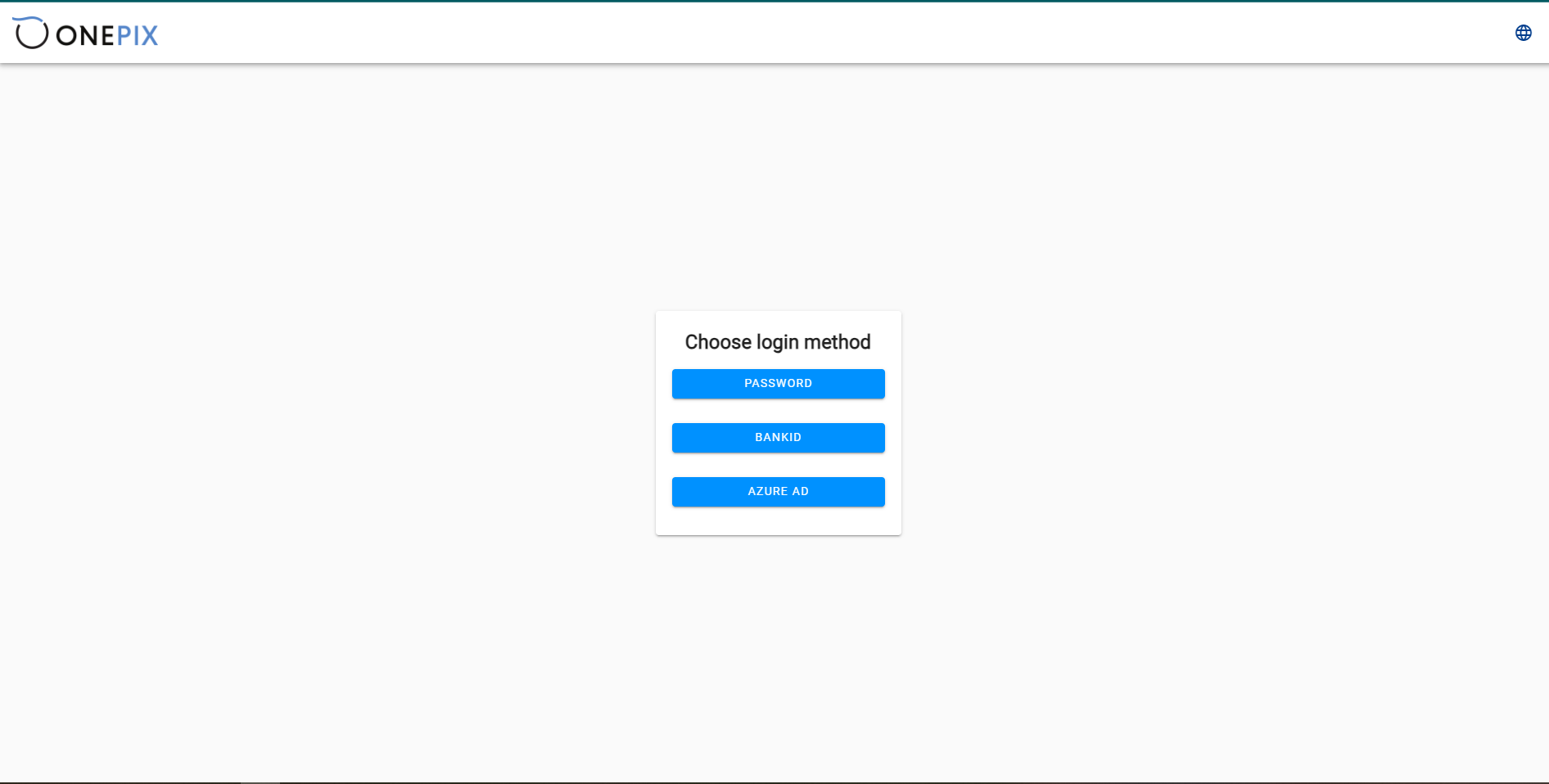
Ansible and Terraform support infrastructure configuration. BankID and Azure Active Directory provide integrated sign-in options alongside password access.
Start with the part of clinic work that slows your team down.
Tell us how staff find patient records, review studies and manage access today. We will help define a useful first release and the connections it needs to your existing systems.
Discuss your clinic platform