The customer takes the photo at home
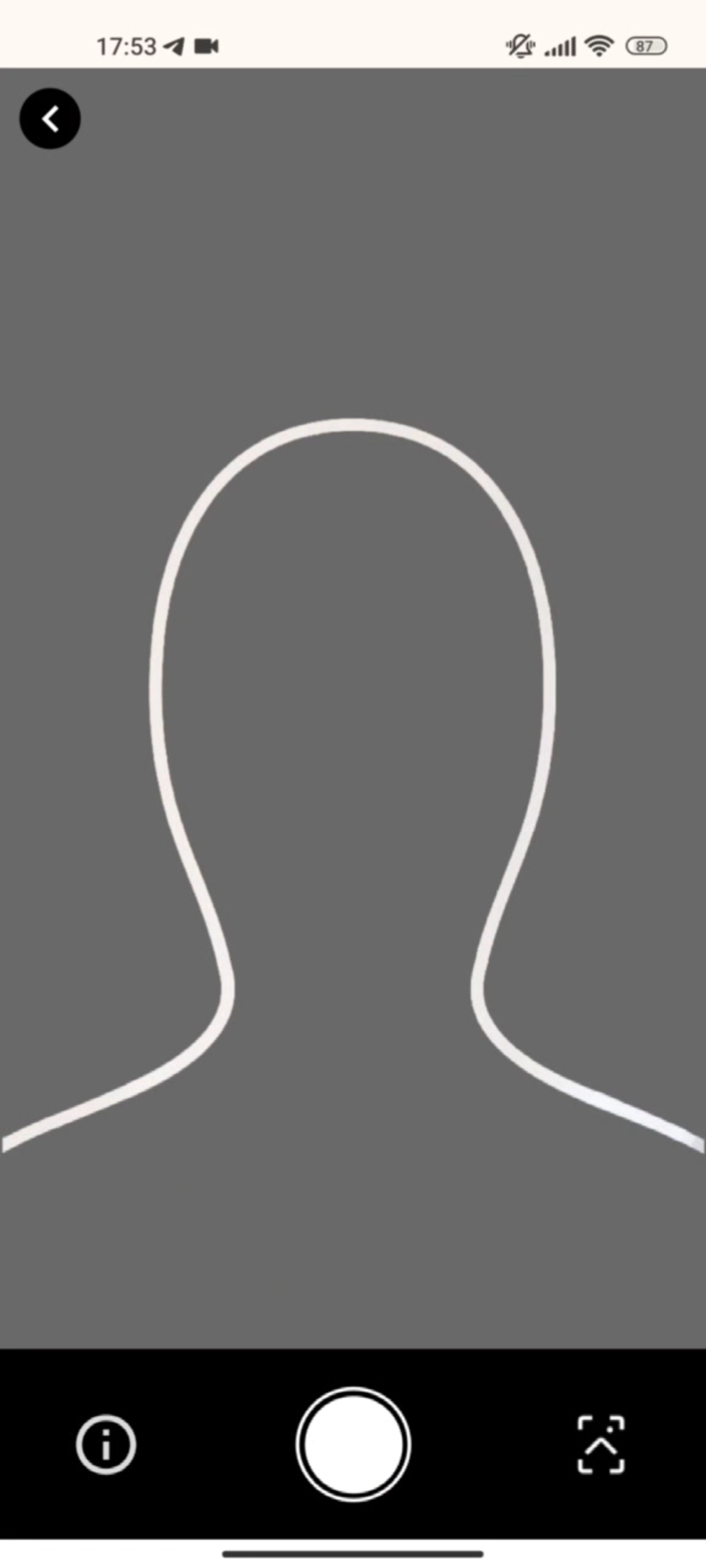
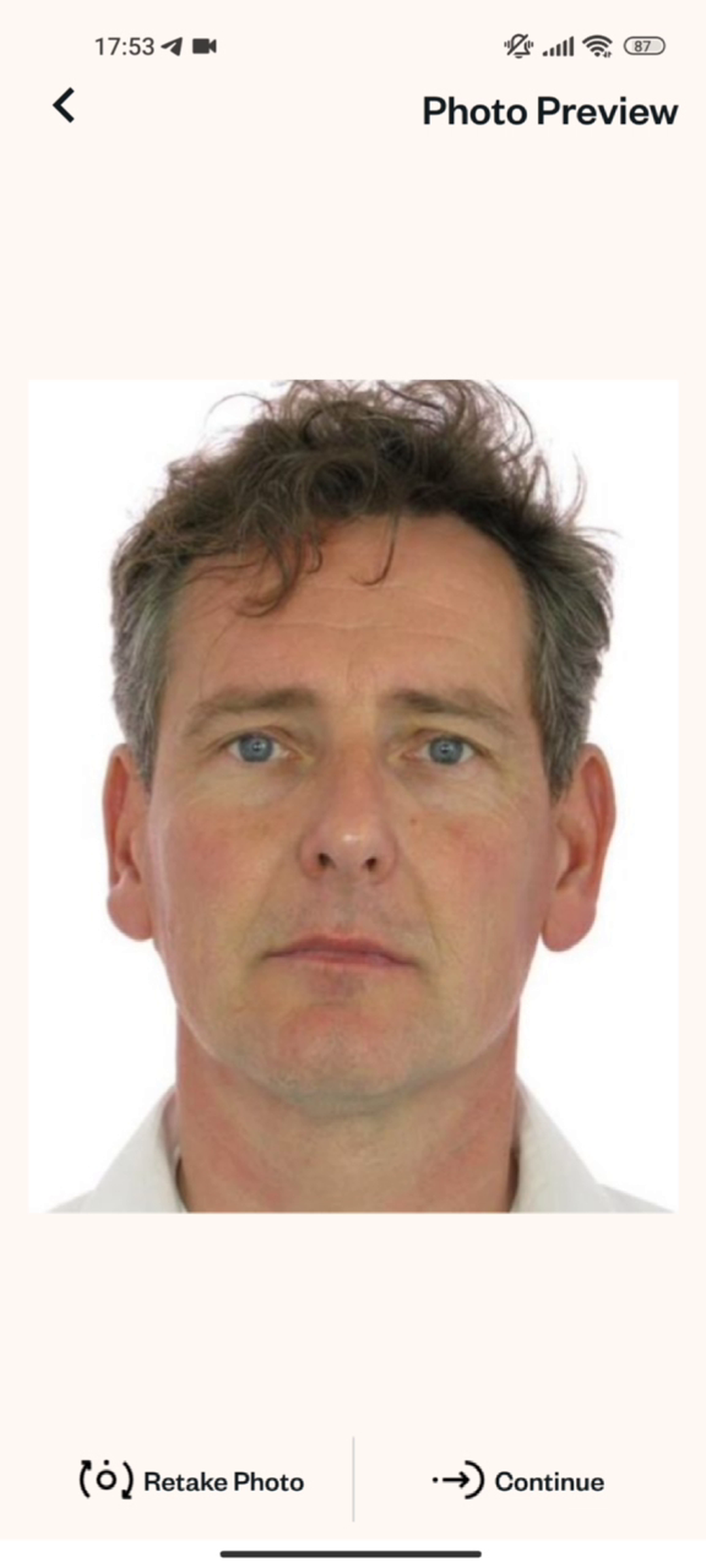
The outline shows where to stand, the preview shows what was captured, and a retake does not restart the task.
Taking and checking the photoThe client sells document-photo software and already ran a service that removes the background and validates a photo. We built Photomatic, its iOS and Android app in .NET MAUI: the user picks a country and a document, takes the photo against an outline and sends it to that service.
What the app does and how it is builtDeveloped from September 2024 to May 2025
The service could process a photo once it had one. The mobile product had to cover the two steps before that: choosing the requirements of the right country and document, and taking a photo that fits them.
The app also had to follow the company’s existing model of accounts, credits and licences.
Development of the mobile app in .NET MAUI for iOS and Android, the connection to the image-processing service through a REST API and native bindings to the photo SDK.
One app takes the user from sign-up to the processed photo.
The outline shows where to stand, the preview shows what was captured, and a retake does not restart the task.
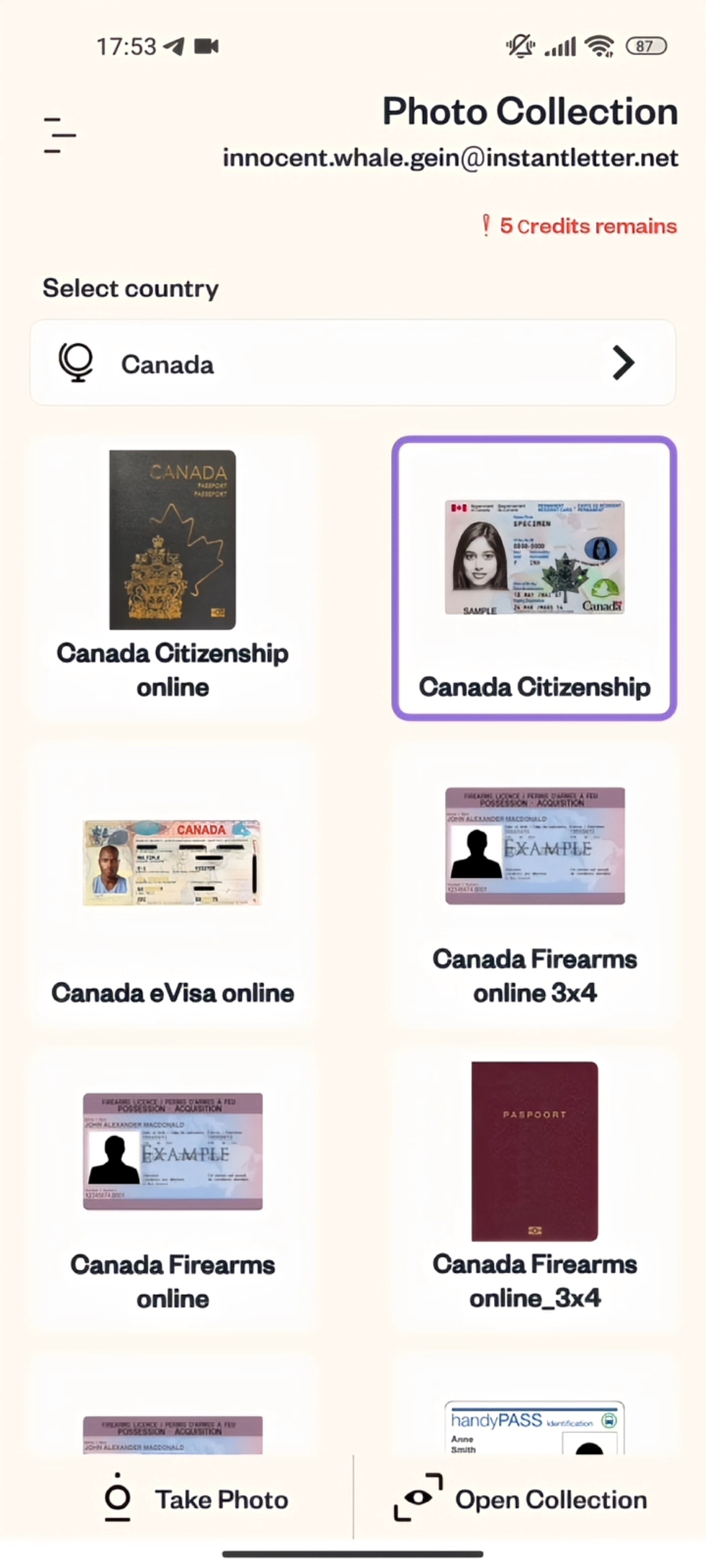
Taking and checking the photoThe user finds the country, then picks a document card with a sample image: passport, citizenship, eVisa or firearms licence. The card sets the photo format.
Countries and document typesBackground removal and validation run on the backend the company already operates. The app calls it over a REST API.
The iOS and Android apps are one .NET MAUI project in C# and XAML, structured with MVVM.
The country and document are chosen before the camera opens. If the first shot is not good enough, the user should not have to choose them again.
The preview shows the shot full size with two buttons. Retake Photo goes back to the camera with the same country and document. Continue sends the photo and the chosen format to the service.
See guided capture, preview and retakeShow us the API or SDK of your processing service. We will tell you what a phone app can hand over to it and what has to happen on the device.
A customer of the photo service installs the app and needs their account and licence before the first photo.
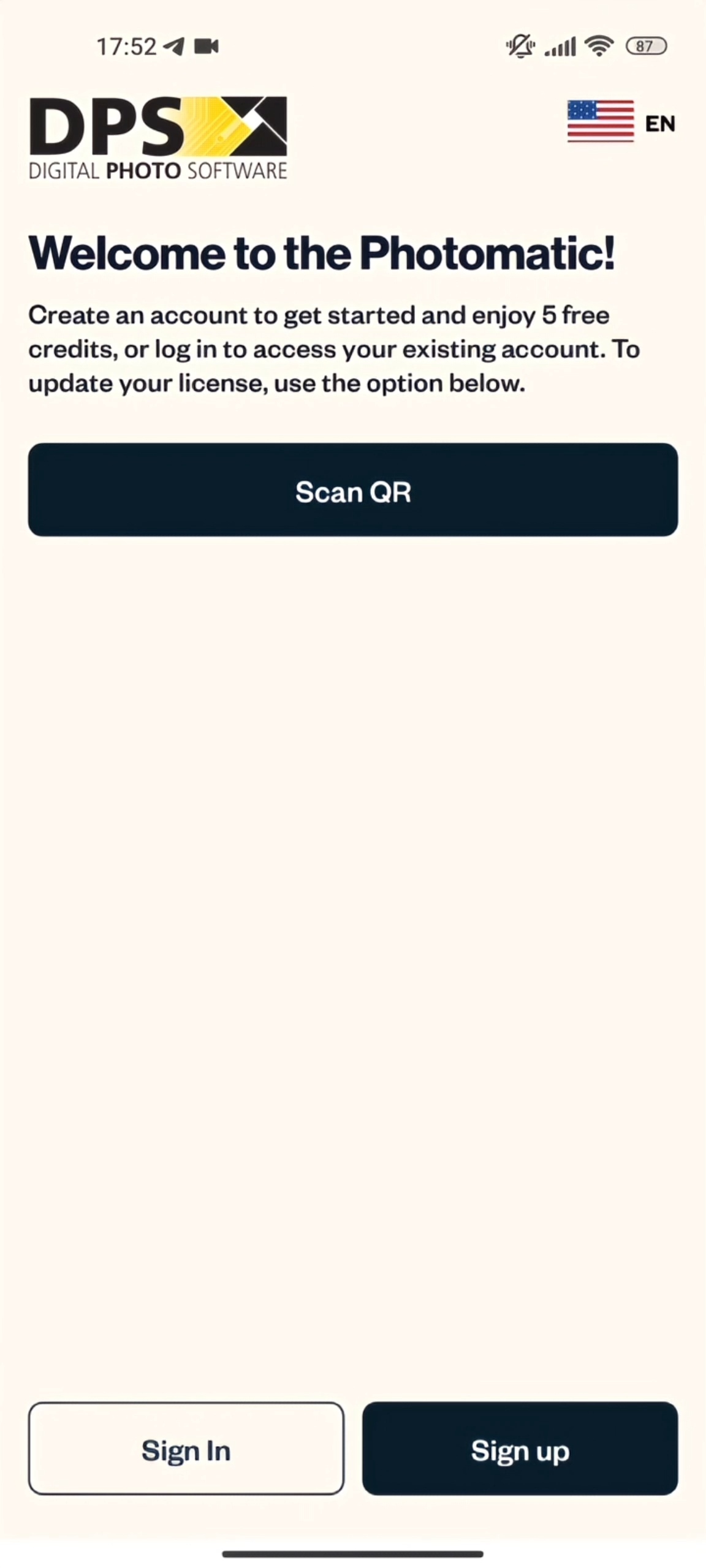
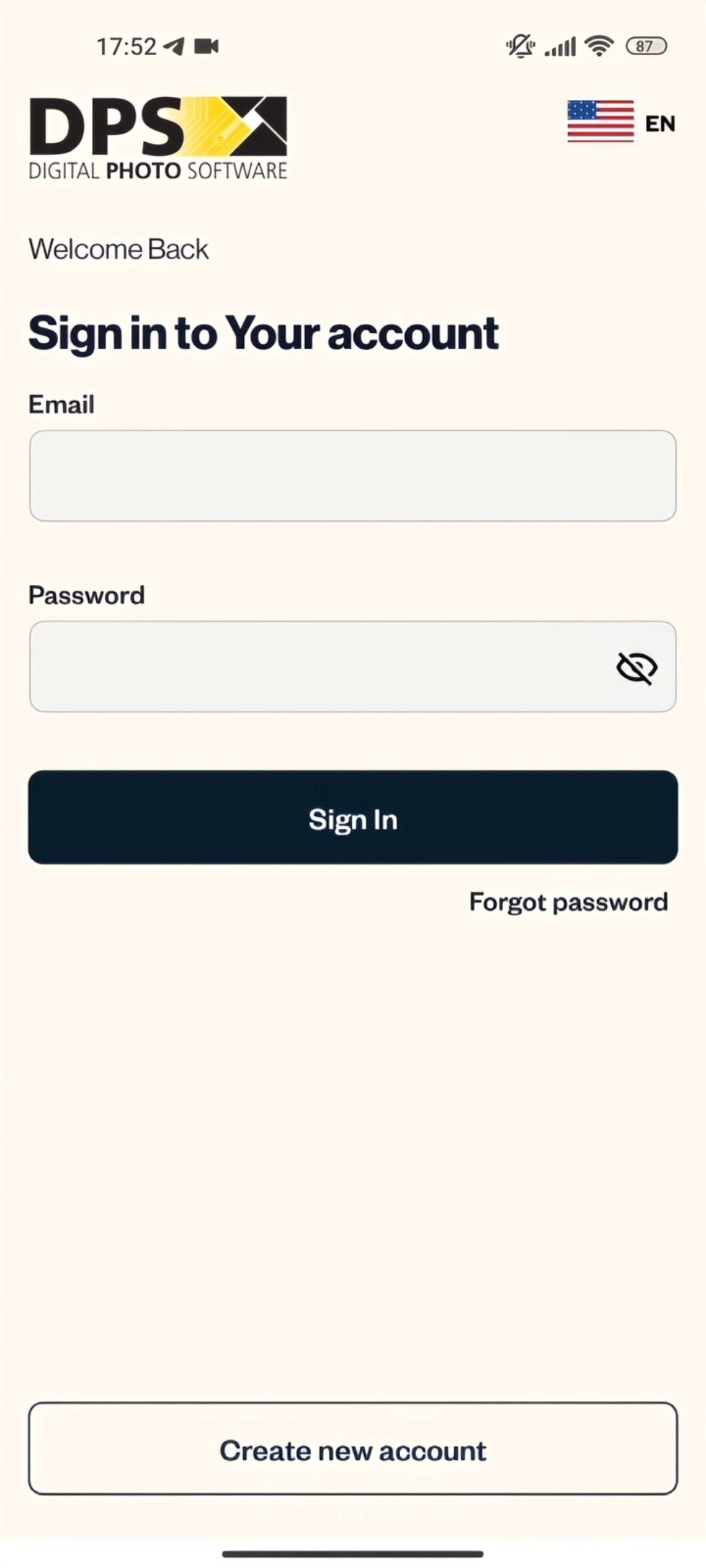
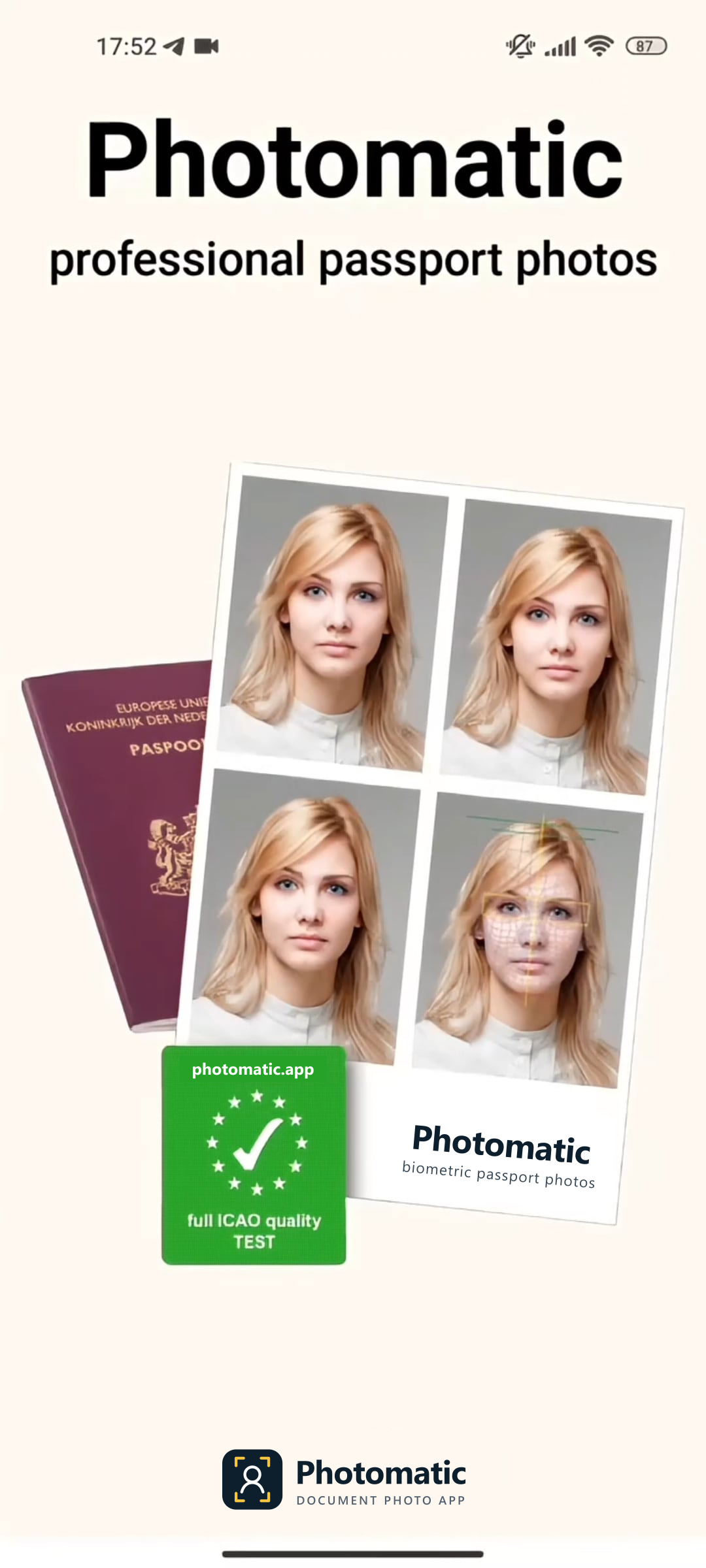
The welcome screen offers sign-up with five free credits, sign-in and a licence update by QR code. The main screen shows the account and the remaining credits.
The user knows which document they are applying for, not the photo format it requires.
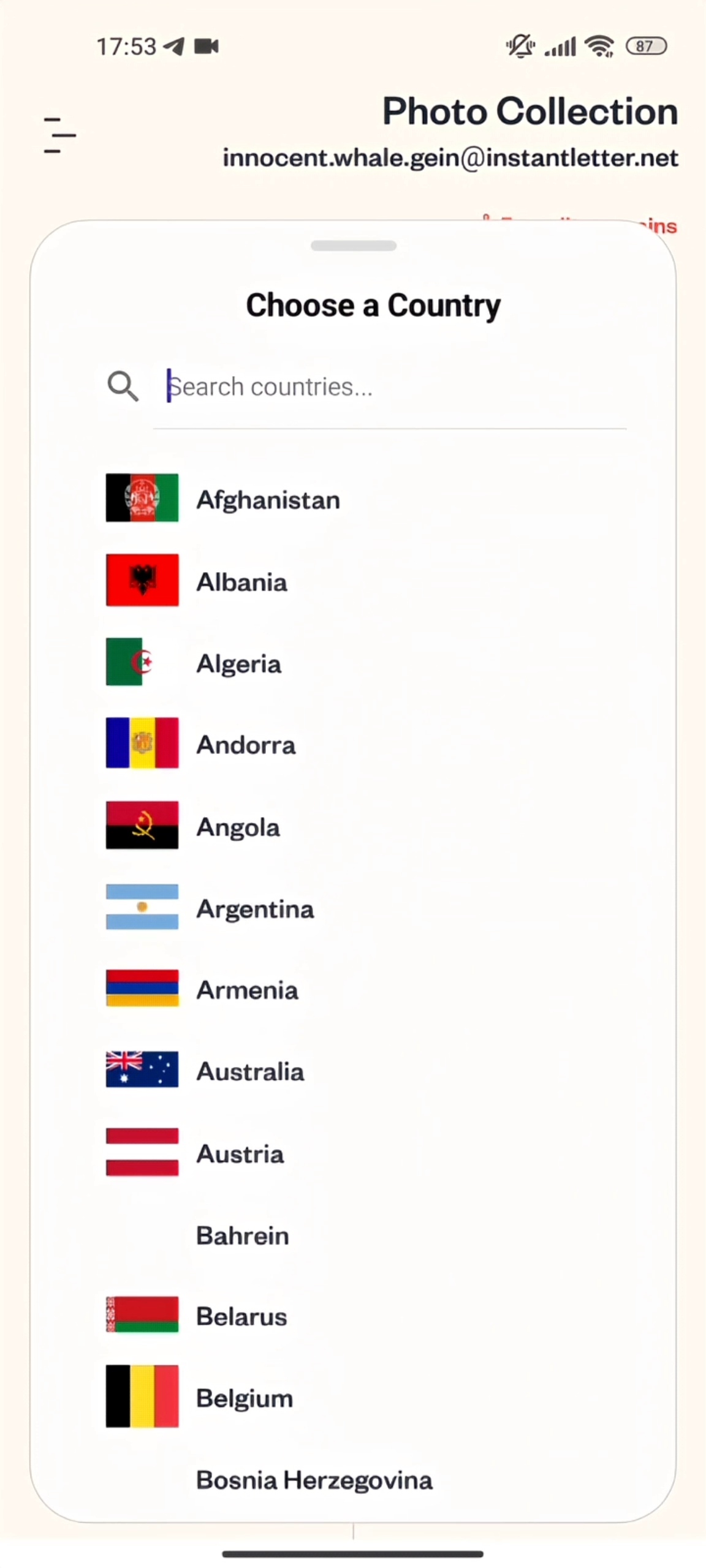
A searchable country list opens the document types for that country as cards with sample images, including online-application and print formats. Picking a card sets the format for the photo.
The customer needs to frame the photo and review it before sending it to the processing service.
The camera view draws a head-and-shoulders outline. The preview shows the captured photo with Retake Photo and Continue, and the photo then goes to the processing service. Earlier photos are in the collection.
Sign up with email and password or sign in with password recovery. A new account starts with five free credits, and the remaining credits are shown above the catalogue. A licence is updated by scanning a QR code. The side menu holds the photo collection, help, the language switch and sign-out.
A searchable list of countries with flags. Each country opens its document types as cards with a sample image: passport, citizenship, eVisa, firearms licence, with separate entries for online applications and 3×4 prints. The chosen document stays highlighted before the photo is taken.
The camera view draws a head-and-shoulders outline that shows where to stand, with an information button for guidance and the shutter below.
The captured photo is shown full size with Retake Photo and Continue. A retake keeps the chosen country and document.
The app sends the photo to the company’s image-processing service over a REST API. Background removal and validation against the selected format run there, and the result returns to the user’s collection.
One .NET MAUI application for iOS and Android.
C# and XAML on .NET. Screens follow MVVM with dependency injection and Shell navigation.
CameraView and MediaPicker for camera capture and choosing media, with toolkit components, data binding and custom handlers in the interface.
The third-party photo SDK is called through native bindings. SkiaSharp processes images in the app. Output goes to print through native printing APIs or to a PDF or JPEG file.
HttpClient and System.Text.Json call the REST API. SecureStorage, Preferences and SQLite keep data on the device.
Automated unit testing covers application logic. Development in Visual Studio or Rider with Git, released through App Store Connect and Google Play Console.
The app was built for one photo service, but the pattern fits other products:
Document and photo services that want customers to capture on a phone and process on the provider’s backend.
Utilities and public-service apps that need identity or document capture: ID photos, permits, applications, onboarding checks.
Companies with a catalogue of per-country or per-format rules that the app must present and apply.
Products sold by licence or credits, where the mobile app must respect the entitlement.
A first release usually covers one capture flow: pick the format, guided capture, preview and retake, and one call to your processing service, on iOS and Android from one codebase.
Tell us what the user photographs and what result you need. We connect the camera to your image-processing service and plan what happens when a photo has to be retaken.
Discuss a mobile product