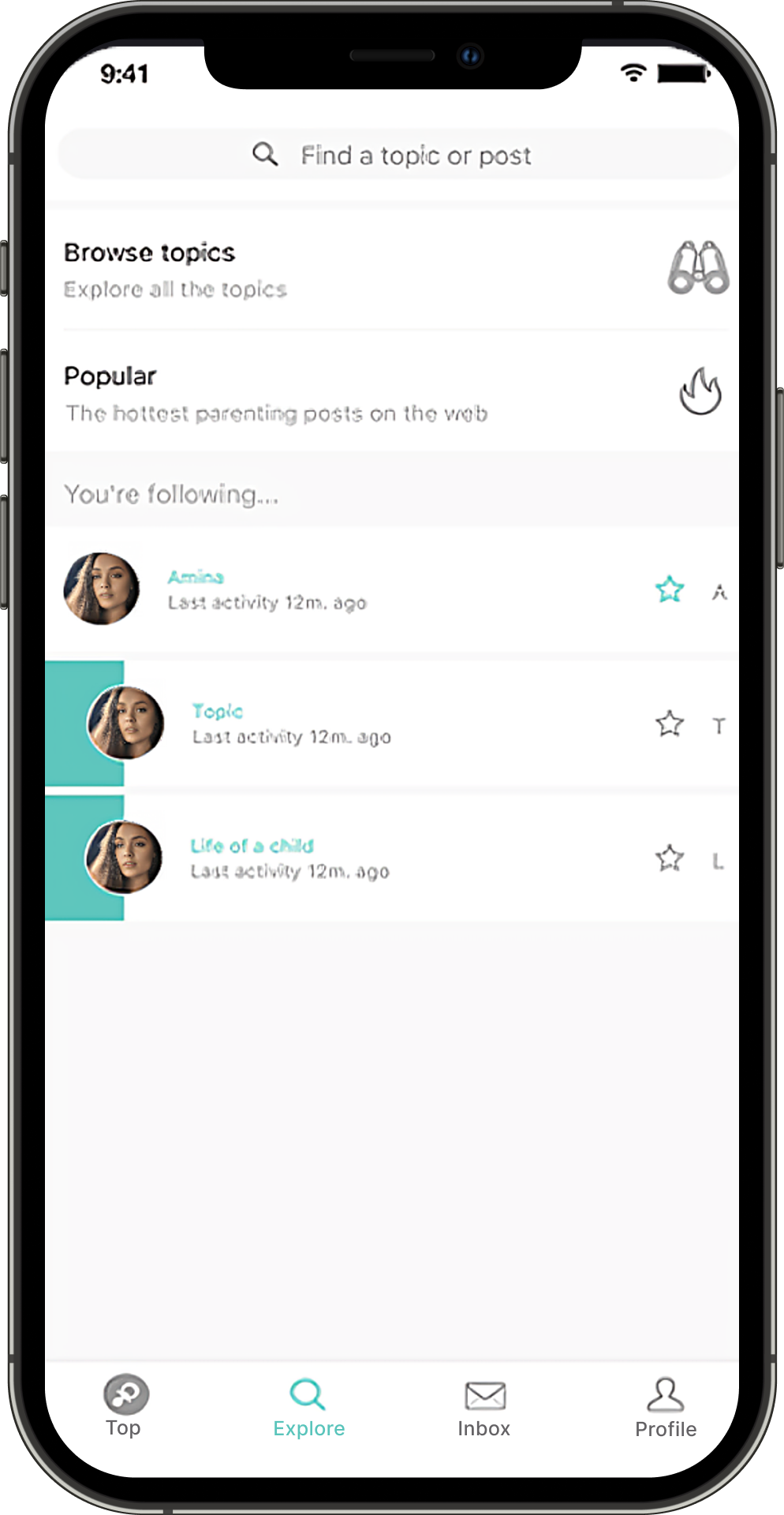
Members find the discussion again
A star beside a person or topic turns following on. Explore lists everything the member follows, each with its last activity.
Feed, search and followsIn nine months we built the iOS and Android apps and the backend for an online community of parents, launched for the US and Europe. Members post, comment, vote and follow topics on a phone or on the web.
What members can doDeveloped between 2016 and 2018
Parents share practical experience of feeding, sleep and everyday care. The community is organised around topics and authors, and a member follows the ones they want to keep reading.
The app has four tabs: Top with the feed, Explore with search and follows, Inbox with notifications, and Profile.
Development of the iOS and Android apps in Xamarin and the backend in ASP.NET Core and Microsoft Orleans, with MongoDB and SQL Server on Microsoft Azure.
Members write posts with text, images, video or links and comment on each other’s posts.
A star beside a person or topic turns following on. Explore lists everything the member follows, each with its last activity.
Feed, search and followsMembers vote a post up or down. The votes decide which posts and topics appear under Popular.
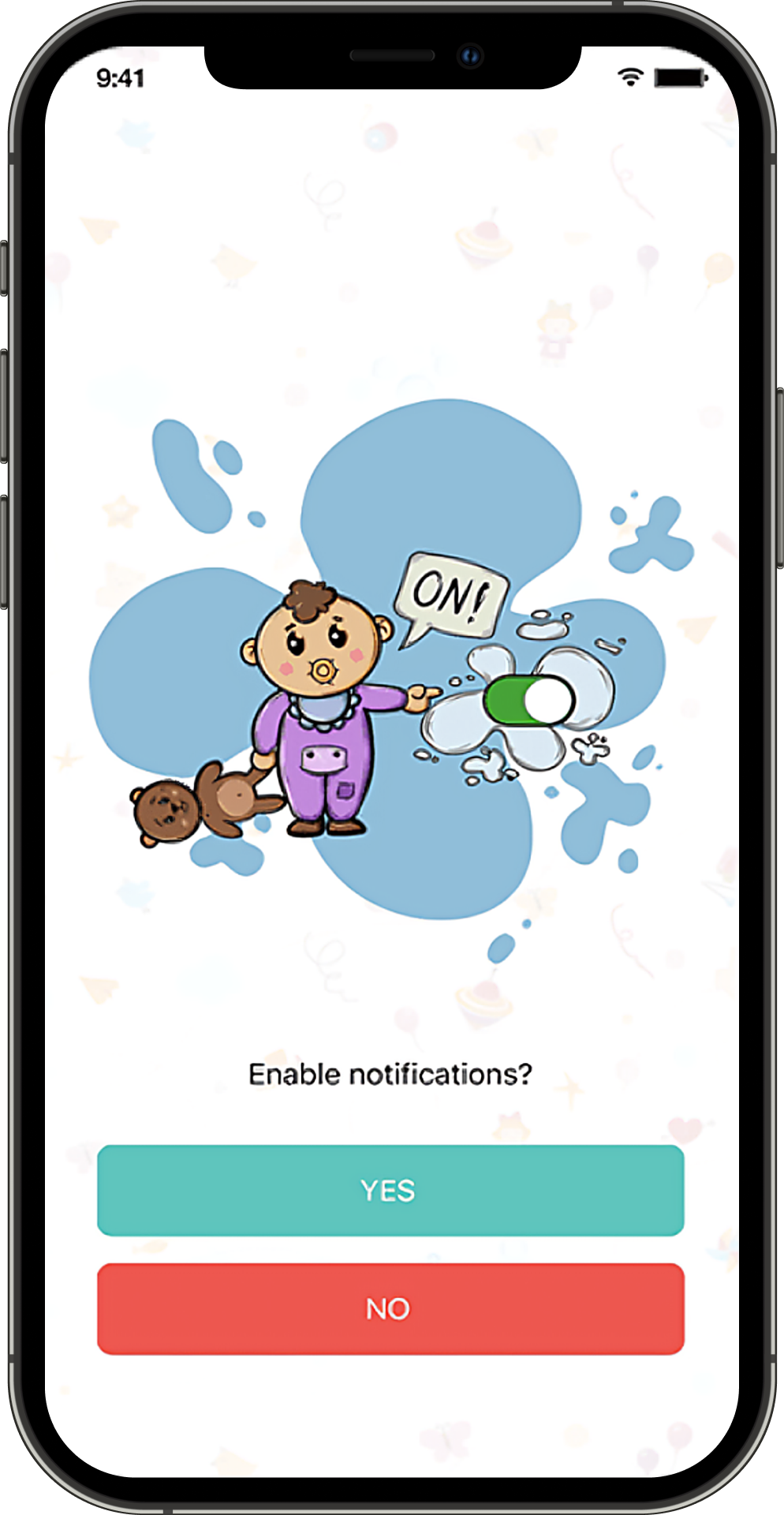
Feed, search and followsDuring sign-up the app asks whether to send notifications. The member answers Yes or No, and the Inbox tab collects what arrives.
Account and notificationsThe iOS app, the Android app and the web client call the same ASP.NET Core services. A member sees the same feed, posts and follows in each.
A useful discussion can disappear into a growing feed. Members need to find the people and topics they chose to follow and see where activity has continued.
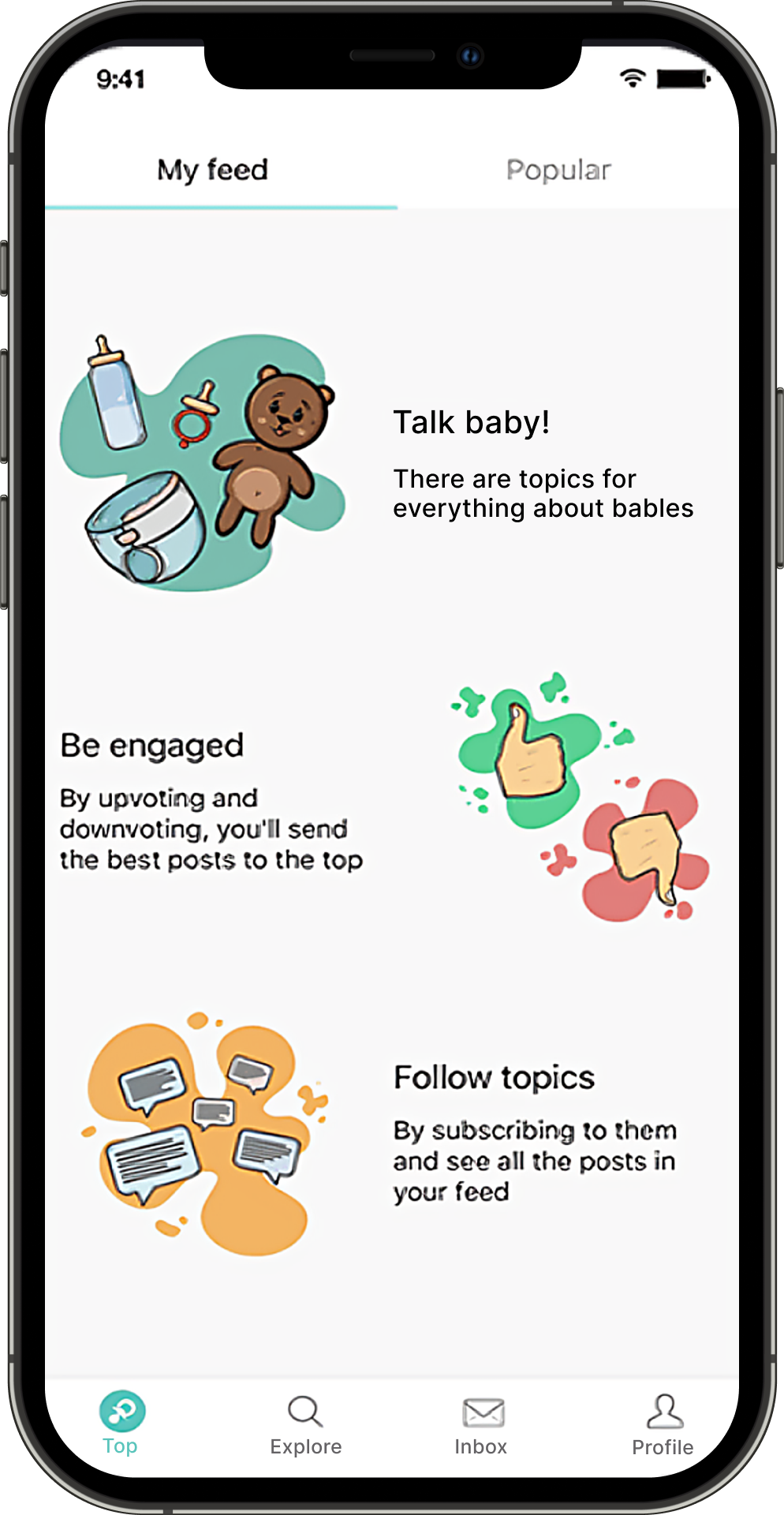
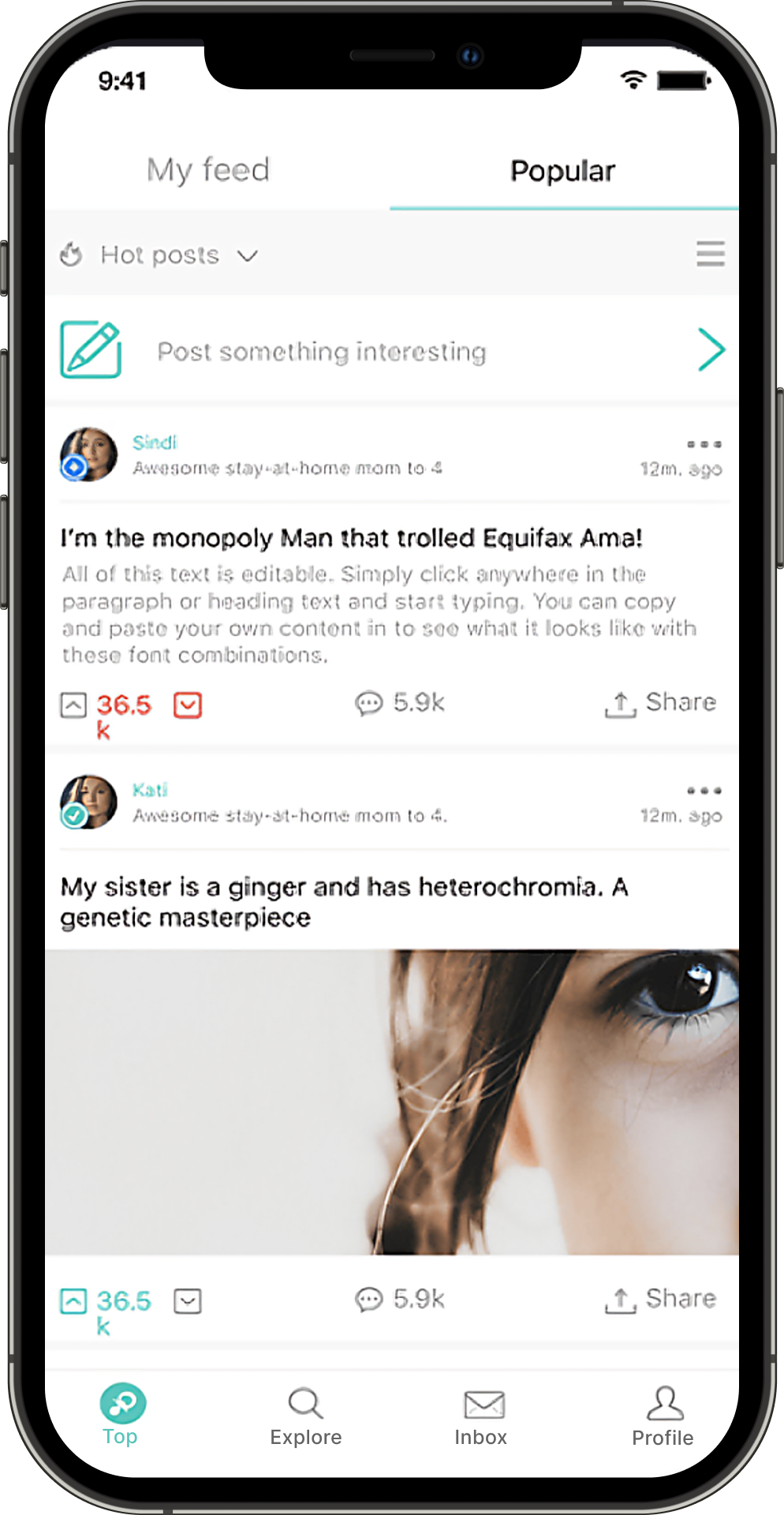
The feed has two tabs. My feed shows posts from the topics a member follows. Popular shows what the whole community votes up. The followed people and topics, each with its last activity, are listed on the Explore tab.
See followed topics and community discoveryName what your members would follow: topics, people or both. We will reply with the feed, follow and notification screens we would build first.
A parent with a question wants to find other parents who have been through the same thing, and to come back to that discussion later.
My feed and Popular list posts with the author, votes, comments and a share action. A new post starts from the box at the top.
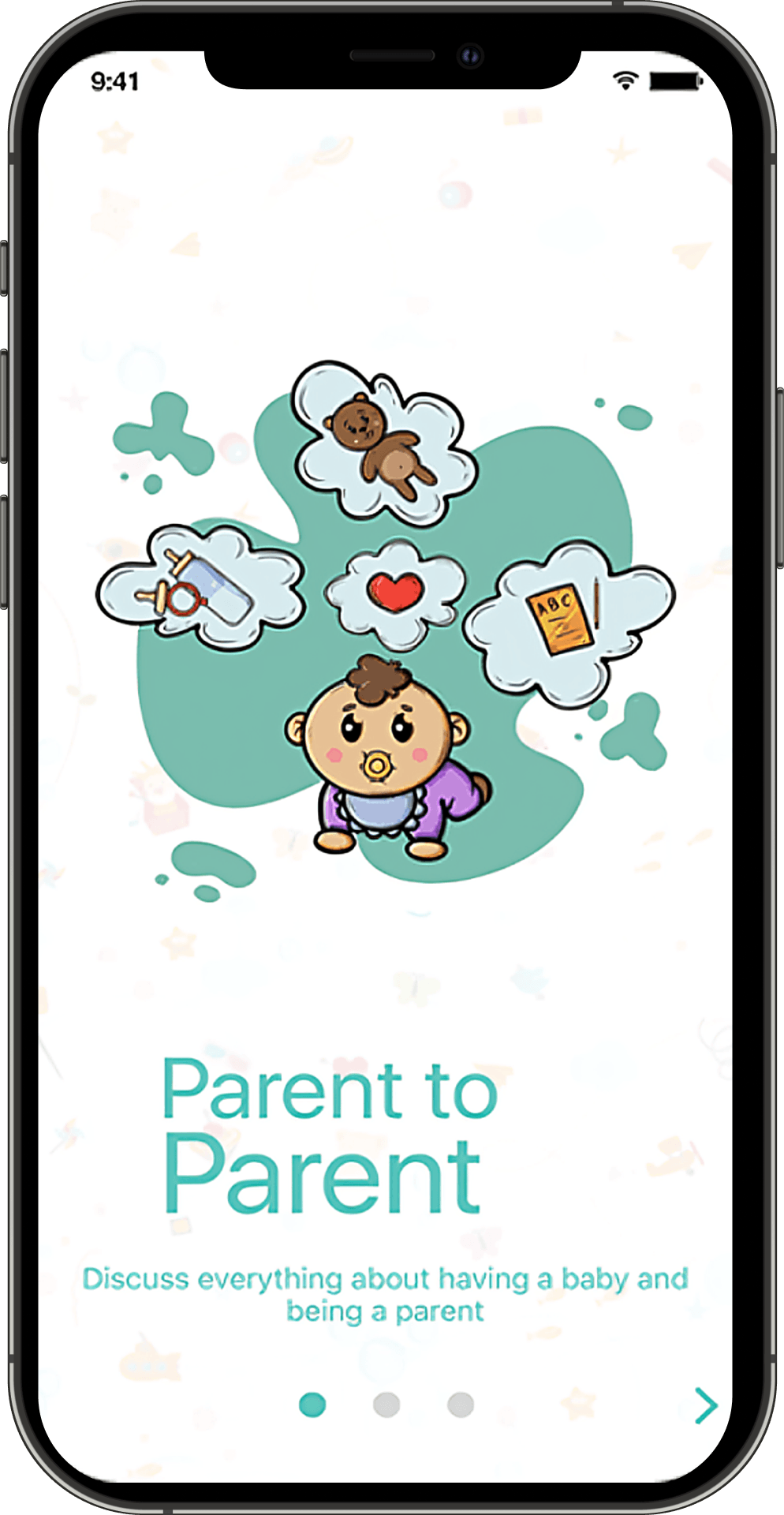
A new member chooses how to sign up and whether to receive notifications before joining the discussions.
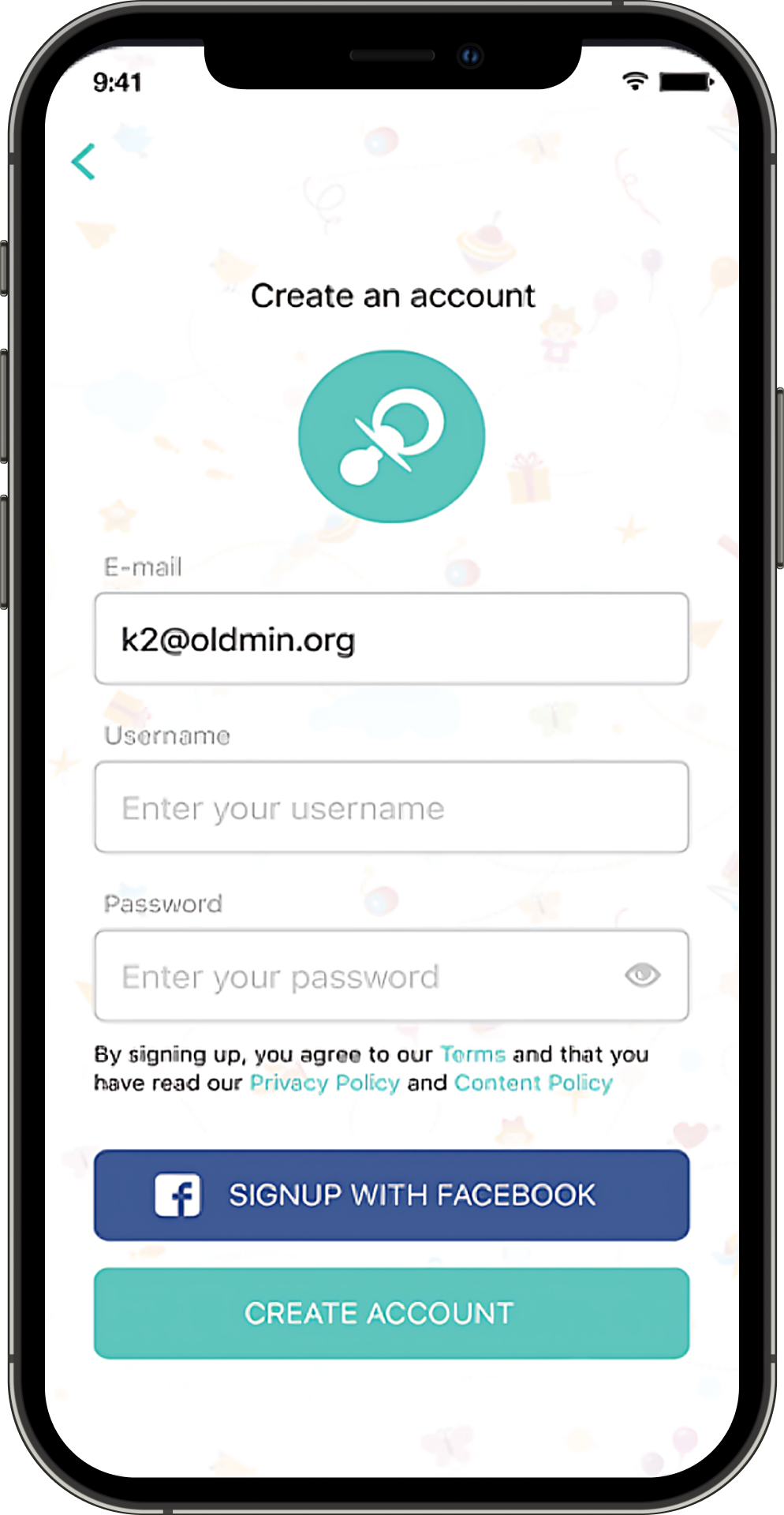
Sign-up takes an email, a username and a password, or a Facebook account. Sign-in takes the email or the username and offers password recovery.
Two tabs, My feed and Popular, with a Hot posts sort. Each post shows the author with a short bio, the time, up and down votes, the number of comments and a share action. Members start a new post from the top of the feed.
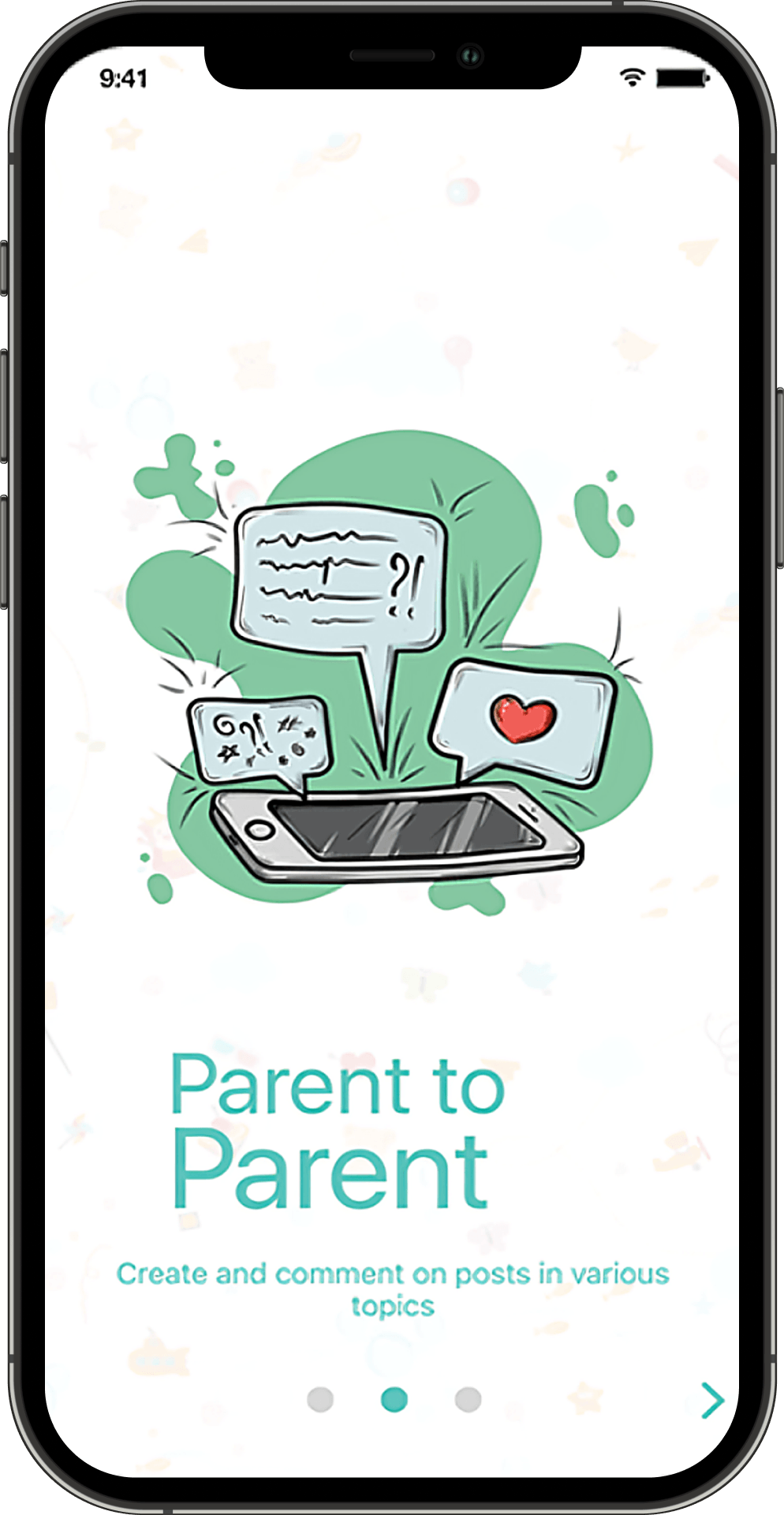
A post carries text, images, video or links. Members comment on each other’s posts, and votes decide which posts and topics are shown as popular.
Search for a topic or post, browse all topics or open the popular list. The same screen lists the people and topics the member follows with their last activity; a star follows or unfollows.
Sign up with email, username and password or with Facebook. Sign in with email or username, with password recovery. During sign-up the member decides whether to receive notifications; the Inbox tab collects what arrives.
Two Xamarin apps and a web client on one backend.
The iOS and Android apps are written in C# with Xamarin.
ASP.NET Core services with Microsoft Orleans, shared by the mobile and web clients.
MongoDB and MSSQL Server, accessed through Entity Framework Core and Dapper.
Hosted on Microsoft Azure.
The app was built for parents, but the mechanics fit any community around a shared situation:
Communities of people in the same situation: parents, patients, hobbyists, local residents.
Membership services that want a feed, posting and comments with the members’ own content.
Media and content brands that want a member community beside their editorial content.
Products that must ship on iOS, Android and the web from one backend.
A first release usually covers sign-up, the feed, posting with media, comments and votes, and one way to follow (topics or people), with notifications as the member chooses.
Tell us who your members are and why they would come back. We will plan the feed, posting and notifications for the first release.
Discuss your community app