

Custom CRM Costs: What Sales and Operations Need to Budget For
On this page
A sales team can use a CRM every day while the business still depends on spreadsheets to start a client engagement, track a renewal or find who promised what. Buying more CRM functionality will not necessarily fix those gaps.
A custom CRM becomes worth considering when a specific customer process cannot be supported reasonably by the current setup. The budget must cover both the software and the change in how sales, account management and delivery work together.
The examples below compare an internal CRM with the same system plus a customer portal. Use them as a starting point, then budget the connections, data transfer and rollout your team needs.
Scope the handoff, then select the modules
In our example service business, sales records an inquiry, operations fulfills the accepted order and managers need to find requests without an owner. The first release needs customer records, roles, orders, tasks, reporting and data transfer. A customer portal is a separate decision: it adds value if customers actually need to check progress themselves.
For this example, the CRM owns customer assignments and pipeline stages. Operations owns order progress. Accounting remains the source for posted invoices and payment status. The CRM can display that financial information through an agreed connection; displaying it does not make the CRM an accounting system.
Decide which customer problem earns a place in the budget
For a B2B service company, the valuable change might be moving an accepted proposal into delivery with the agreed scope, owner and client contacts intact. For another, it might be making renewal commitments visible before the account manager leaves. Choose one primary outcome before adding a portal or another dashboard.
Use a baseline your team can inspect: accepted engagements waiting for a delivery owner, time spent re-entering customer information, or overdue follow-ups that lack a reason. Check a comparable workload after launch. Pipeline growth or higher retention should remain a hypothesis unless the evidence supports attributing that change to the CRM.
Name the sales and operations owners who will agree the process together. If each department asks for its own copy of the same record, the project needs an ownership decision before it needs another screen.
Before estimating, describe one normal journey and three exceptions: a duplicate customer, an order that cannot be handed over and a staff member attempting to open a restricted record. These scenarios expose work that a list of screens misses.
Two CRM module budgets you can change
The first configuration includes the internal handoff. The second adds customer access through a portal. Both include the shared foundation and the user module required by the customer records. The tables use the same calculation as Studio; opening a configuration carries its modules and options into the estimator.
Planning examples in USD, calculated with the current Solution Studio model. These are module estimates, not complete project quotations.
CRM with an operations handoff
| Scope | Example budget |
|---|---|
| Shared foundation | $10,800–$16,200 |
| Users & roles | $5,400–$9,000 |
| Clients & CRM | $10,800–$16,200 |
| Orders | $8,100–$13,500 |
| Tasks | $4,500–$8,100 |
| Reports | $9,900–$16,200 |
| Data migration & sync | $8,100–$14,400 |
| Module estimate total | $57,600–$93,600 |
The same CRM with a customer portal
| Scope | Example budget |
|---|---|
| Shared foundation | $10,800–$16,200 |
| Users & roles | $5,400–$9,000 |
| Clients & CRM | $10,800–$16,200 |
| Customer portal | $9,000–$15,300 |
| Orders | $8,100–$13,500 |
| Tasks | $4,500–$8,100 |
| Reports | $9,900–$16,200 |
| Data migration & sync | $8,100–$14,400 |
| Module estimate total | $66,600–$108,900 |
Shared foundation and required modules are counted once. Connections add no cost in this model. Discovery, detailed design, source-specific integrations, data cleanup, release validation and rollout are scoped separately. Hosting, licences, paid APIs, taxes and ongoing support are excluded.
Use the software cost guide to budget the work beyond these modules, including rollout and ongoing operation.
These ranges cover the modules and options shown. Price accounting connections and migration against your actual systems and sample data. For the portal, specify whether customers need payments, ordering or document access; those requirements can change the estimate.
Turn integration and migration assumptions into priced work
For each existing system, record the interface, access owner, identifiers, permitted update direction and failure owner. A customer name is not enough to decide whether two records are the same. Agree a source identifier or a reviewed matching rule before importing history.
For example, source customer C-104 arrives twice after an interrupted transfer. The expected result is one customer with the agreed history, not two customers. If the next update changes a phone number, the ownership rule decides whether the CRM accepts it. An old accounting export must not silently overwrite a newer CRM-owned contact field.
Give the delivery team a representative, non-confidential sample and a list of record types. Specify whether attachments, activities, former employees' assignments and deleted records must move. Then assign responsibility for cleaning uncertain matches. Use the migration worksheet to document those decisions.
Ask suppliers to price the source-specific interface against that evidence. Reconcile its scope with the migration module allowance so the same work is neither charged twice nor left unassigned. Require the remaining unknowns and their effect on the price to be stated before agreeing to a fixed scope.
Define reports and access before calling the CRM complete
Define a report through the question it answers. For example: how many open requests have no responsible person at the agreed snapshot time, excluding canceled requests? Each count should link to records an authorized reviewer can inspect.
For the example release, agree checks such as:
- Import C-104 twice and confirm one customer, with the expected related records.
- Accept an order and confirm that the operations owner receives one handoff; repeat after a failed exchange without creating a second order.
- Sign in as a restricted role and confirm that the protected customer and its report detail cannot be retrieved.
- Compare the unassigned-request report with a prepared source sample at the same timestamp; record and resolve differences.
The business owner agrees the expected results. The delivery team estimates the implementation and checks. Required access logging, retention rules and security review also need an explicit scope; selecting a users module does not prove those requirements have been met.
Separate development from the cost of running the CRM
To complete the budget, add assessment, design, source-specific work, release checks and rollout to the module estimate. The operating budget then adds client-paid hosting, licenses, paid APIs and ongoing support over a stated period. Include internal staff time for decisions, data cleanup and training in your own business budget.
After launch, Horizon Dynamics recommends a paid support plan, agreed separately. Its scope and billing can use hourly work or an agreed support team. Warranty fixes, operational support and new functionality need separate definitions. Round-the-clock coverage requires an agreed service arrangement; it is not implied by a module price.
Budget adoption as actual work: prepare customer ownership rules, move the necessary history, train staff on the exceptions and agree which spreadsheet or old process will stop. Keeping both indefinitely can preserve the duplication the CRM was meant to remove. The client process owner should approve that change; a vendor cannot enforce it through configuration alone.
Our build and operating budget example shows how separately scoped work and twelve months after launch can be added to a module estimate. Replace its assumptions with your own before using it to set a project budget.
Use the editable budget workbook to record those allowances, select the operating period and keep unresolved costs visible before comparing proposals.
When a custom CRM is the wrong starting point
If an existing product already handles your workflow and the main gap is configuration or one connection, assess that option first. A custom build needs a business reason: unusual handoffs, access rules or cross-system operations that justify owning the software. The build, configure or connect guide provides a way to make that choice.
Send your CRM brief with the current systems, one customer journey, sample records and required reports. Include the person who can approve the first release. We can use those details to identify the work needed for an estimate.
Related project experience.

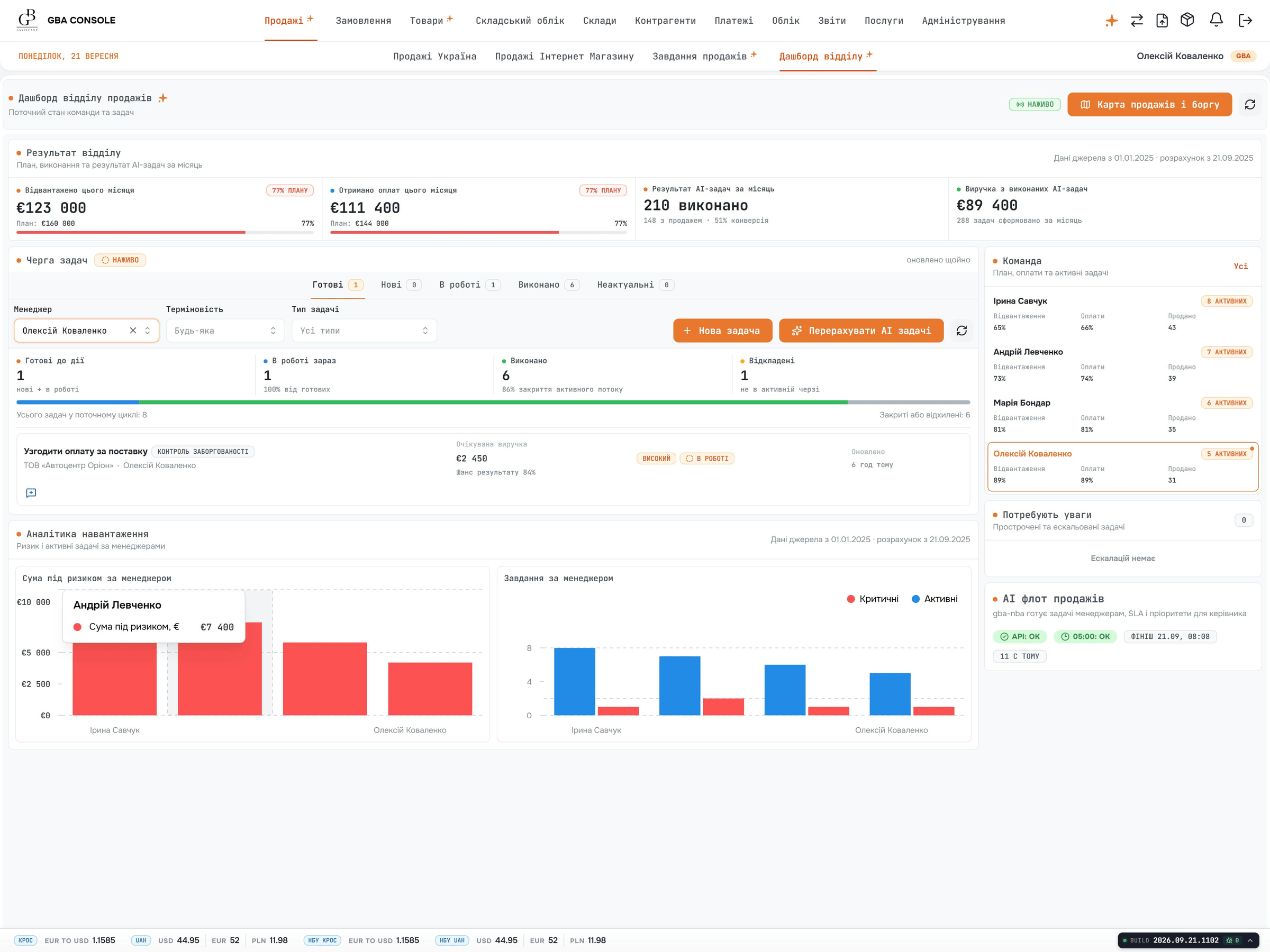
Global Business Assistant
Orders, inventory and multi-currency accounting in a connected ERP and CRM.
View project
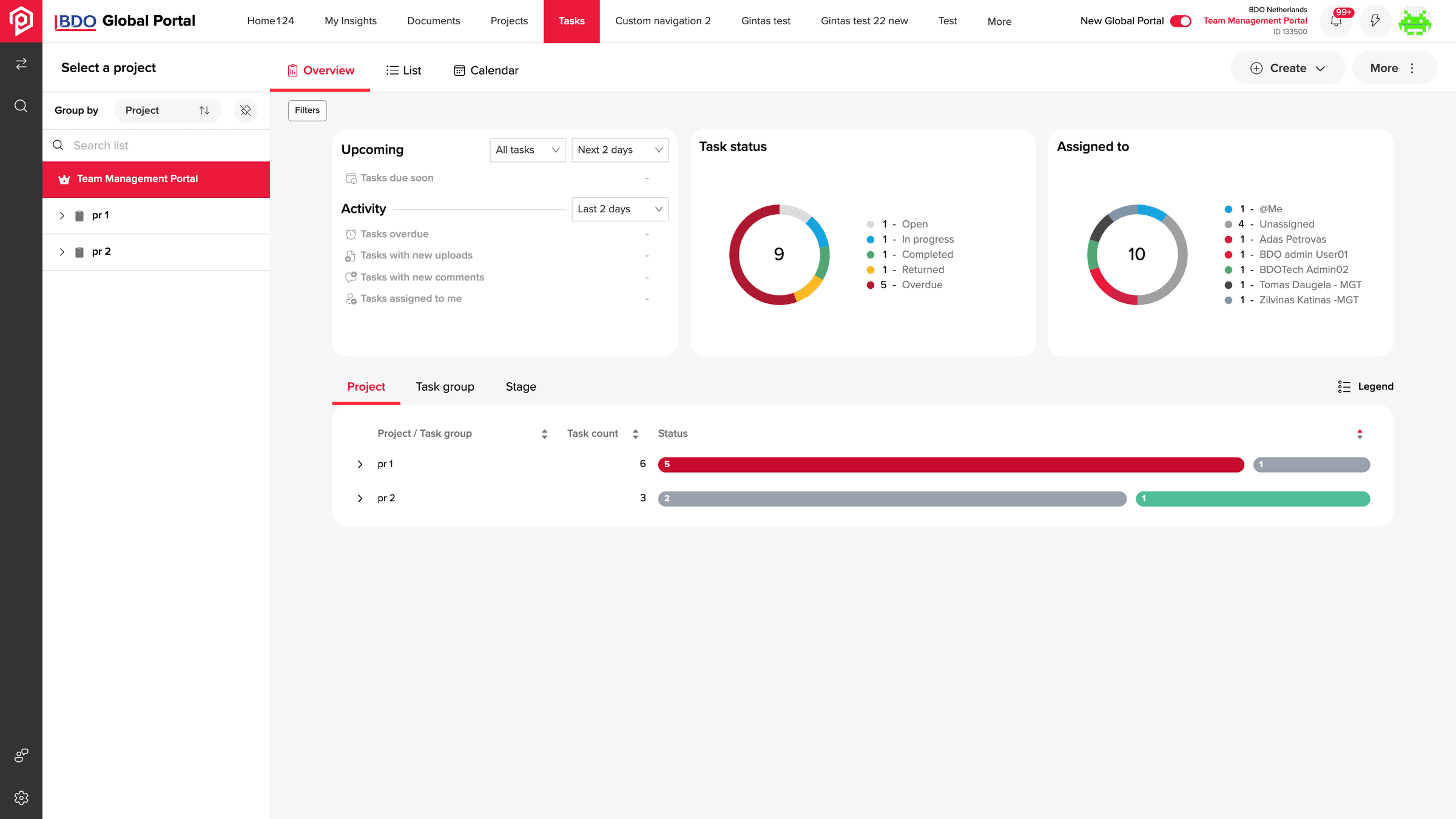
BDO Global Portal
Documents, reviewers, tasks and approvals in one working context.
View project