Custom CRM or ERP: Build, Configure, or Connect?
On this page
Choose between a ready-made product, integration and custom development by testing the same business workflow. The deciding factors are the rules each option can support, the systems you can retain and the cost of operating the result.
Configure an existing product
This is a useful option when the core workflows fit the product, extensions are manageable, and its data access and operating terms meet your needs. Test a real process from beginning to end, including an exception and a report. A feature checklist alone does not show how the team will work.
Check who can maintain the configuration, how upgrades affect extensions, what access is available to your data, and which capabilities require additional licences. Confirm these terms for the specific product and edition under consideration.
Connect the systems you already have
Integration may address the main problem if each tool works well but data is repeatedly copied between them. Define the owner of each record, the direction of exchange, identifiers, and failure handling.
For example, a CRM can own customer conversations while an ERP owns fulfilment records. Decide what information should be available in both, and how each team sees incomplete or delayed updates. An integration can connect records without replacing either system.
Build custom software
A custom approach can make sense when distinctive workflows, complex permissions, multiple operating units, or unusual data relationships are central to the business and existing products cannot support them reasonably.
The investment includes more than the first interface: architecture, design, business logic, testing, integrations, migration, rollout, and ongoing operation. The team responsible for the system and its future changes must be clear.
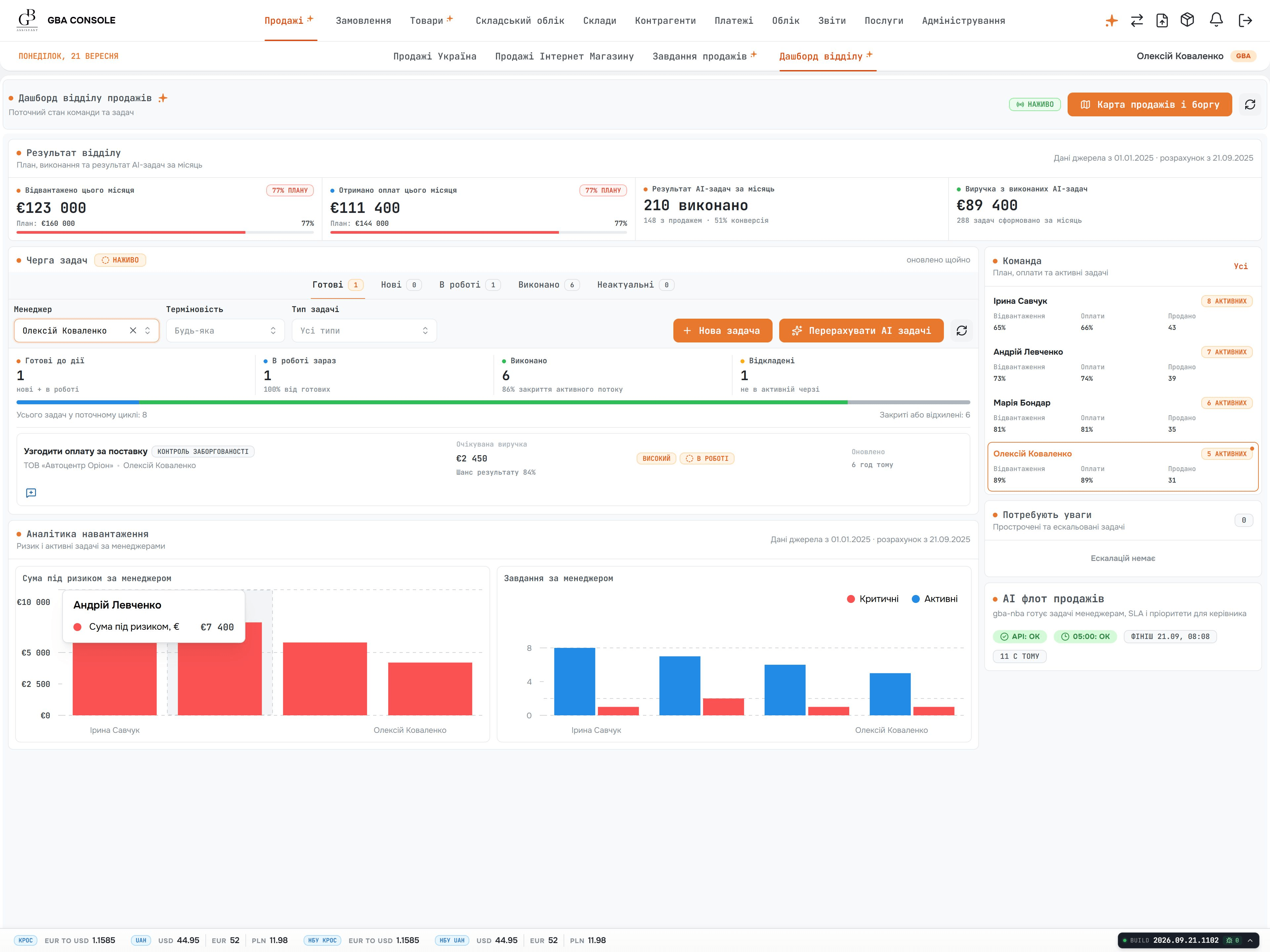
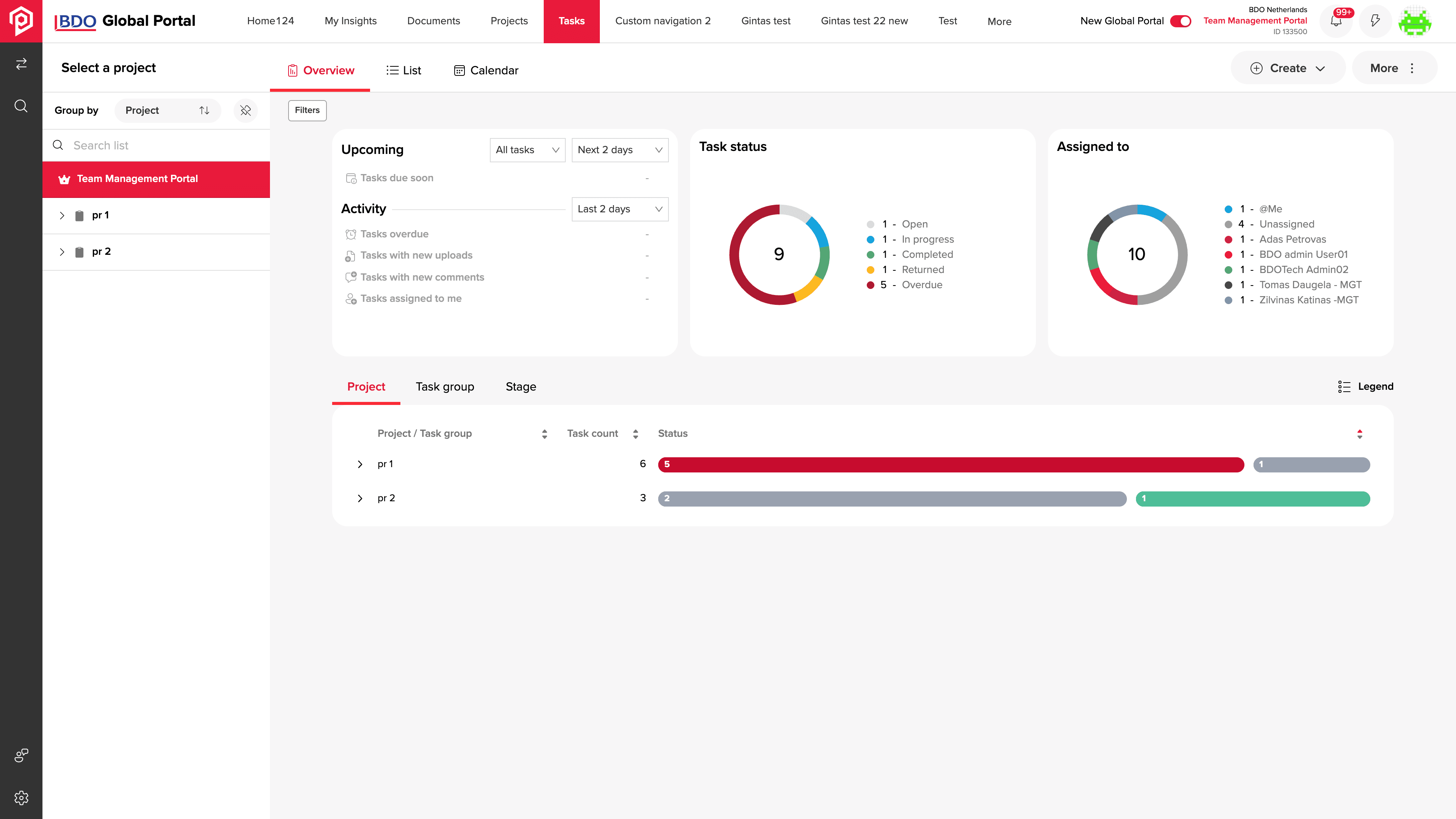
The Global Business Assistant case illustrates connected purchasing, inventory, logistics, and financial workflows. The BDO portal case concerns documents, tasks, and approvals.
Compare the same scope
Prepare a table for your own evaluation with these rows:
- Key workflow and exceptions supported.
- Roles, approvals, and access controls.
- Integrations and ongoing exchange responsibilities.
- Historical migration and data validation.
- Reports, formulas, and source consistency.
- Rollout, user preparation, and support.
- Initial and ongoing costs, with explicit assumptions.
Mark a requirement as supported, requiring configuration, requiring development, or still unknown. Investigate the unknowns before treating estimates as comparable.
Test an order change across departments
In a fictional distribution business, sales accepts an order, a warehouse reserves stock, finance checks the customer's credit status, and operations arranges delivery. The customer changes the quantity after the stock reservation. A useful evaluation follows that change through every affected record and report.
Ask each proposed solution to demonstrate the same scenario:
- Who may approve the change, and what does the warehouse see while approval is pending?
- Which system owns the accepted quantity and the available stock?
- What happens if the accounting connection is unavailable?
- Can the team identify an incomplete update and retry it without duplicating the order?
- Which report shows the exception, and who is responsible for resolving it?
Record the choice and the checks still needed
For this fictional distributor, the existing CRM and ERP already support their internal workflows. The decision below shows what to investigate next; the proposed checks have not yet been run.
Requirement: an approved quantity amendment reaches the warehouse once, preserves the stock rules and remains visible if accounting is unavailable. The operations owner accepts the result; the technical owner checks the interfaces and recovery behaviour.
Configure: keep this option open if the selected product can demonstrate the full amendment, permissions and exception report using supportable configuration. The decision is pending until the trial covers the exception, licence requirements and upgrade responsibility.
Connect: the provisional choice if CRM and ERP already perform their own jobs correctly and the missing capability is the handoff. Test identifiers, ownership and failed exchanges. Our CRM–ERP integration example makes retries and late updates concrete.
Build: assess a custom component if the trial exposes a specific business rule that configuration and the available interfaces cannot reasonably support. Record that constraint, the smallest component needed and its support owner before proposing a replacement platform.
Decision for this example: investigate the integration first. Do not approve a full replacement while the existing systems meet the internal workflow requirements and the interface remains untested. The next investment is a bounded connector assessment, with a sample order, an amendment and an interrupted exchange.
What changes the decision: if the configured product passes the whole scenario at an acceptable operating cost, choose configuration. If the connector cannot safely support the handoff, reassess that boundary or prototype a custom component. If ownership of the stock rules is unresolved, pause implementation and settle the process first.
Record why you would configure, connect or build
Compare the same workflow, record unknowns and name the evidence that would change your choice. Includes a completed distributor example.
- One workflow and its difficult exception
- Evidence for each option and unresolved assumptions
- A provisional decision, owner and next check
Editable text file (.txt)
Fill it in locally using a text editor or your own document. Share a non-confidential summary when you contact us.
Include three years of operation in the comparison
Use one agreed planning period for every option, such as the build plus three years of operation. Record the assumptions for user numbers, locations, integrations, data volume, and expected changes. Include these cost categories where they apply:
- Product licences, paid extensions, and usage-based services.
- Configuration or development, testing, migration, and rollout.
- Hosting, monitoring, backups, and recovery testing.
- Support, dependency updates, and the people who administer the system.
- Changes to integrations when either connected system changes.
- Export, documentation, and transition work if you change provider later.
Do not automatically count every subscription as a saving in a custom proposal: some systems and services may remain in use. Equally, an attractive first implementation price can omit migration, training, or support. Ask for each exclusion to be recorded before comparing totals. Our software cost guide shows how to separate these areas.
Recognise when a custom build is premature
If the process changes weekly, nobody owns the business decisions, or the source data is not understood, the next investment may be process clarification or a limited trial. If a configured product handles the important workflows and exceptions at an acceptable operating cost, custom development needs a stronger reason than a different interface.
Choose the next assessment
If Salesforce is on your shortlist, use our custom CRM vs Salesforce comparison to assess one distributor workflow, distinguish documented mechanisms from unverified scope and compare the same operating period.
Choose the smallest assessment that can settle the uncertainty: a workflow workshop, trial configuration, integration test or prototype. For an implementation overview, see custom CRM development and custom ERP development.
Share the workflow you need to improve, the systems involved and one difficult exception. We can help define the assessment and its acceptance criteria. Our pricing and delivery process explains how that scope becomes a proposal.