ERP Data Migration Checklist: Cleaning, Reconciliation and Cutover
On this page
ERP rollouts rarely fail on screen layout. They stall at cutover when duplicate customer accounts, broken SKU references, unmatched open balances or untested import scripts hit live warehouse and finance operations.
Every legacy ERP, 1C database or set of operational spreadsheets accumulates years of informal workarounds: inactive SKUs tied to open returns, duplicate customer records under slightly different legal names, negative stock adjustments and manually altered invoice totals.
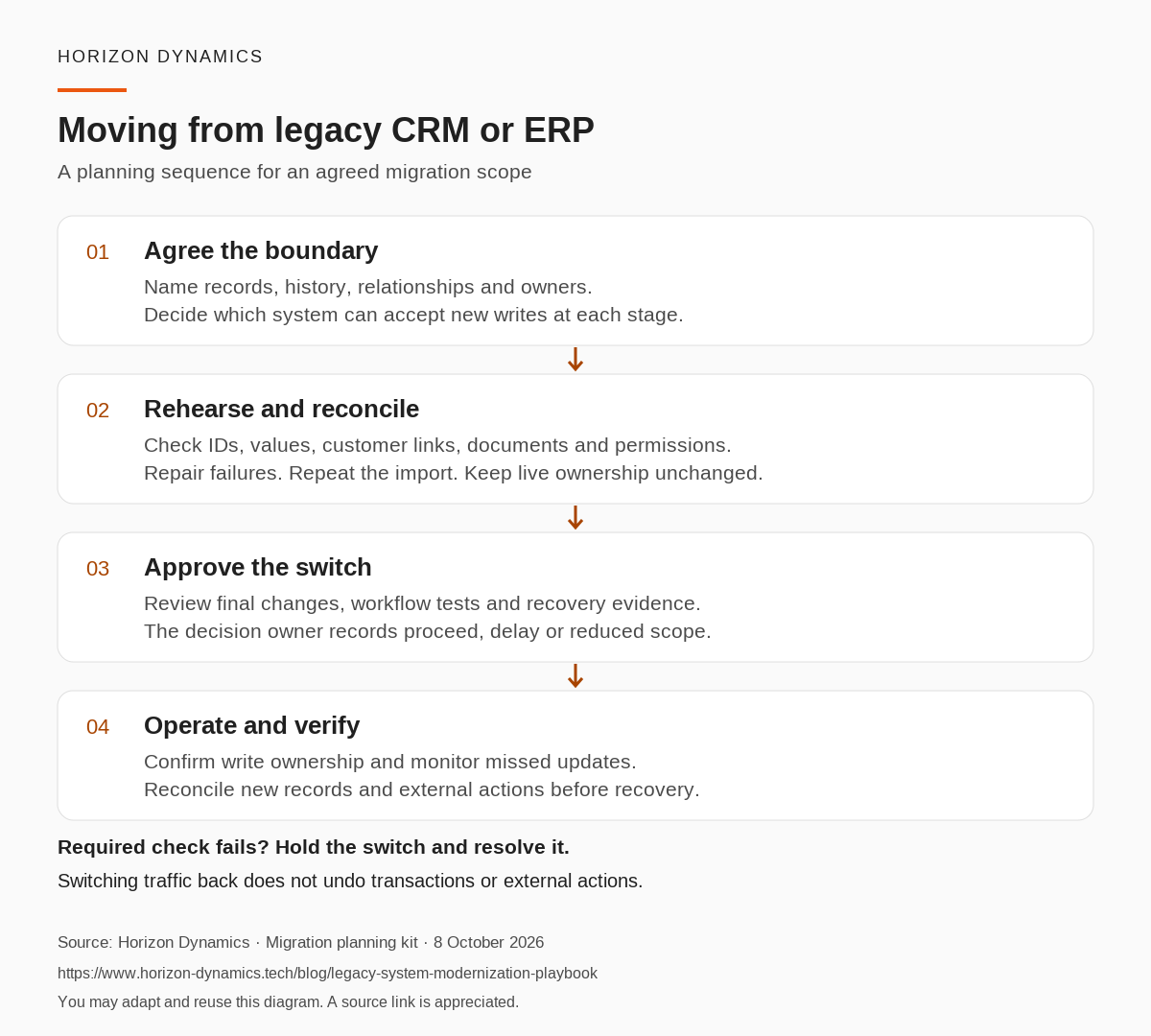
This engineering checklist covers the full migration sequence: deciding what moves vs stays archived, locking ID mapping rules, running automated reconciliation tie-outs, managing parallel sync boundaries and executing a controlled cutover.
1. Scope what migrates vs what stays archived
Moving ten years of closed historical line items into a new operational database multiplies mapping work and slows reconciliation without helping daily fulfillment. Separate records needed to operate on day one from closed history that belongs in a read-only archive.
| Data category | Typical treatment | Key migration checks |
|---|---|---|
| Master data (customers, suppliers, SKUs, contracts, warehouses) | Migrate cleaned active records plus inactive SKUs or counterparties linked to open transactions. | Verify tax IDs, contract terms, pricing tiers, warehouse storage cells and mandatory foreign keys. |
| Open transactions (sales orders, purchase orders, transfers) | Migrate unfulfilled, partially shipped or awaiting-approval orders at the agreed cutoff timestamp. | Preserve shipped vs remaining quantities, active stock reservations, contracts and carrier references. |
| Opening stock balances | Migrate confirmed on-hand and reserved quantities by SKU, warehouse and storage cell. | Reconcile total quantity and stock valuation (purchase and sale prices) after inventory count sign-off. |
| Open AR/AP balances | Migrate open invoices, credit notes, partial receipts and overdue debt by counterparty and currency. | Tie out total receivables and payables per currency and aging bucket against the legacy register. |
| Closed historical ledgers and prior-year completed orders | Keep in a read-only legacy archive or reporting store; load summary balances or recent history only if daily sales lookups require it. | Confirm read-only retention access, audit exports and legal archiving periods before retiring legacy servers. |
Record every deliberate exclusion in writing with business-owner sign-off. Never allow an import script to reclassify an unresolved validation error as an exclusion to inflate completion rates.
2. Deduplication and SKU, customer and supplier ID mapping
Clean source data in the legacy system or a versioned staging database before the first full rehearsal, applying five rules:
- Keep a persistent ID crosswalk table: map every legacy identifier (such as 1C counterparty codes, branch IDs and spreadsheet SKUs) to its target primary key, and retain that crosswalk in production for warranty claims, support and audit lookups.
- Use deterministic duplicate-merge rules: before merging two customer accounts, check whether both carry active contracts, distinct delivery addresses, separate credit limits or overdue balances. Re-point child records to the surviving ID and store retired IDs as aliases.
- Standardize SKUs and units of measure: reconcile base units (pieces, boxes, pallets, liters) and conversion ratios across purchasing and sales so stock picks and valuations stay consistent.
- Enforce parent-first referential integrity: load warehouses, currencies, contracts, customers, suppliers and SKUs first. Reject any open order or invoice whose parent reference is missing instead of creating silent placeholders.
- Freeze master-data edits before cutover: restrict new customer and SKU creation during the final pre-cutover window and capture approved late additions via a controlled delta run.
3. Download the migration planning kit
ERP migration planning workbook and cutover map
Use this editable spreadsheet with your operations lead, finance owner and migration engineer before scheduling rehearsals. It includes sheets for Scope, Record checks, a Worked example showing how a missing customer mapping blocks an import until fixed, and a Cutover review sign-off sheet. No registration is required.
For the broader decision on repairing, extending or phasing out an aging core application, read our legacy system modernization playbook.
4. Trial imports and automated reconciliation checks
Run at least two full-volume trial imports into a protected staging environment using realistic production snapshots that include multi-currency partial payments, split deliveries, canceled lines, amended invoices and multi-address customers.
Require an automated reconciliation report after every rehearsal:
- Row-count balance:
Source Extracted = Target Loaded + Documented Exclusions + Rejected. Trace every rejected row to its source or mapping root cause and re-run until required rejections reach zero. - Financial and stock tie-outs: compare totals by currency, warehouse and status at the exact same source cutoff timestamp. Tie out open order values, stock quantities, stock valuation at purchase and sale prices, and AR/AP aging balances to the cent.
- Relationship integrity and spot-checks: matching headline totals can still hide wrong customer or contract links. Validate 100% of foreign keys automatically, then have operations and finance inspect 20 to 30 complex orders and balances side by side against the legacy screen.
- Idempotency checks: run the same import batch twice in staging. Replaying a load must skip or update existing keys cleanly, never doubling stock balances or duplicating open orders.
- Measured runtime: record total extract, transform, load and verification time on production volumes so your cutover window reflects observed execution time.
5. Parallel operation and legacy/1C sync boundaries
High-volume operations often move module by module rather than switching every department in one weekend. Phased rollout lowers operational risk only when coexistence boundaries are explicit.
Never agree to "run both systems in parallel" without defining write authority. Two live systems reserving the same warehouse stock independently will corrupt inventory within hours.
During staged coexistence with legacy software such as 1C:
- Assign one write authority per entity: for each domain (orders, stock reservations, warehouse transfers, posted accounting entries), name the single authoritative system; the other system acts strictly as a read-only consumer or mirror.
- Separate migration from synchronization: migration transfers opening balances and active records once; synchronization moves ongoing delta updates until the legacy module retires.
- Expose failed exchanges with named owners: surface failed sync records in an operator queue showing document ID, error reason, timestamp and retry controls so balances never drift silently.
- Set clear retirement triggers: define the pilot acceptance evidence required to move the next workflow over and switch off the temporary bridge, as detailed in our phased custom ERP rollout guide.
Grounded lessons from documented migrations
- CONCORD (Global Business Assistant): CONCORD previously ran wholesale parts operations in 1C and Excel across sales, warehouse and multi-currency finance (UAH, EUR, USD and PLN). GBA and the legacy system exchanged data in sync while workflows moved over stage by stage, preserving stock by warehouse and storage cell, supplier contract links and debtor balances until GBA replaced the old system completely.
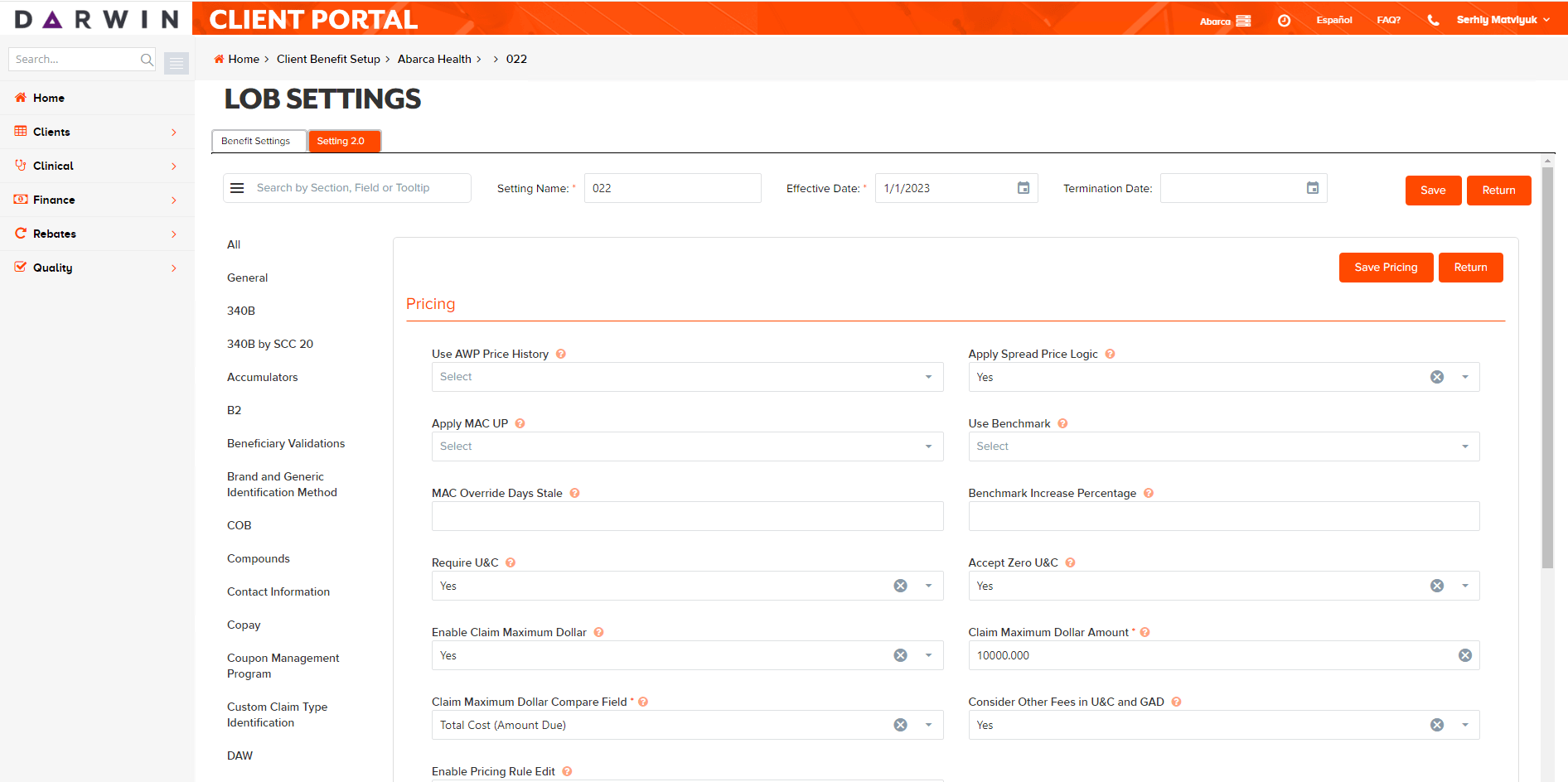
- DARWIN (benefit-configuration modernization): Migrating 120 rule-heavy benefit-configuration pages from ASP.NET Web Forms to Angular and ASP.NET Web API on .NET 6 proceeded section by section while the database and daily operations kept running, verifying effective dates, termination dates and code-level rules against the legacy screens before retiring old pages.
6. Cutover sequence, go/no-go criteria and rollback plan
Turn your final rehearsed trial into a timestamped cutover runbook with named owners.
Cutover sequence
- T-48 hours (Pre-cutover freeze): lock schema changes, pause non-essential master-data edits, verify target backups and confirm shift coverage across operations, finance and engineering.
- T-0 (Source cutoff): pause live writes in the scoped legacy module, record the exact cutoff timestamp and capture a verified final legacy snapshot.
- Delta load and automated tie-out: execute the final delta extraction, load scripts and full automated count, relationship and financial tie-outs.
- Business smoke tests: representative sales, warehouse and finance users verify sample migrated orders, storage cells, permissions and core exception workflows in production roles.
- Go / No-Go gate: the named business decision owner reviews the evidence and formally approves live opening or triggers a hold.
Go / No-Go acceptance criteria
Hold cutover automatically if any blocking check fails:
- Any in-scope open order, stock balance or AR/AP record remains rejected without approved resolution.
- Financial tie-outs or stock valuations disagree beyond zero tolerance.
- A restricted user role can read or edit protected records.
- Core operational checks (stock shortage prevention, partial shipment, cancellation) fail smoke tests.
- Support staff cannot locate and escalate a simulated failed integration message.
Rollback vs forward-fix reality
Separate rollback planning into two phases:
- Before live writes begin: if tie-outs or smoke checks fail during the maintenance window, keep the new ERP closed, re-open the legacy system from the cutoff snapshot and notify staff.
- After live orders, picks or dispatches occur: sending users back to legacy screens does not reverse stock picked from warehouse cells, carrier waybills or invoices already sent to customers. Define the exact point of no return before cutover. Past that point, either run a rehearsed export of post-switch transactions back into the legacy ledger or operate in forward-fix mode so inventory authority remains intact.
Budget migration inside the initial project plan
Data cleaning, rehearsals, reconciliation and cutover belong in the original project budget alongside application engineering. Explore how we deliver custom ERP development, technology modernization and engagement models on our pricing page.
If you are planning a migration off 1C, legacy spreadsheets or an aging ERP, share the systems you are moving from and your hardest operational records. We can review your data scope, sync boundaries and cutover plan before development begins.
Related project experience.

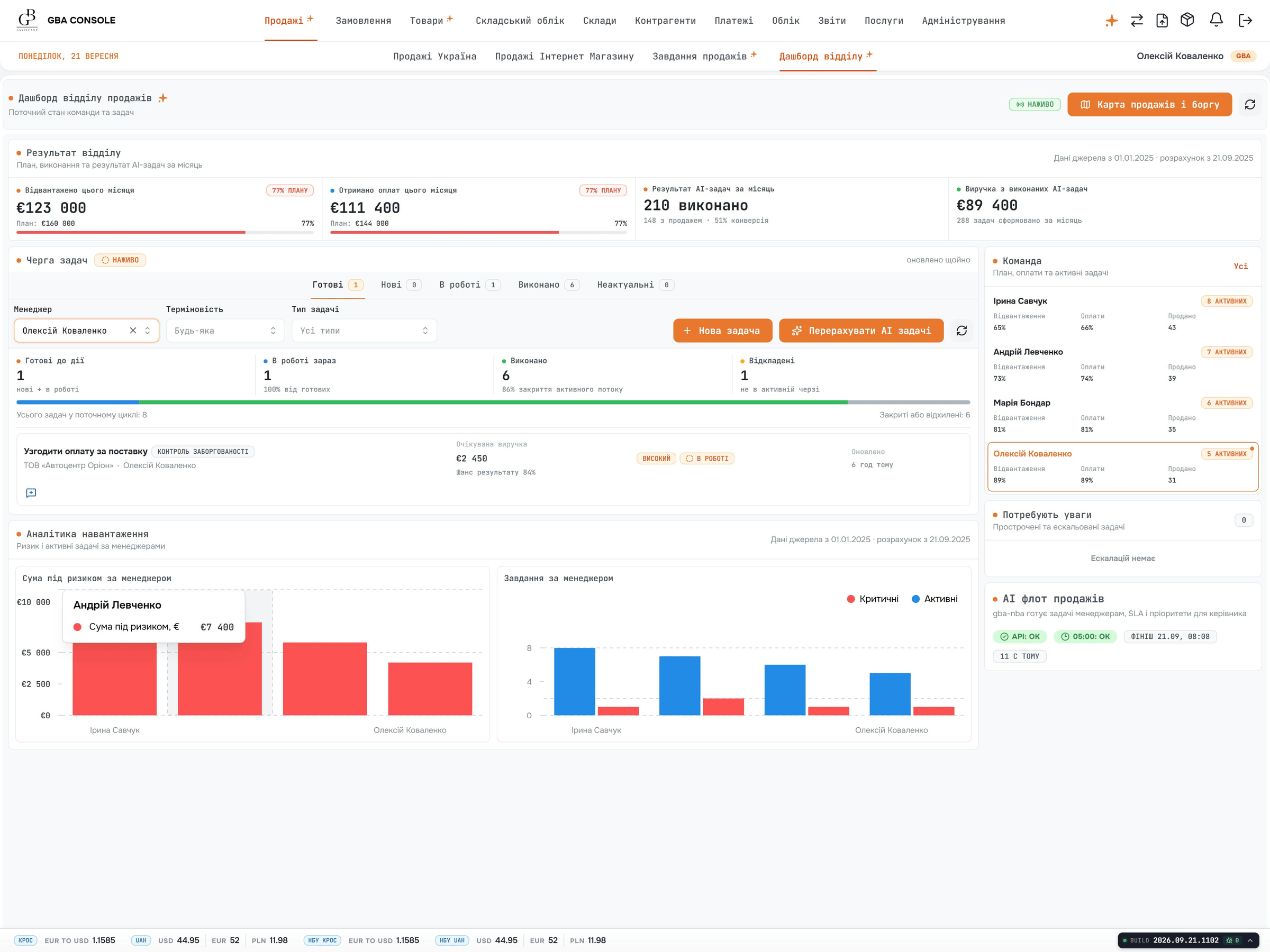
Global Business Assistant
Orders, inventory and multi-currency accounting in a connected ERP and CRM.
View project